GIRI Help Center
How can we help?
Guides, answers and practical know-how for GIRI: from your first sign-in to training across the whole plant.
How an instruction gets to the workstation
Six steps, each with its own guide.
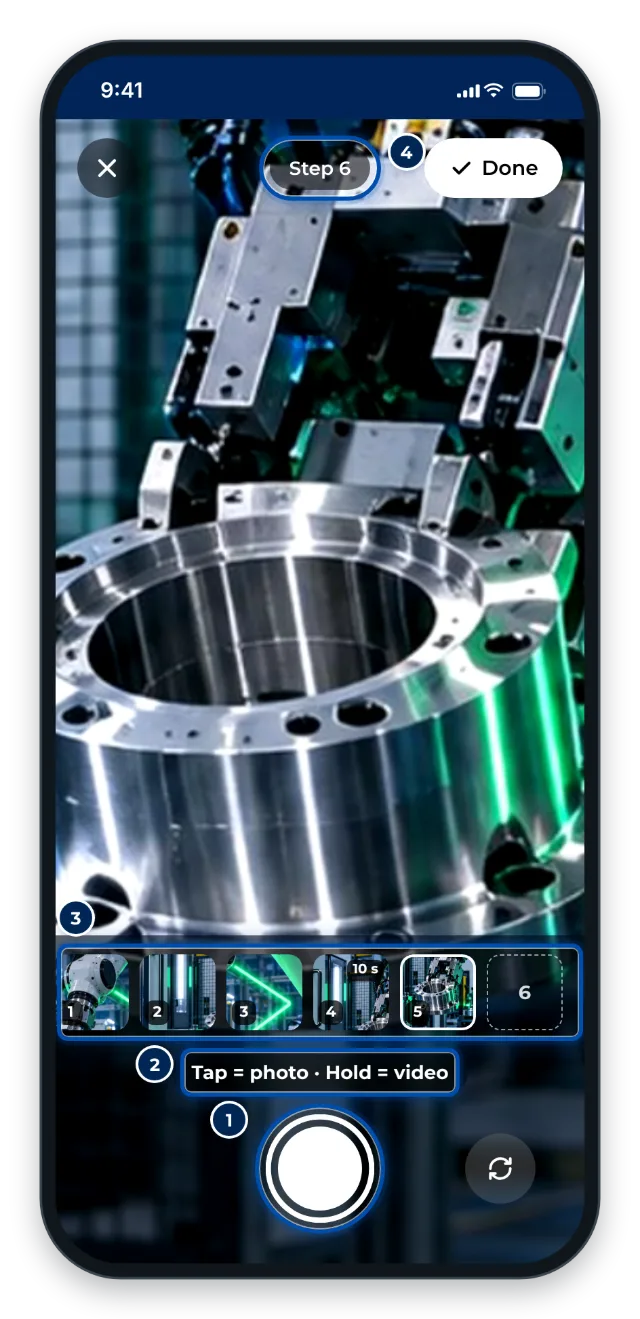 1RecordFilm or photograph each action with your phone.
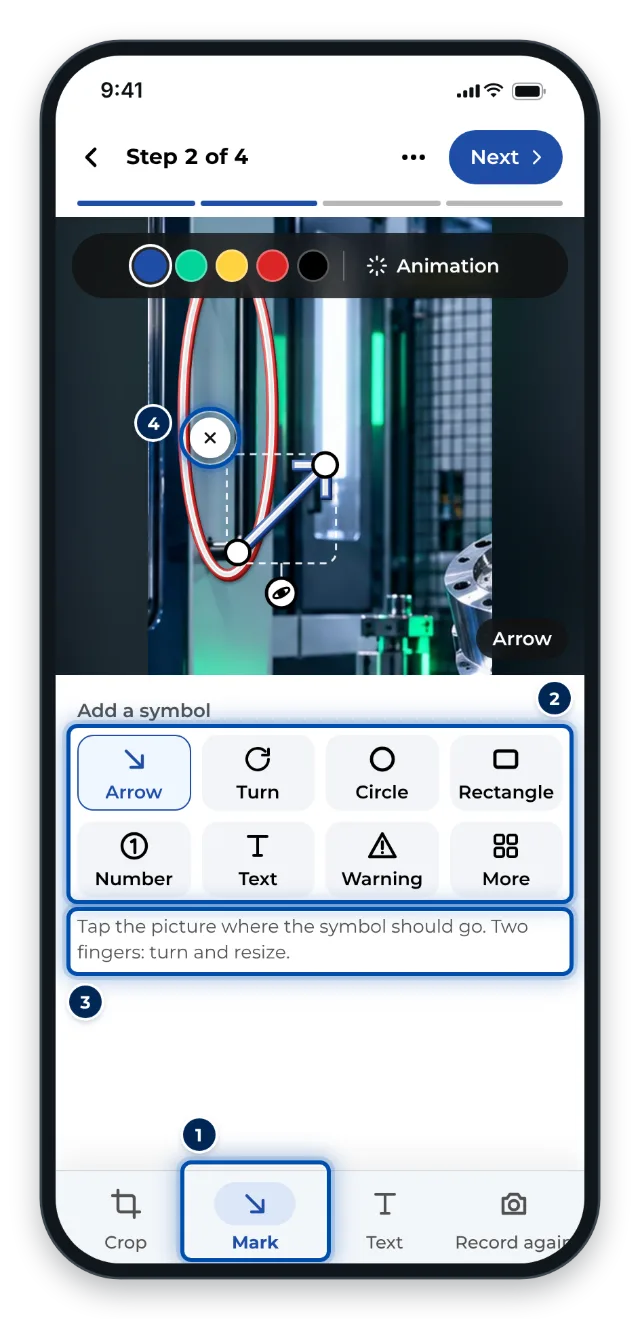 2MarkArrows and symbols show what matters.
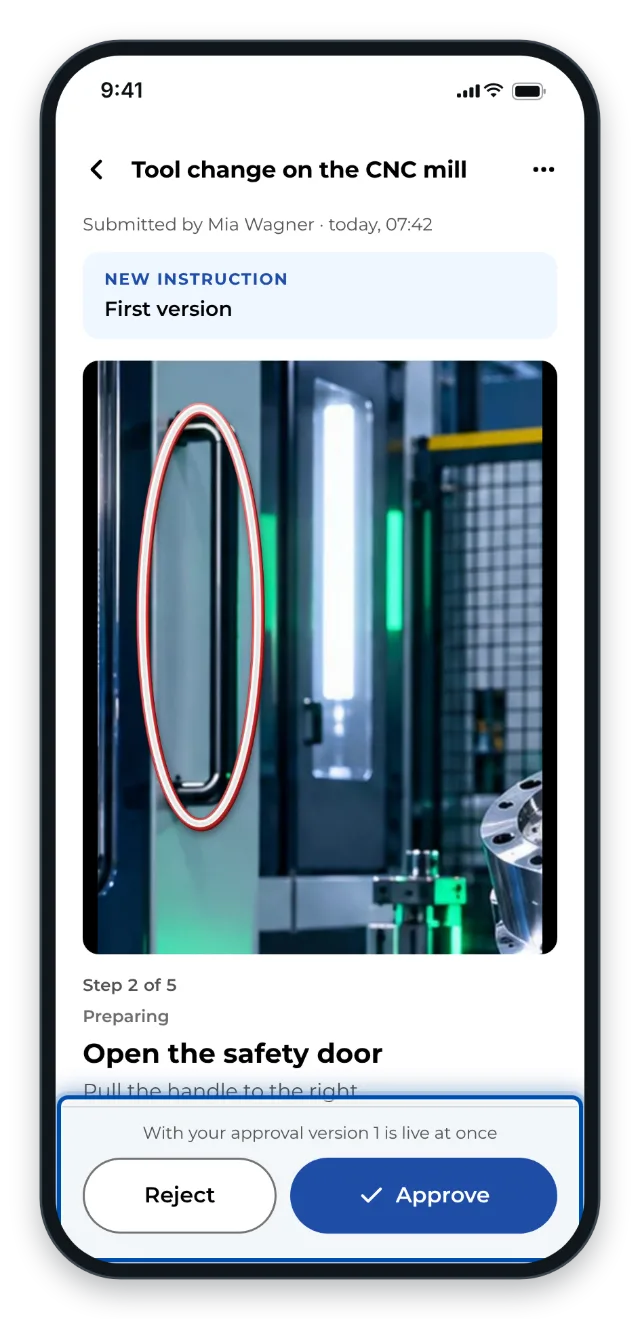 3ApproveChecked on the technical side and for data protection.
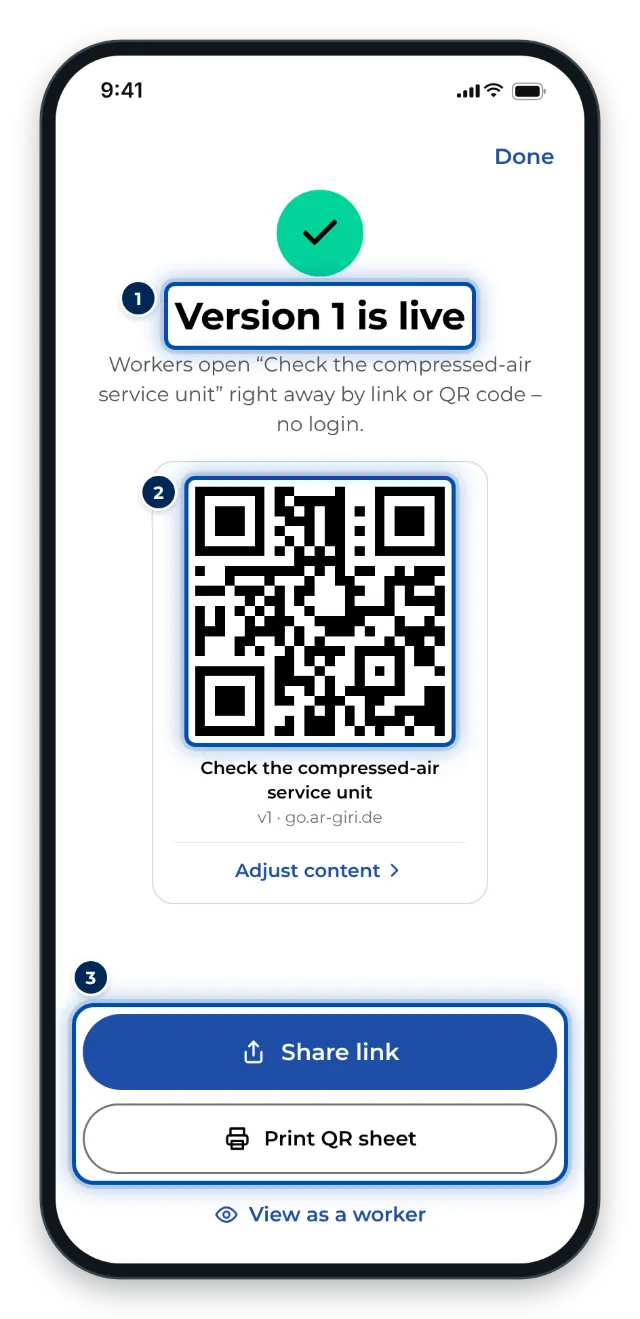 4ShareQR code on the machine, link to the team.
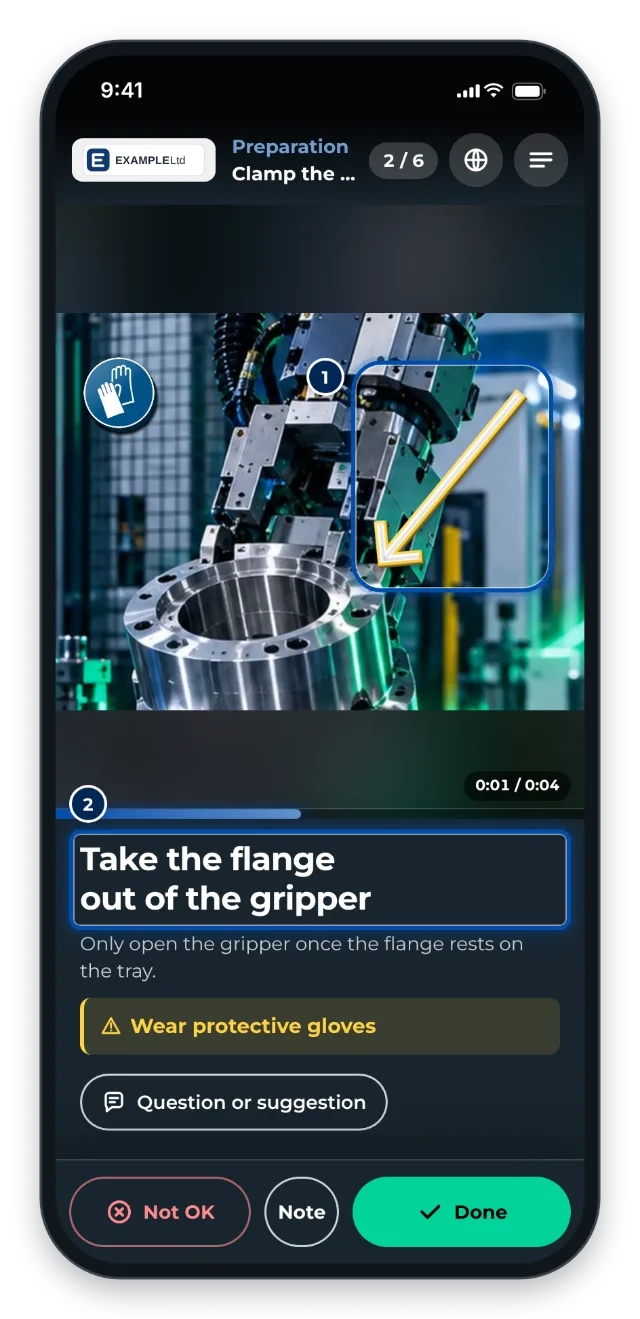 5WorkWorkers scan and follow it step by step, without signing in.
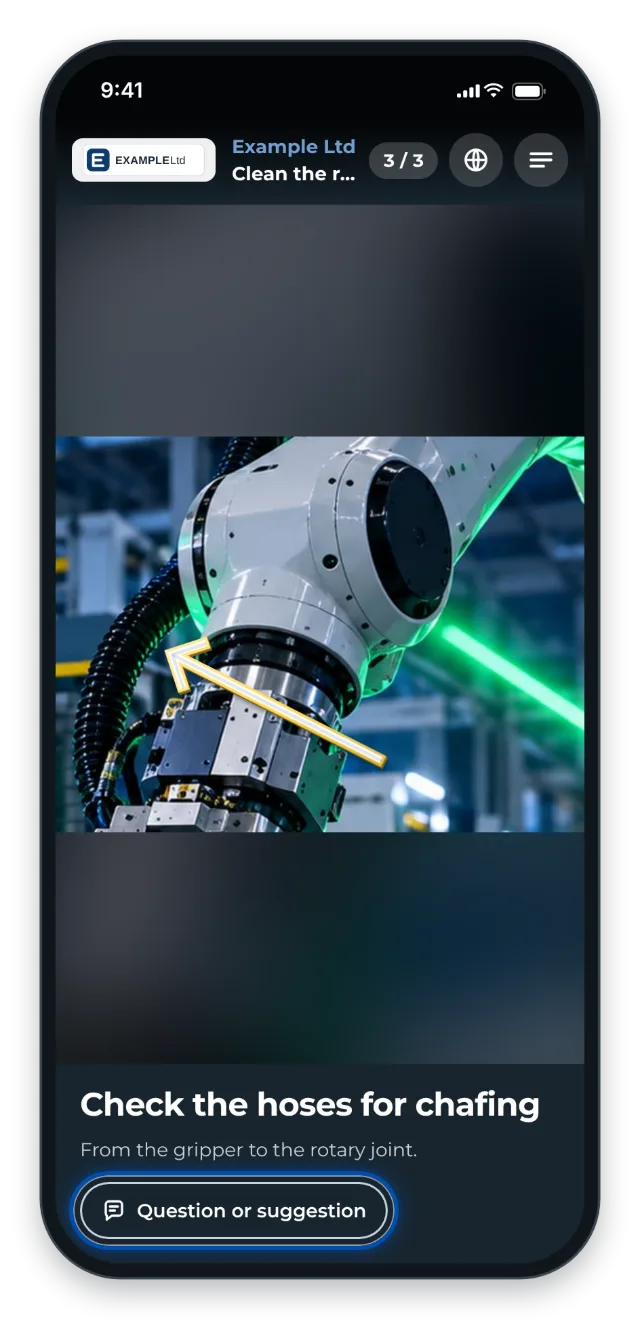 6ImproveFeedback from workers shows where things get stuck.
Quick start
Most people start with these four articles.
- 1Your first instruction in 10 minutesRecord a simple routine on a phone or PC, add text, approve it and put the QR code up at the workstation, then test it with colleagues.
- 2Share the link and QR codeSend a published instruction as a link or put its QR code up at the workstation. Workers open it without signing in and always see the live version.
- 3Open an instruction via QR code or linkScan the QR code or tap the link: how to open an instruction on your phone. No account and no sign-in needed.
- 4Roles and permissionsWho may do what? The eight roles for instructions, the workspace admin, and the difference between the workspace role and a team role.
All topics
143 articles, sorted by topic.
- Getting started
From your first sign-in to your first published instruction.
- What is GIRI? Overview and key terms
- Getting started: your guided path
- Your first instruction in 10 minutes
- Account and sign-in
Signing in, accepting invitations, your profile and devices.
All 6 articles - Creating instructions
Record, import, edit, mark up and organise.
All 23 articles - Approving and sharing
From draft to approved instruction with link and QR code.
All 10 articles - On the shop floor
For workers: open an instruction, work through it, give feedback.
All 5 articles - Analytics and feedback
Views, job-done log and feedback from workers.
All 5 articles - Training
Training requirements, matrix and records – once GIRI has activated them for your workspace.
All 10 articles - Administration
Roles, people, teams, branding and subscription for workspace admins.
All 9 articles - Security and privacy
Where your data lives, who sees what and what happens with AI.
- Where is my data? Hosting per package and service providers
- ISO 27001: which packages are certified
- Who can see my instructions?
- Use cases
14 real-world examples of what teams use GIRI for.
- Addressing the skilled labour shortage
- Field service technicians worldwide: one knowledge standard for all
- Securing knowledge before it walks out the door
- GIRI Bootcamp
A 12-week programme from first proof to lasting standard, in 4 phases.
- The GIRI Bootcamp: 12 weeks from proof to standard
- Preparation: the trial questionnaire
- Book a training: all live sessions
- Videos and examples
Finished example instructions and videos to learn from.
- How to GIRI: the basics by example
- Good work instructions: the example
- How our CEO records work instructions
- FAQ and troubleshooting
Short answers to frequent questions and problems.
- The sign-in code does not arrive
- Camera or screen recording is blocked
- “Not published yet” when opening a link
- Get help
Direct line to the GIRI team: support, bug reports, ideas.
All 3 articles
Moving over
Still using GIRI 11?
What is different in GIRI 12, what stays the same and how to bring your instructions along.