Support
Contact support
How to reach the GIRI team: by email, straight from the app with your details filled in, or with a booked call. And which details speed things up.
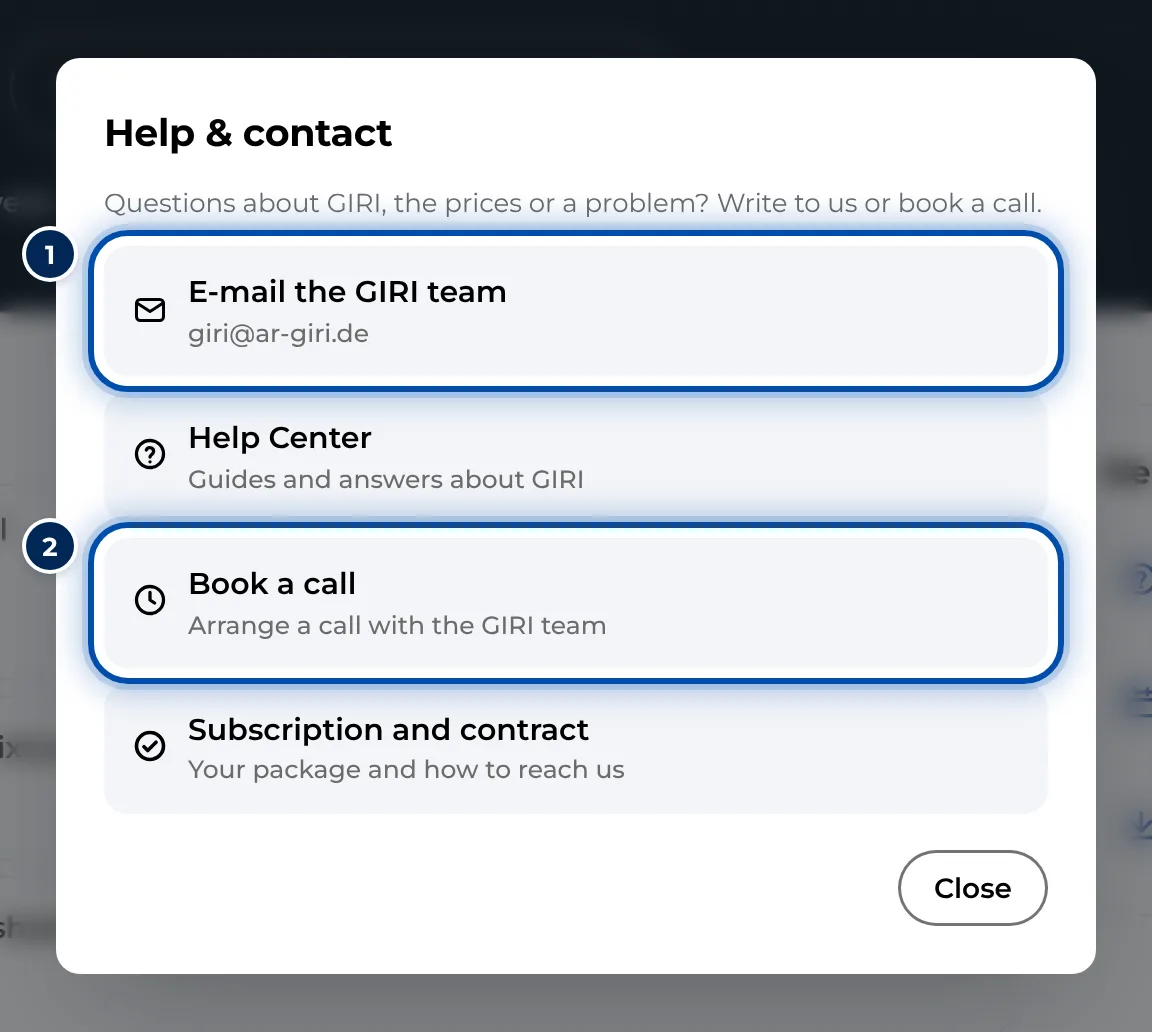
Stuck? Write to giri@ar-giri.de or open Help & contact in the app. With the details listed below we can help you faster.
How to reach us
- Search the Help Center. The answer is often found faster than written. Use the search at the top.
- Write from the app. Open the menu, on a PC via ≡, on a phone via your profile picture, and choose Help & contact. E-mail the GIRI team opens your email program with a ready-made email to us. Your workspace, name, email address and GIRI version are already in it.
- By email. giri@ar-giri.de is the address for everything.
- Book a call. At www.ar-giri.com/start you arrange a call with the GIRI team. In the app the link is under Help & contact as Book a call.
Speed things up
For problems and bugs, these details help us:
- Device and browser: for example an iPhone with Safari or a Windows PC with Edge.
- Sign-in address: which email address are you signed in with, and in which workspace?
- GIRI version: it is at the very bottom of the app menu.
- Actual and expected: what happened, and what did you expect?
- Evidence: a screenshot or a short screen recording.
There is more in Report a bug.
Training and support on site
- Training: you book introductions and the Bootcamp live sessions at www.ar-giri.com/start. On a PC the link is also on the start page under Help & training. See Book a training.
- On site: training at your plant, right at the process, is available on request. Ask us by email.