FAQ
Camera or screen recording is blocked
GIRI cannot open the camera or screen recording won’t start? The most common causes in the browser, the operating system and IT policies.
The short answerUsually a permission is missing. Allow the camera in the browser and in the operating system, then reload GIRI. Screen recording is often blocked by an IT policy or, on a Mac, by a system setting. GIRI tells you which cause it is.
Camera
If GIRI cannot open the camera, the recording screen shows Camera not directly available.
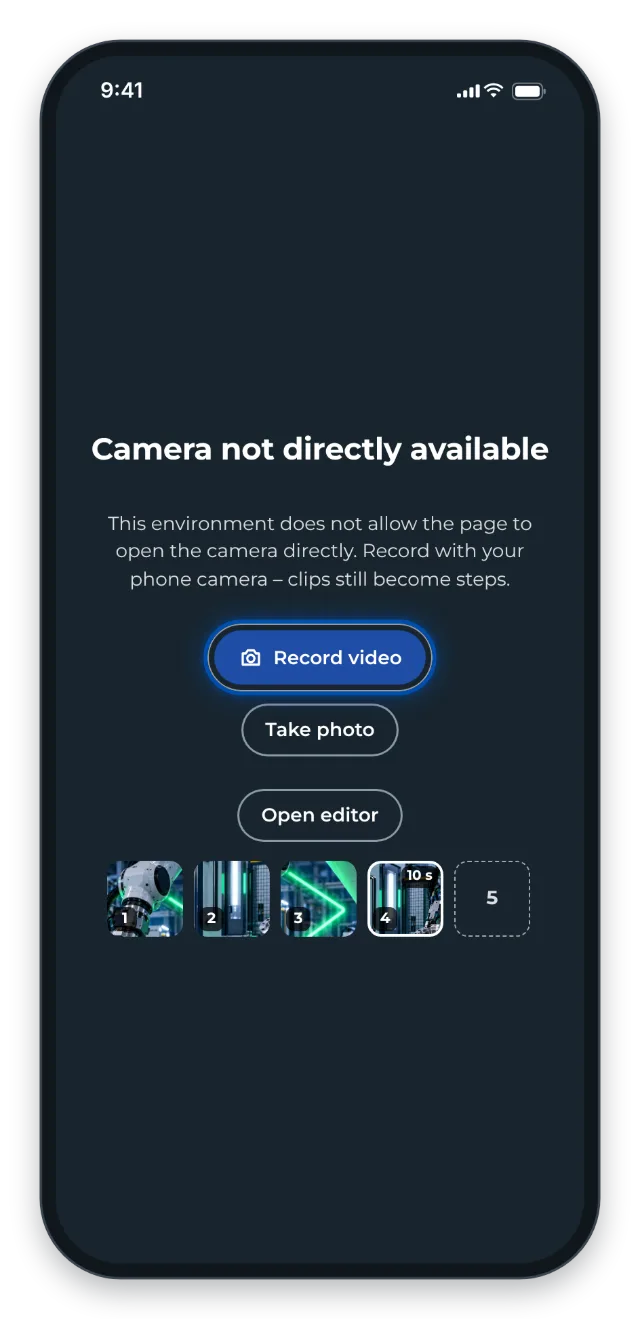
- You can still record with Record video or Take photo. On a phone, the camera app opens and the recording becomes a step. On a PC, the file picker opens.
- Allow the camera in the browser’s site settings, usually via the icon to the left of the address. Then reload GIRI.
- Windows and macOS also ask for each program. Check the camera permission for your browser in the system’s privacy settings.
- Close programs that are using the camera, such as a video call.
- On company devices, IT can block the camera. If so, ask your IT team.
Screen recording
The Screen button under Add step is only available on a PC. If it is missing, you are on a phone or tablet, or your browser cannot share the screen. Then use Chrome, Edge or Firefox on a PC.
If recording does not start, GIRI names the cause:
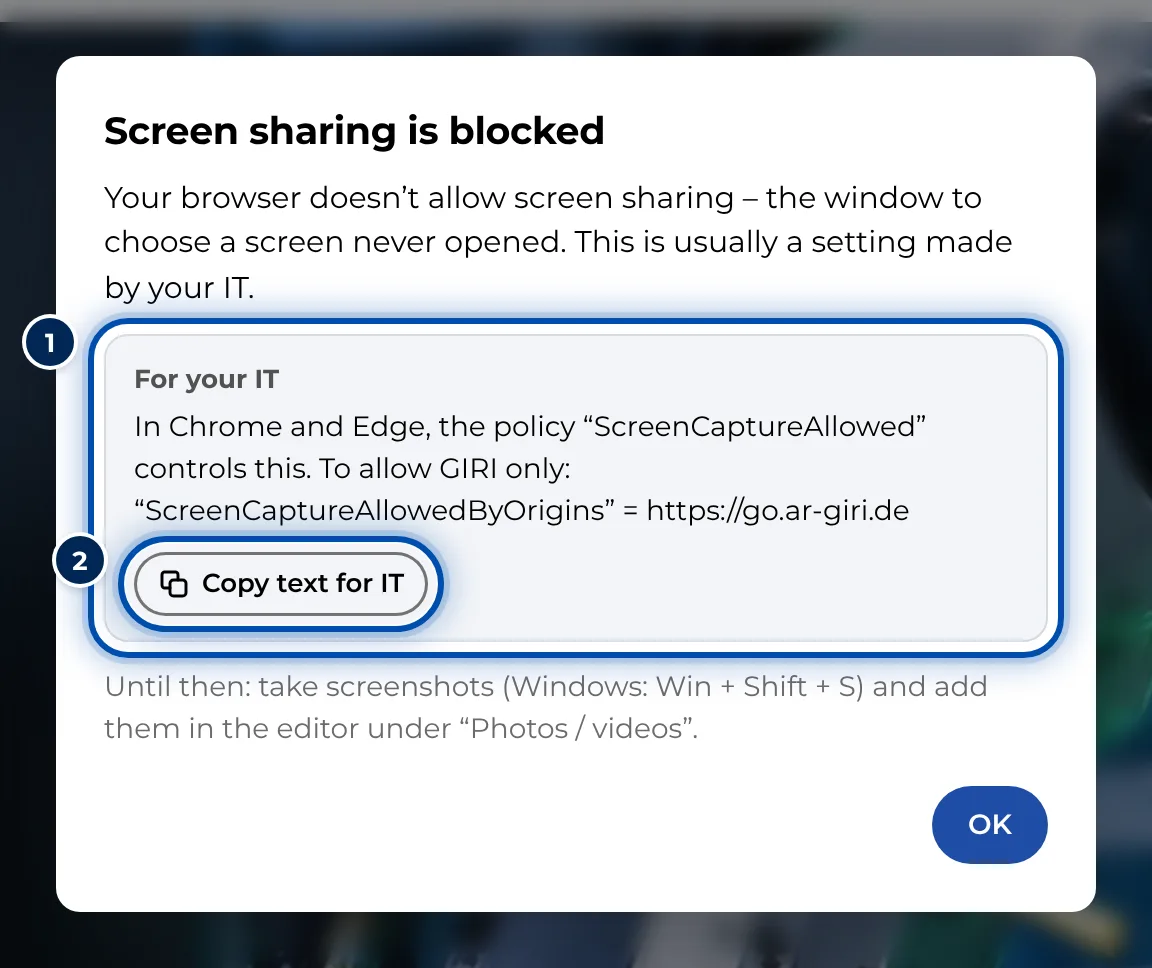
- Screen sharing is blocked: a browser policy prevents sharing, usually set by your IT team. Copy text for IT gives you a ready-made text with the setting they need. Until then, take screenshots (Win+Shift+S, on a Mac ⇧+⌘+4) and add them via Photos / videos.
- Your Mac doesn’t allow recording yet: open System Settings, Privacy & Security, Screen & System Audio Recording (Screen Recording on older macOS versions) and turn on your browser. Then restart the browser.
- The system doesn’t allow recording: the operating system doesn’t let the browser record. Ask your IT team.
- Screen sharing isn’t possible here: GIRI is embedded in another page. Open it with Open in its own tab.
- Screen sharing cancelled. The selection window was closed. Start the recording again.