Guide
Upload your own symbols
Upload your company logo, your own pictograms or photos of parts as symbols. They are then available across the whole workspace.
What for?
Some signs only exist at your company, such as your own inspection mark or a particular part. You put a custom symbol onto the picture like any other. You only need to upload it once: after that, everyone who edits instructions can use it.
Before you start
- A role with the right to edit. This applies to uploading and to deleting.
- An image file as PNG, JPG, SVG, WebP or GIF. A PNG with a transparent background works best.
- An internet connection for the upload.
Step by step
On a PC
-
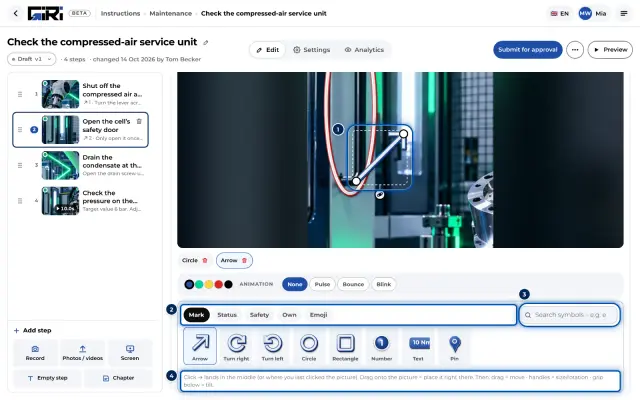
Select a step with a photo or video and open the Own tab below the picture.
-
Click Upload your own and choose one or more files.
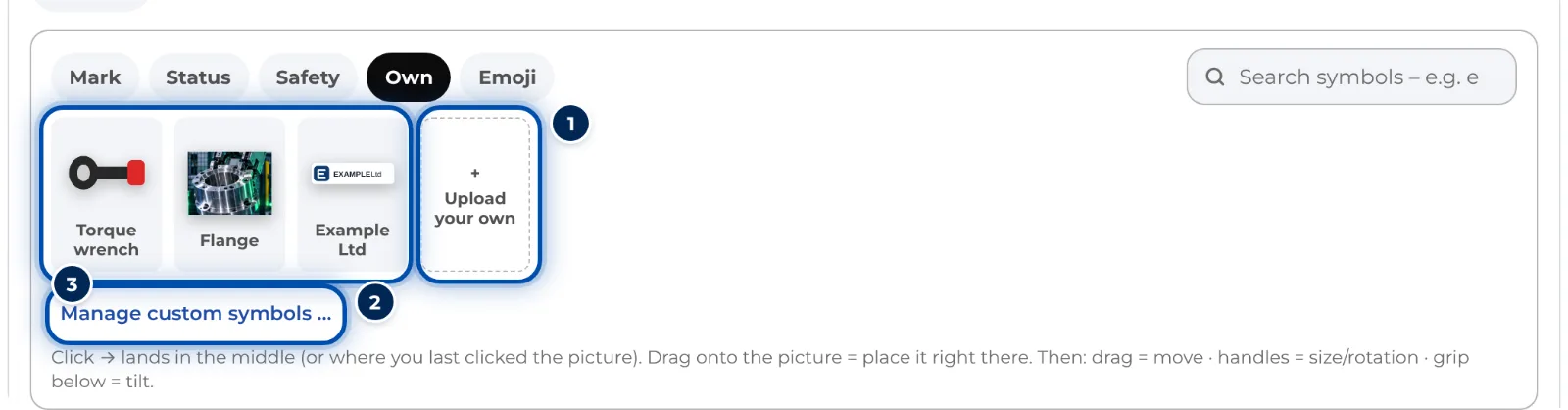
The Own tab in the symbol library with uploaded symbols -
If you upload exactly one file, GIRI places it on the picture straight away. All uploaded symbols are then in the Own tab.
-
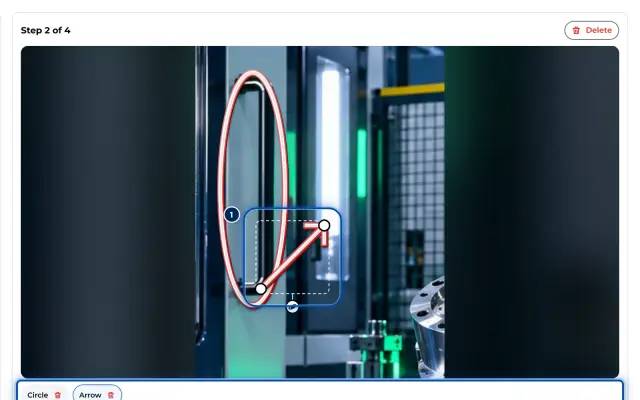
Place and edit the symbol like any other. In the bar below the picture you switch the style between Glow and Sticker. The colour sets the glow or the frame.
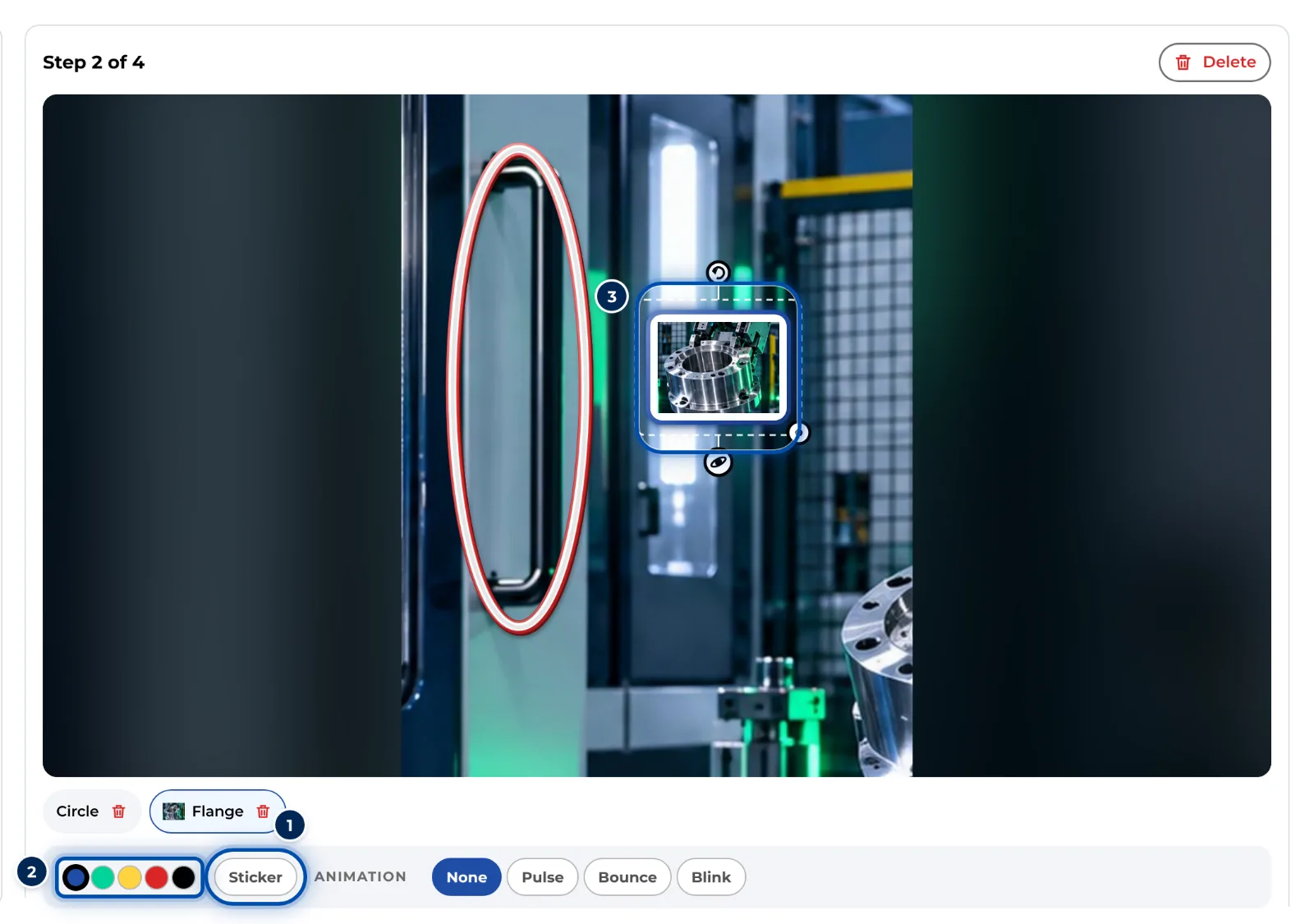
A custom symbol on the picture with the Glow or Sticker switch -
To manage them, click Manage custom symbols … in the Own tab. In the Custom symbols window you upload more with Upload or delete a symbol with the ×.
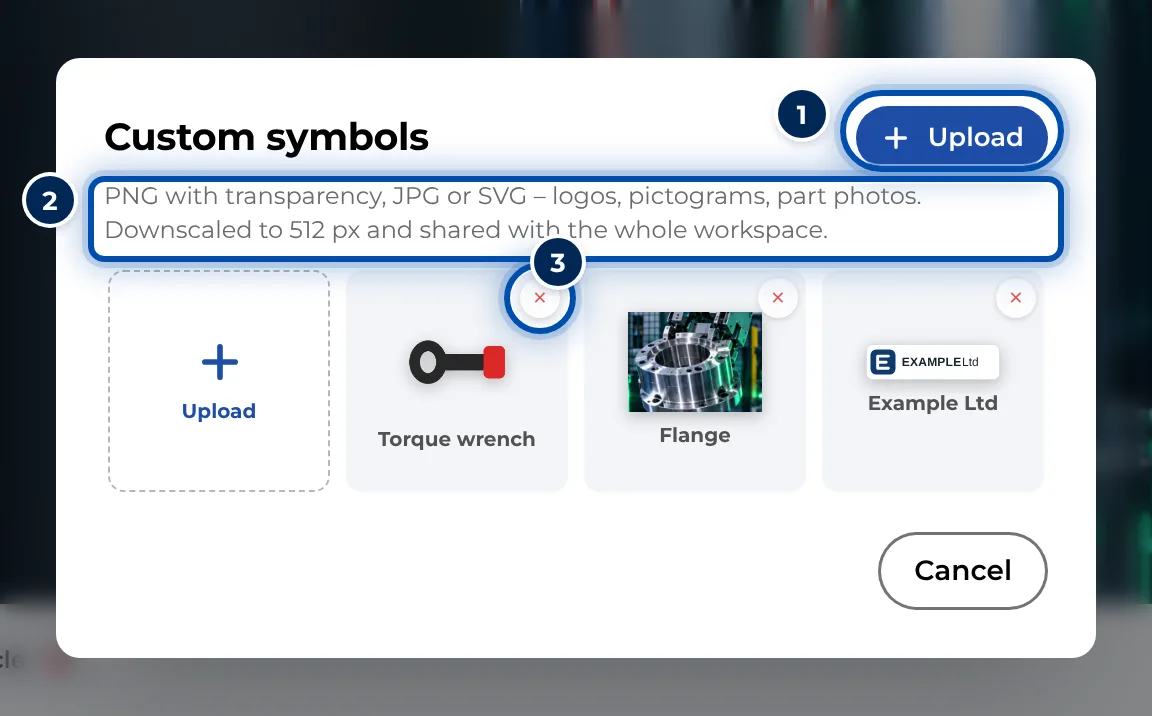
The Custom symbols window with Upload and the × for deleting
On a phone
-
Open the step, tap the Mark tab and then More.
-
Switch to the Own tab and tap Upload your own. Choose a picture from the library or from your files. If it’s exactly one picture, GIRI places it straight away.
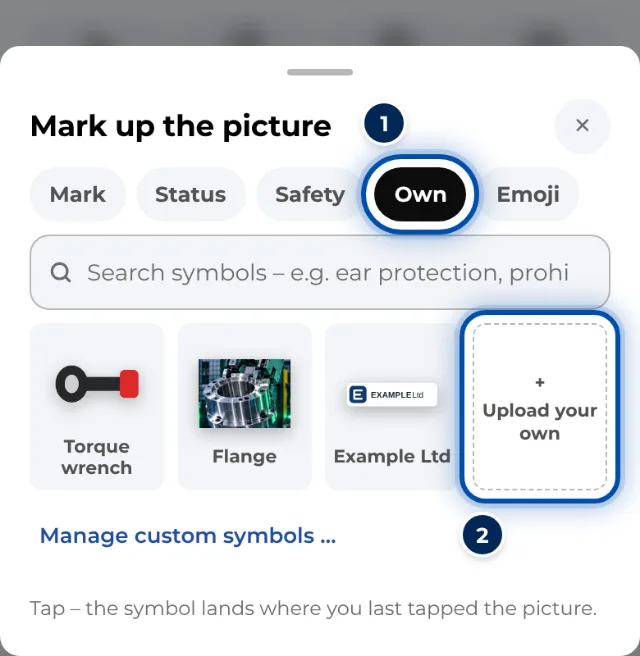
The Own tab on a phone with Upload your own -
Tap Animation in the bar. For custom symbols you choose between Glow and Sticker there, under Style.
Tips
- Give files meaningful names, e.g. “Logo” or “Inspection sticker”. That way the symbol search finds them quickly.
- Simple, clear motifs work best on a phone. Photos of parts look good as Sticker.
- Custom symbols belong to the whole workspace. If you delete one, it disappears from every instruction that uses it, published ones included. Agree with your colleagues first.
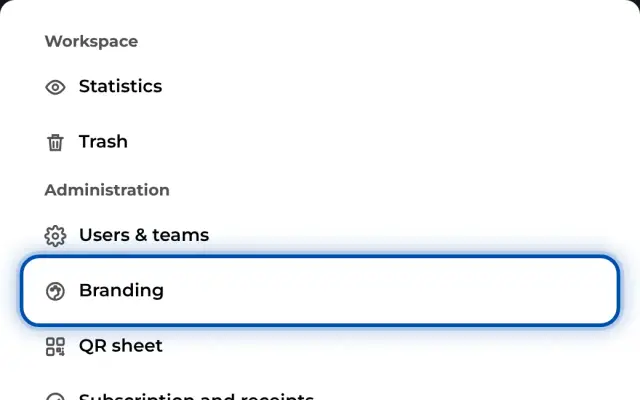
- The admin sets logos and colours for the worker view under Branding.
Common problems
- GIRI says the file isn’t a readable image. The format isn’t supported, e.g. HEIC. Save the picture as PNG or JPG.
- There’s a white box around the logo. A JPG has no transparent background. Upload the logo as a PNG with transparency.
- The picture shows an empty frame instead of the symbol. The symbol was deleted. When a symbol is deleted, GIRI removes the file, and every picture using it loses it. Upload it again, delete the frame and place the symbol once more.
- The upload doesn’t work. Check your internet connection and whether you have the right to edit.