Use case
Safety training
Regular, documented, verifiable: safety briefings with GIRI right at the workstation, without a PowerPoint marathon in the training room.
Safety briefings are mandatory: usually at least once a year, documented and verifiable. The PowerPoint format is expensive and forgotten within a few weeks.
What you document
- PPE requirements per work area
- handling hazardous substances
- what to do in a fire or emergency
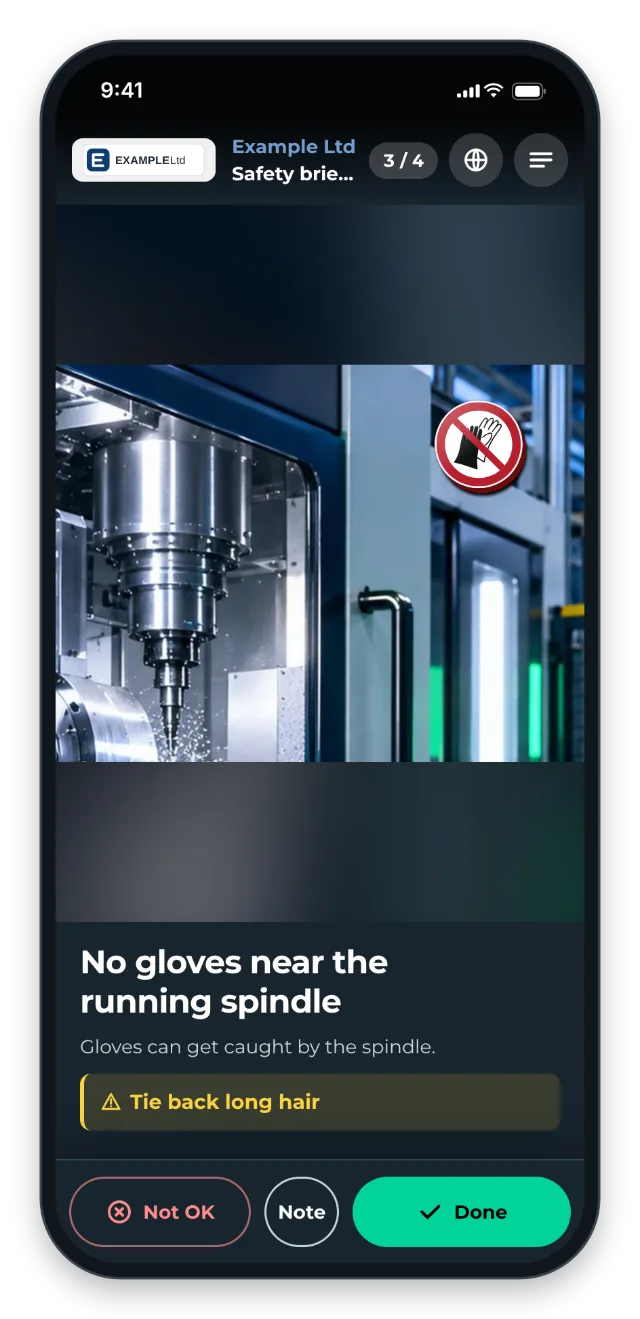
- machine-specific safety notes
- first aid procedures per workstation
The trigger: how do you recognise it?
- The annual briefing obligation costs days of training time.
- Preparing the documentation for audits takes weeks.
- Employees with a different first language need extra interpreters.
- New starters wait for the next training date.
- When a standard changes, everyone has to be briefed again.
The GIRI approach
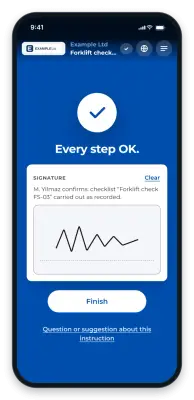
The QR code is at the workstation or at the plant entrance and exit. The safety notes are mandatory steps: with the checklist on, each person confirms the marked steps and signs at the end. GIRI has no quiz.
If GIRI has activated training for your workspace, a workspace admin can turn the instruction into a training. Each person then confirms with their name or with number and PIN, and signs. The matrix shows who has been briefed and whose briefing expires soon.
The value
- For each person you can see whether and when they were briefed: in the matrix with training, otherwise in the job-done log.
- The records are created as people go through the briefing, with name, date and signature.
- You update new standards once. After approval, everyone sees the new version.
- Everyone learns at their own pace, not only in the group session.
Typical users
- Chemicals and pharma
- Food production (hygiene and safety)
- Machine building
- Logistics and construction (mobile equipment)
What you want to avoid
- Generic safety training. It has to fit the workstation.
- Covering the topic only once a year. With a QR code at the workstation, the briefing is available at any time.
- Forgetting to brief everyone again after a new standard. In GIRI a record counts for every version of the instruction. After an important change, send the training to everyone again yourself.
What to measure
Record the values before you start and compare them after a few weeks.
- Briefing rate: share of employees with a valid record. With training, the matrix shows who has a valid briefing and whose record expires soon.
- Time spent: hours for the annual briefing, for trainers and participants.
- Audit preparation: time until all records are together. With training, you export them as PDF, Excel or CSV (Assign and export training records).
How to do it in GIRI
-
Show hazards with ISO 7010 safety signs from Safety. Critical steps get a warning (Add markings and symbols, Edit steps).
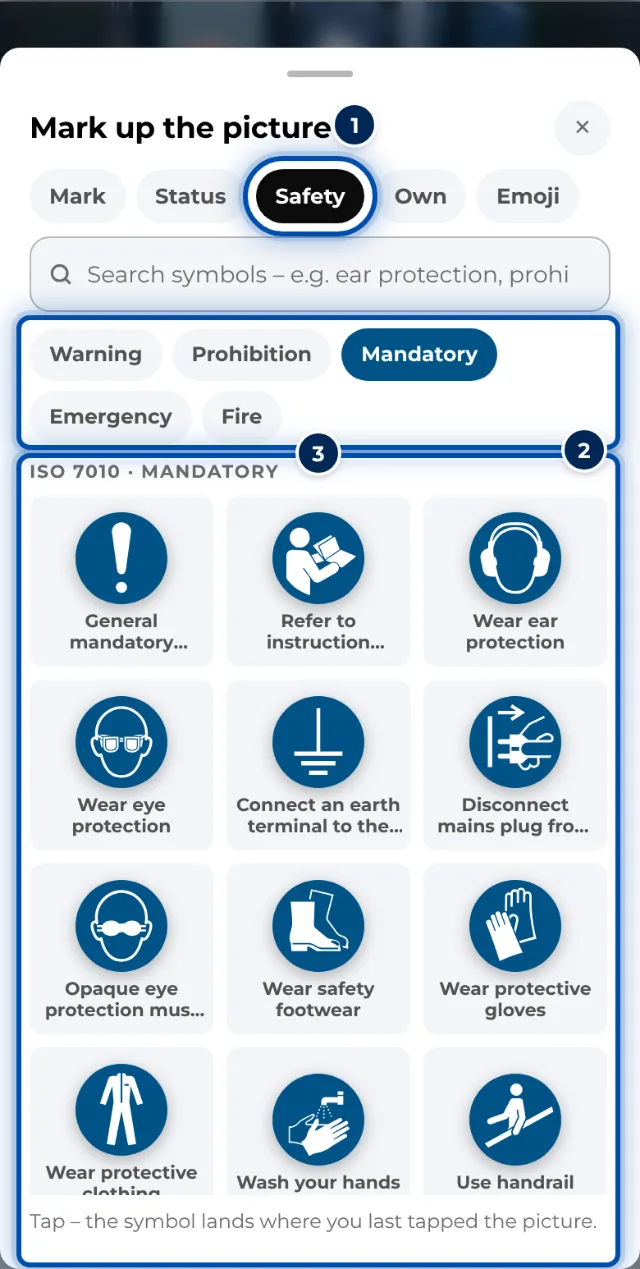
ISO 7010 safety signs in the library on a phone -
Enable the checklist with Marked steps only, tick Confirmation required on the mandatory steps and switch on Finish with a signature (Set up a checklist and signature).
-
If GIRI has activated training, a workspace admin adds the instruction as a training requirement, for example with the type “Safety briefing” and a validity of 12 months (Define training requirements).
-
When a supervisor briefs a group, they start Train a group. Everyone signs one after the other on a tablet. Workspace admins and team leads can do this (Train a group).
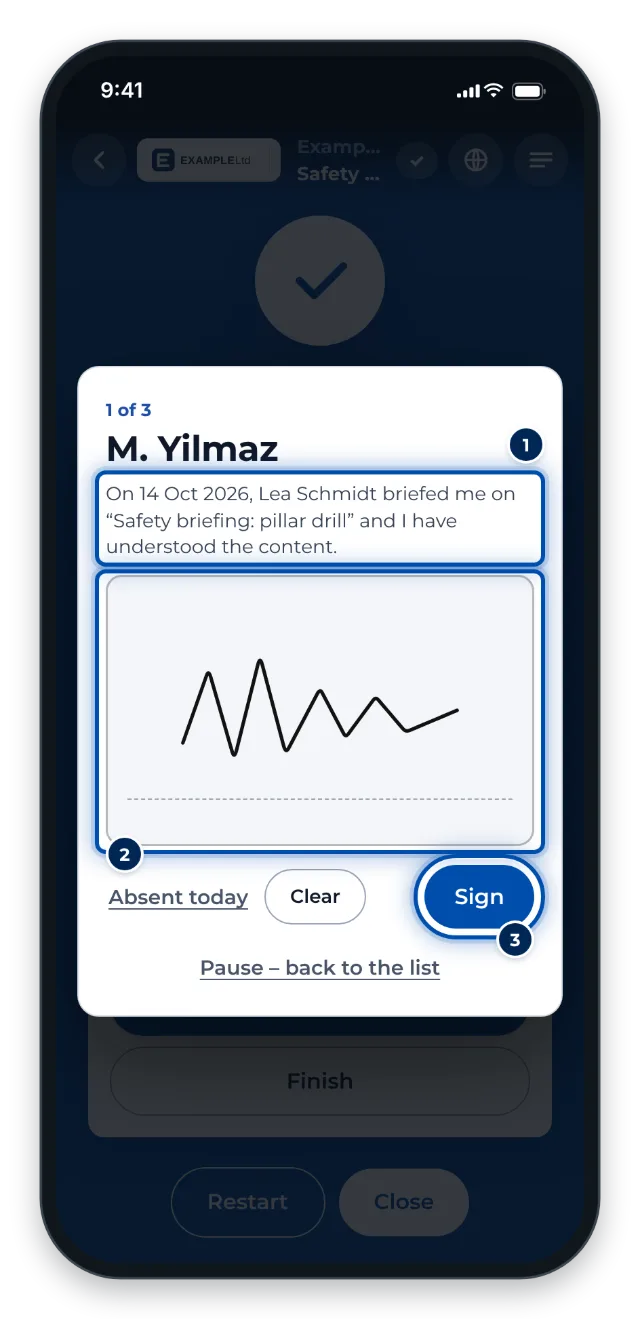
Group training: everyone signs one after the other on the same device -
The matrix shows who has been briefed and which records expire soon, with the version of each record (Read the training matrix, Send a training).