Overview
What happens to my data when the contract ends?
What you can export yourself before the end, what still works afterwards and why you should talk to us before your contract ends.
The short answerAfter the end, the workspace is read-only. You export PDFs, CSV logs and GDPR data exports yourself. Deletion, time limits and a full export are agreed with you: talk to us before your contract ends at giri@ar-giri.de.
What you can export yourself
Ideally, export before the end:
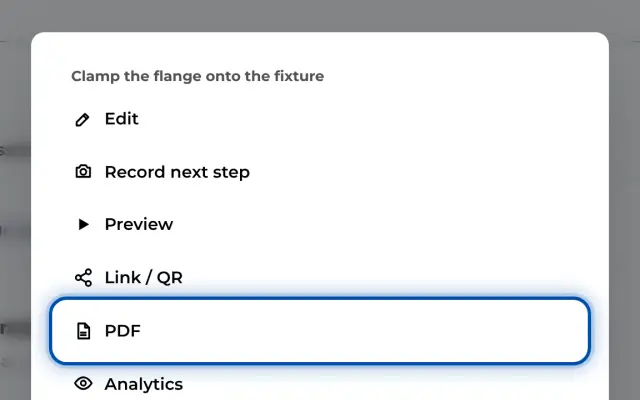
- PDF per instruction with Download PDF: all steps with pictures, videos as stills. See Export an instruction as PDF.
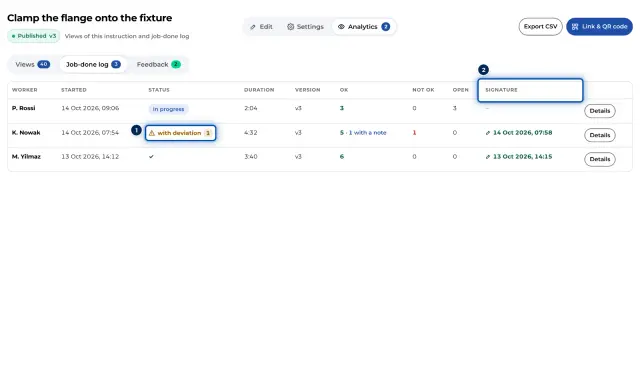
- Job-done log as CSV with Export CSV, per instruction in the Analytics. The Statistics page only lists the latest 300 runs. See Job-done log and CSV export.
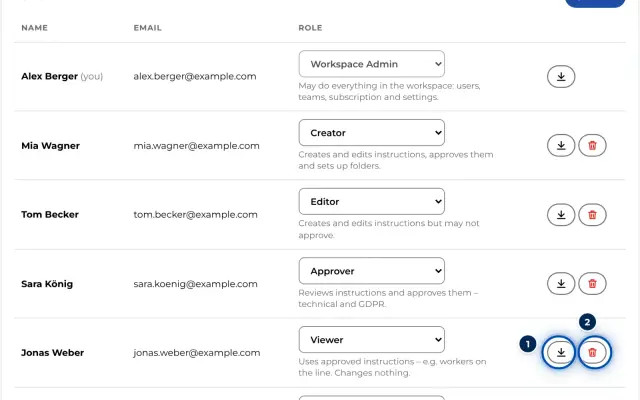
- GDPR data export per person as a JSON file, see GDPR data export and erasure.
- Training records as PDF, Excel or CSV if training is activated, see Assign and export training records.
What still works after the end
This applies after a subscription ends and when GIRI pauses your workspace:
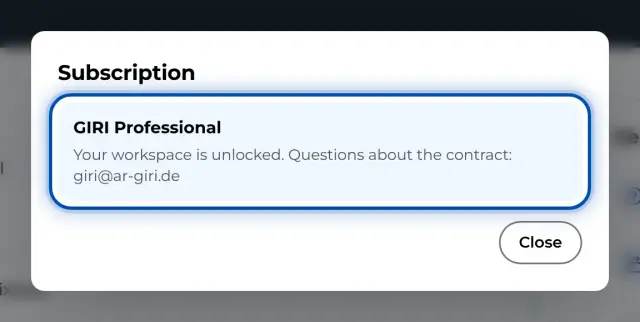
- Opening, playing and sharing instructions. Links and QR codes keep working, and workers can complete checklists.
- Creating, changing and approving instructions no longer work.
How long the workspace stays available like this is agreed with you.
What the app cannot do
- There is no full export of all instructions with photos and videos in the app.
- Instructions cannot be deleted permanently in the app. After 30 days in the trash they are archived, see Trash and archive.
- Only GIRI can delete the whole workspace.
Talk to us before your contract ends
Write to giri@ar-giri.de, ideally a few weeks before the end. Together we then agree whether and when we delete data, which time limits apply and which data you need in which form.