Guide
Sign out, also on all devices
How to sign out of GIRI: on this device or on every device at once, for example when a phone has been lost. And when GIRI signs you out by itself.
What for?
On a shared device you sign out after work so that nobody carries on with your account. If a device has gone missing, you end every sign-in from another device, including the one on the missing device.
Before you start
- You are signed in.
- For Sign out on all devices you need an internet connection.
Step by step
On a PC
-
Click your picture and first name at the top right. The profile opens.
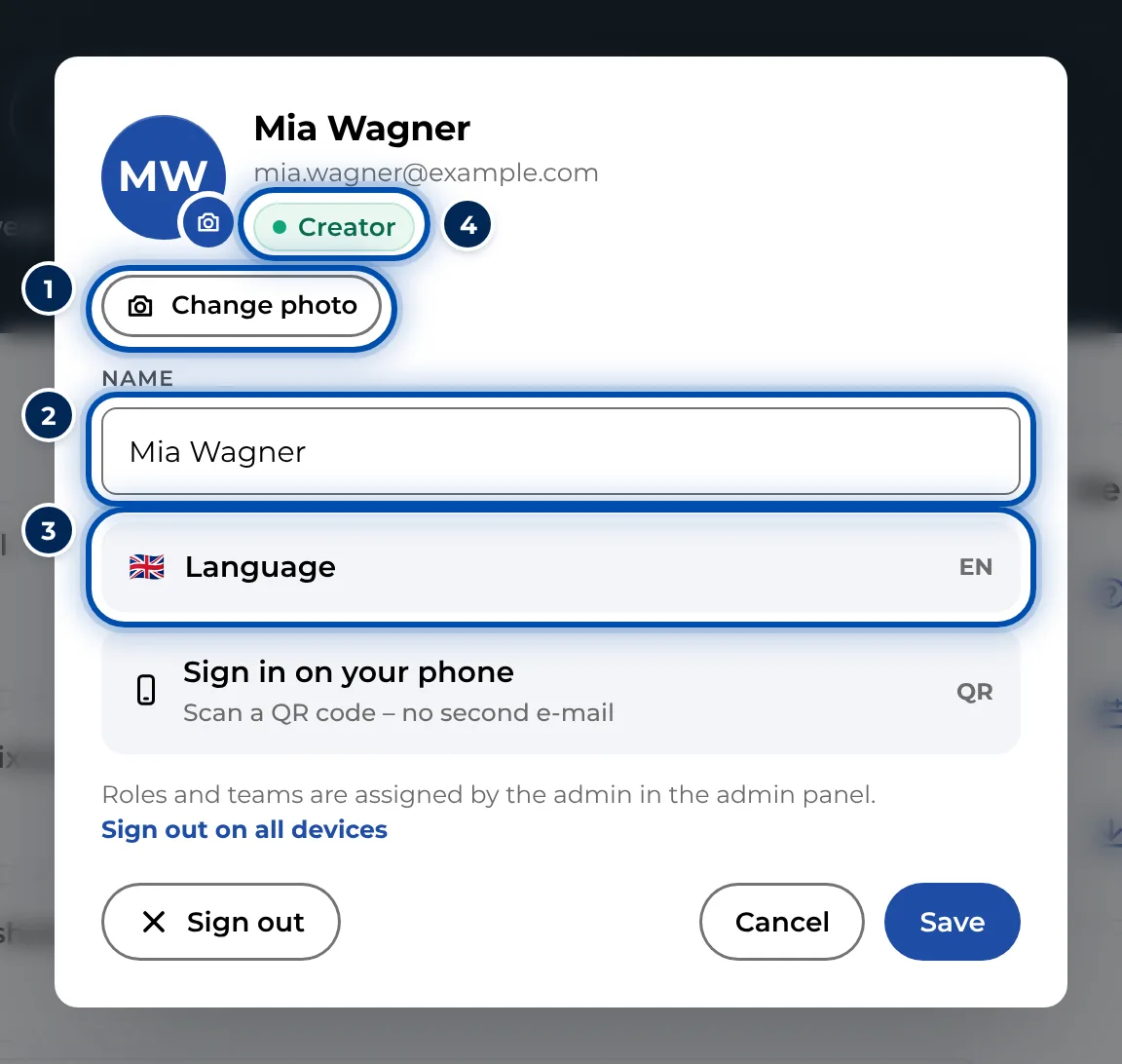
The profile with photo, name, language and sign-in on the phone -
Click Sign out at the bottom left. GIRI shows the sign-in page.
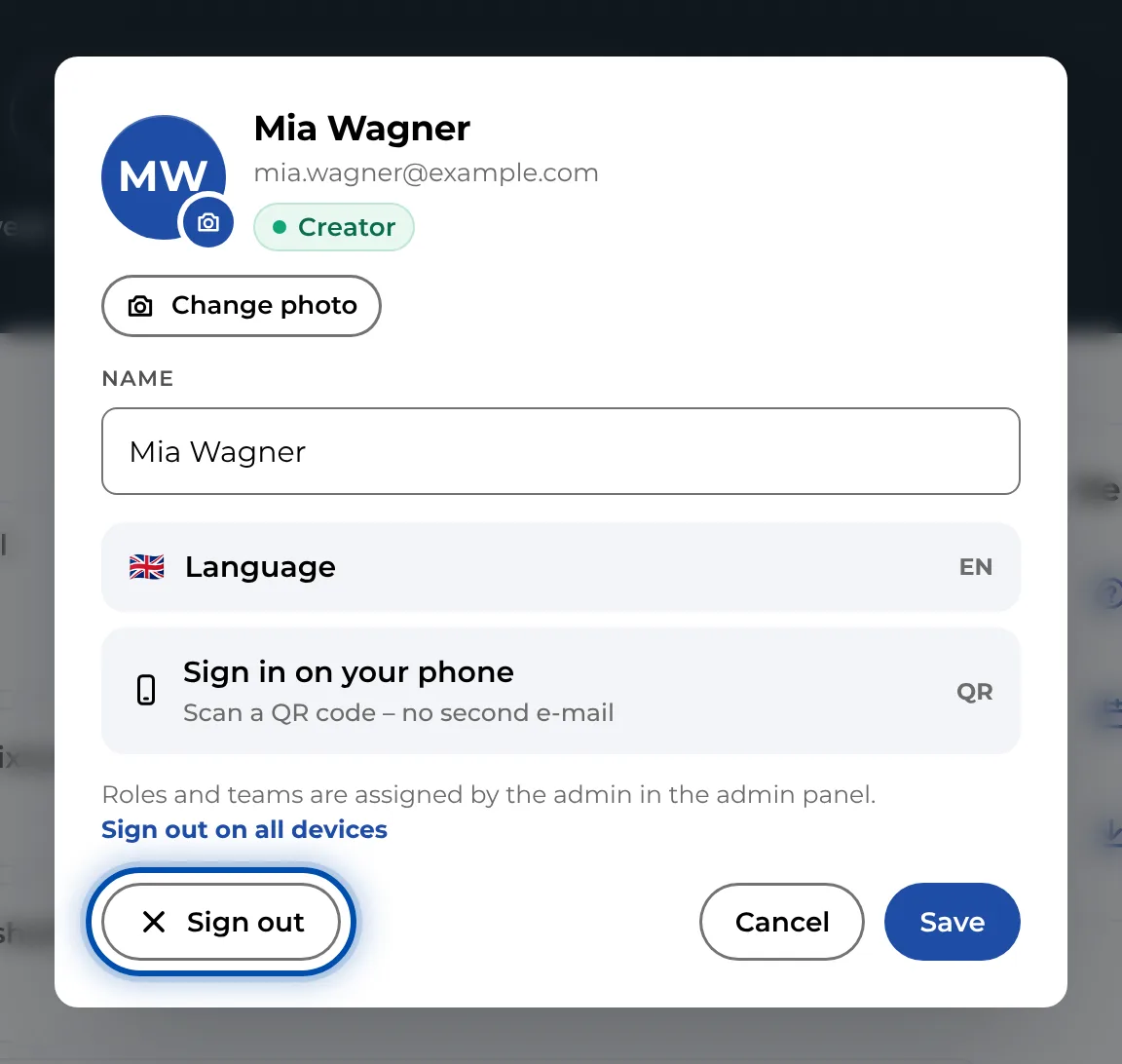
Sign out at the bottom left of the profile
On a phone
-
Tap your profile picture at the top right. The menu opens.
-
Tap Sign out at the very bottom.
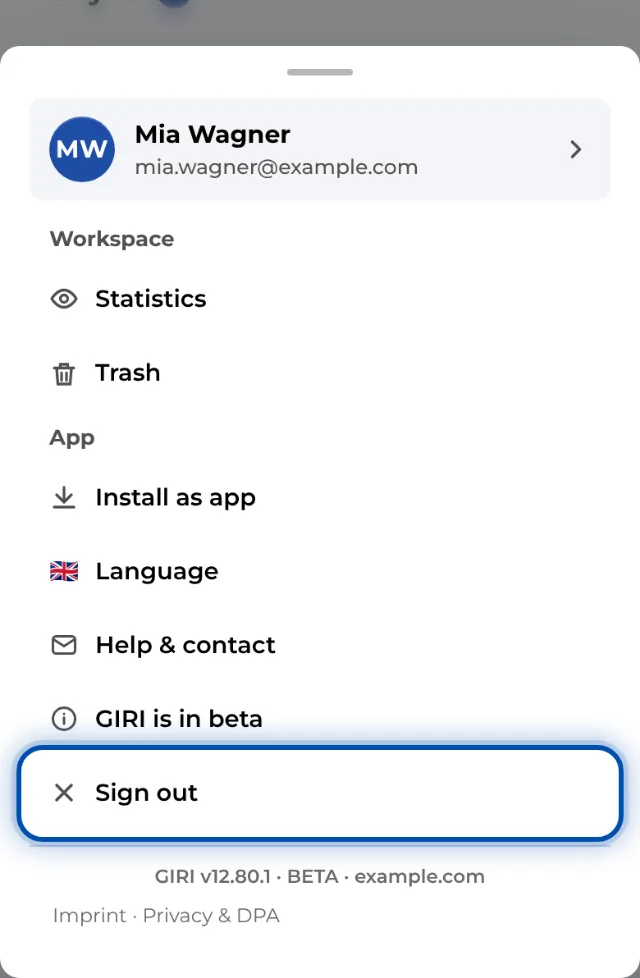
On a phone, Sign out is at the very bottom of the menu
On all devices
-
Open your profile as described above.
-
Click Sign out on all devices in the text at the bottom.
-
Confirm the question. Every device then needs a new sign-in: PC, phone, tablet and the installed app.
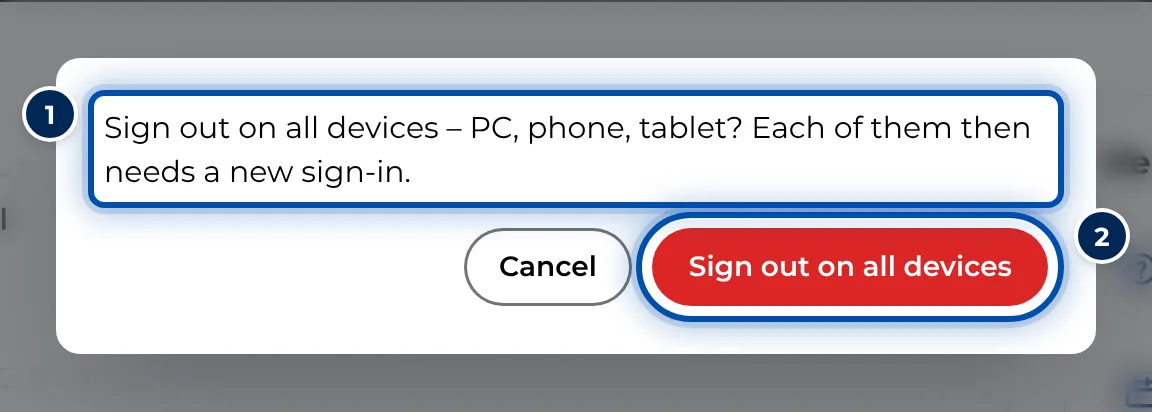
The question before signing out on all devices
Tips
- Sign out applies to this device only. If you sign out on your phone, the PC stays signed in.
- Workers do not need to sign in. A tablet at the workstation therefore does not have to be signed in; links and QR codes work without an account.
- Instructions saved on the device remain after you sign out. They are listed on the sign-in page under Without login: instructions saved on this device. Use × to delete a copy.
- If you worked without a connection, only sign out once everything has been uploaded.
Common problems
- You were signed out without doing anything. Each sign-in lasts a set number of days, 14 by default. After that GIRI says Session expired – please sign in again. The workspace admin sets the length. See Stay signed in: session length.
- You are still signed in on another device. Sign out only signs out the current device. Use Sign out on all devices.
- The ≡ menu on the PC has no entry for signing out. On a PC, Sign out is in the profile, not in the menu.