FAQ
Embed GIRI in Teams, SharePoint or an LMS
How instructions get into Teams, SharePoint, an intranet or a learning management system, and which data you can export for other systems.
The short answerThe simplest way is the link or QR code: paste them wherever your team works, for example in Teams, SharePoint or on your intranet. For a learning management system there is a SCORM 1.2 package if training is activated. We provide an interface (API) on request.
Link and QR code
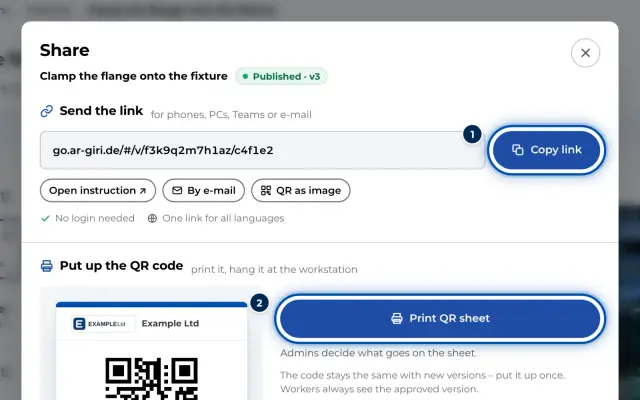
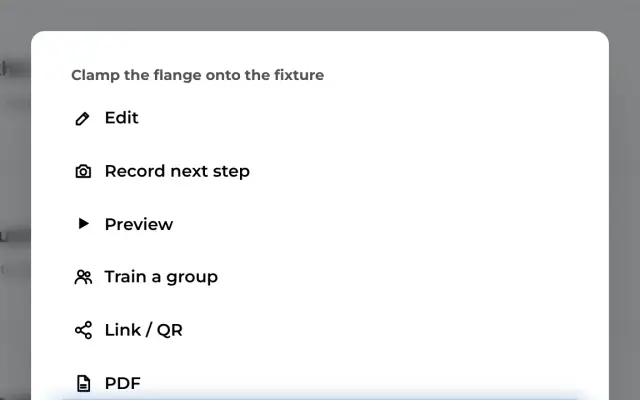
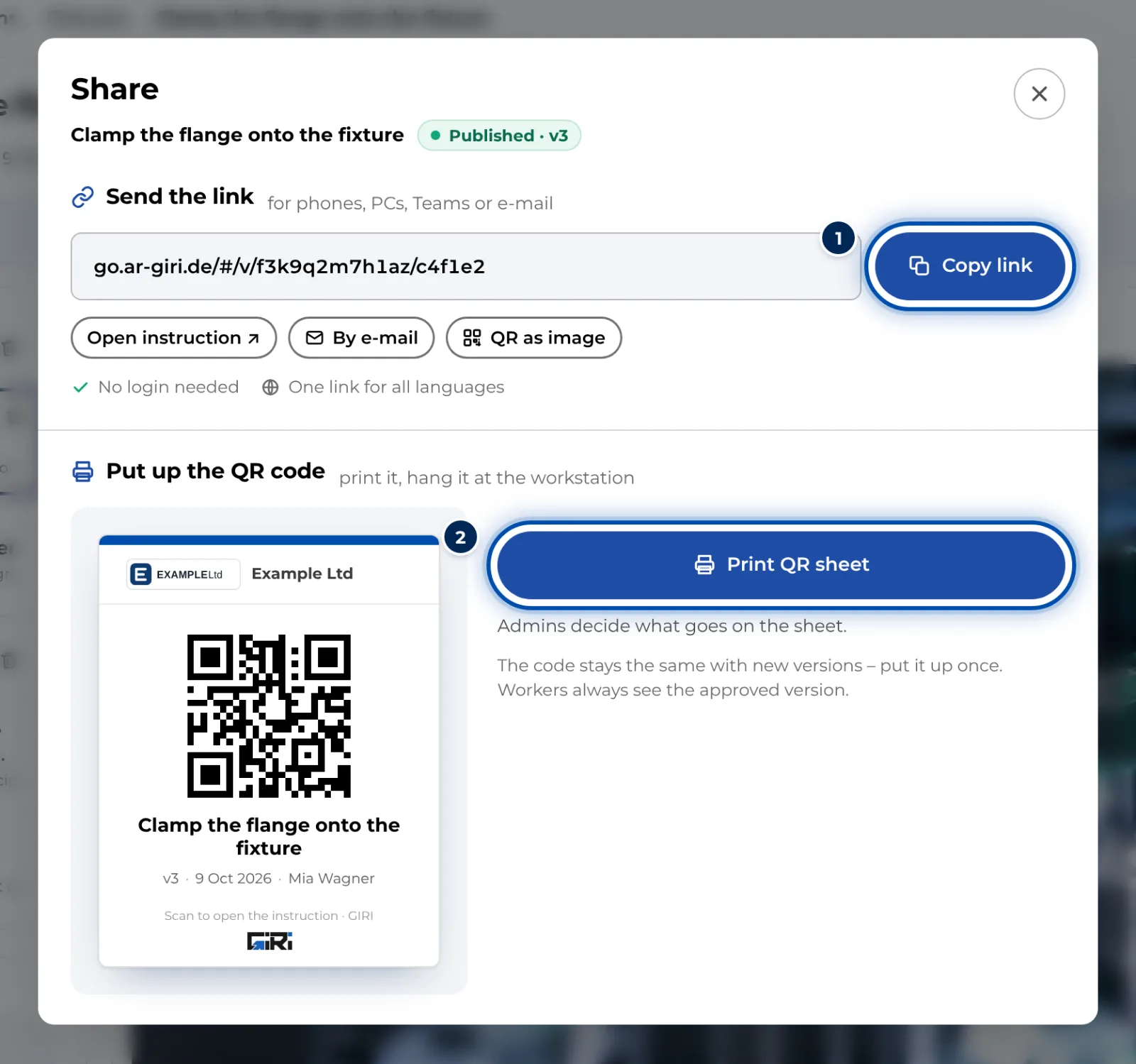
- For a published instruction, open Link & QR code and copy the link with Copy link.
- Typical places are a Teams chat or channel, a SharePoint or intranet page, a ticket, an FAQ article or an email.
- Clicking it opens the instruction in the browser, without signing in. The link always shows the approved version, also after new versions.
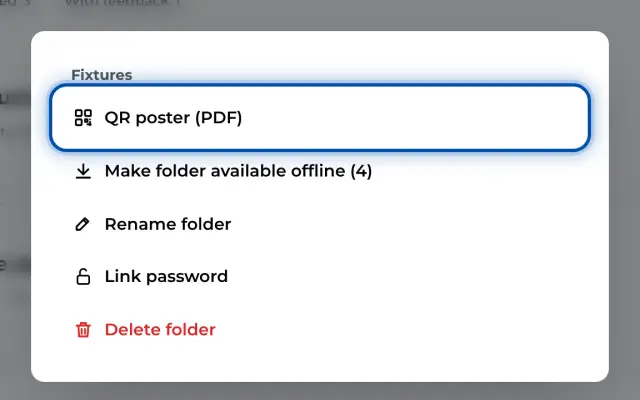
- Print the QR code for the machine, the workstation or the job sheet. For a whole folder there is the QR poster.
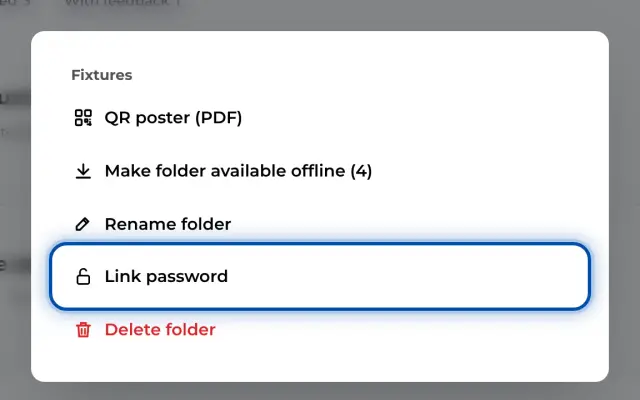
- If only certain people should be able to open it, set a link password.
Learning management system (LMS)
- With SCORM package (LMS) you download a SCORM 1.2 package and upload it to your LMS.
- This only works once GIRI has activated training for your workspace, and only for published instructions.
- The package opens the approved version in GIRI and tells the LMS when it has been completed. It needs a connection.
Data for other systems
You get data as files: the PDF of an instruction and the CSV files with views and the job-done log from Analytics and Statistics. We provide an interface (API) on request.