FAQ
Link, app or PDF: what do workers use?
How instructions reach workers: link and QR code in the browser, GIRI as an installed web app, a PDF for printing or a SCORM package for your LMS.
The short answerMostly the link or QR code: it opens the instruction in the browser, without signing in or installing anything. People who use GIRI often install it as a web app. For paper there is the PDF in 13 languages, for a learning management system the SCORM package.
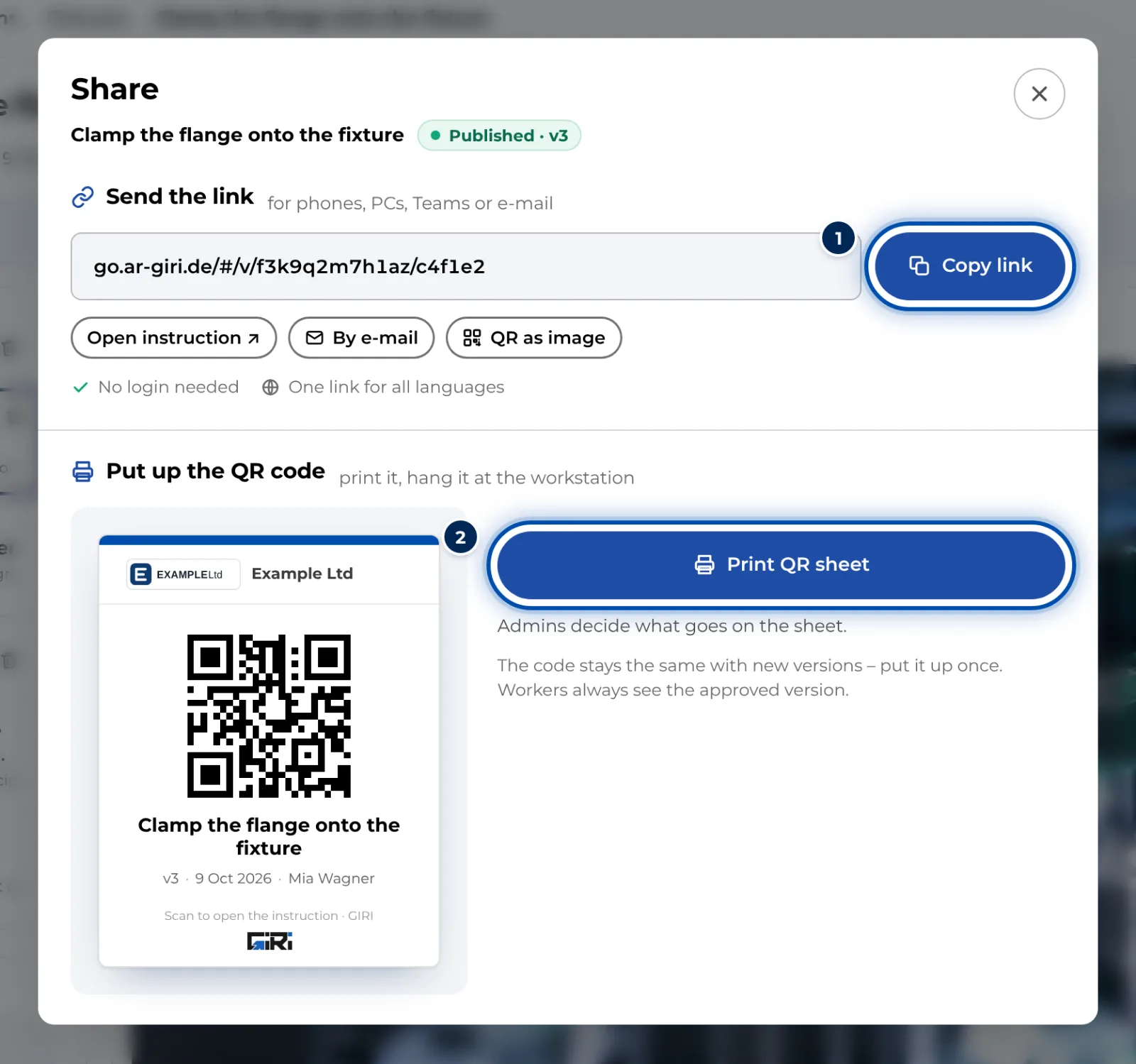
Link and QR code
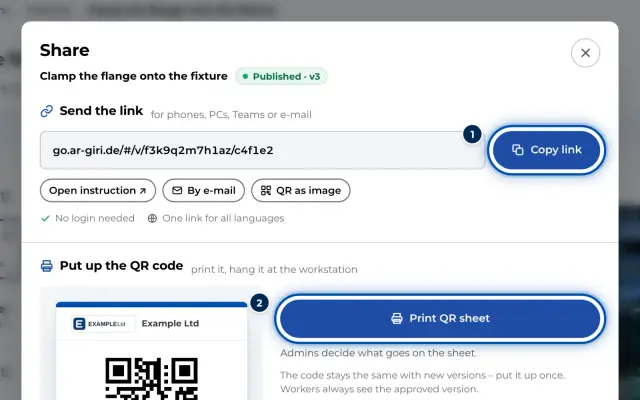
- Available for published instructions under Link & QR code.
- Workers always see the approved version, even while a new version is being prepared.
- Workers choose their language, work through checklists and send questions or suggestions.
- The QR sheet stays valid for new versions.
Installing as an app
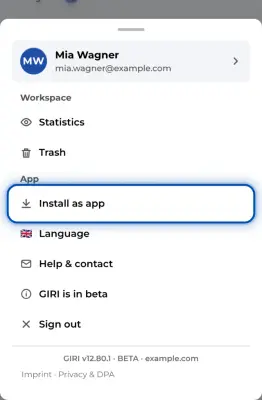
- With Install as app, GIRI sits as an icon on the home screen and opens full screen.
- Instructions that have been opened also open without a connection. On an iPhone, they only stay saved for good in the installed app.
- There is no app in any store. The installed web app is the same GIRI.
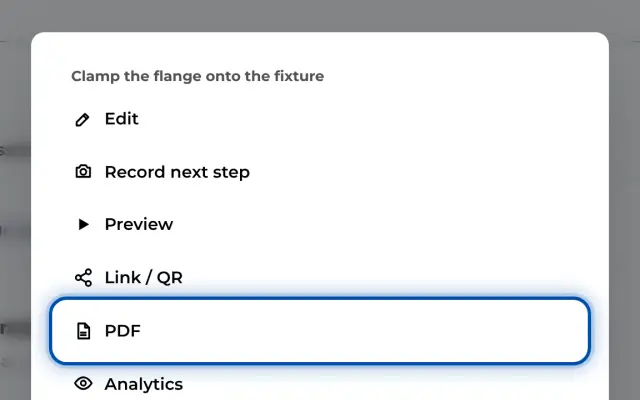
- Download PDF creates an A4 PDF in the original language or in one of 13 languages.
- It contains a cover page with version and approvals, all steps with pictures and a signature field at the end. Videos appear as up to three stills.
- The PDF shows the version that is currently being worked on. During a revision, that is the draft. Status and version are in the footer.
- Paper does not update itself. Use the PDF for audits or wherever it has to be paper.
SCORM package
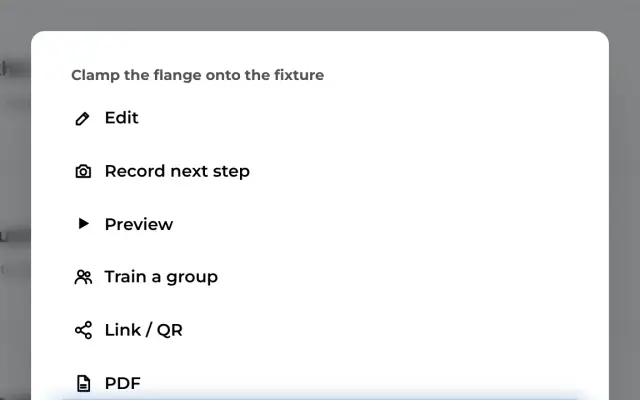
- SCORM package (LMS) brings an instruction into your learning management system (SCORM 1.2).
- This only works once GIRI has activated training for your workspace and the instruction is published.
- The package opens the approved version in GIRI, so it needs a connection.