FAQ
How long can videos and instructions be?
The limits in GIRI 12 for videos, imports, screen recording and PDF import, plus recommendations for long processes.
The short answerA video taken with the GIRI camera stops after 12 seconds; 3–5 seconds per step is recommended. Imported videos can be up to 600 MB. When GIRI converts them, it keeps the first 60 seconds. There is no fixed limit on the number of steps or chapters.
These limits apply in GIRI 12:
| What | Limit |
|---|---|
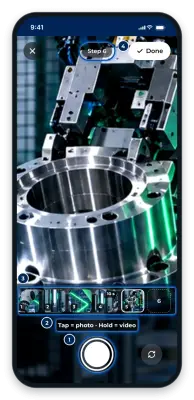
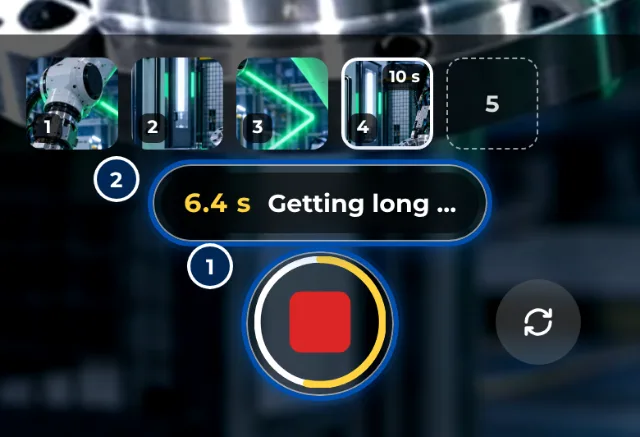
| Video taken with the GIRI camera | stops after 12 s; from 5 s it shows Getting long …, from 8 s Too long – keep it short! |
| Imported video | up to 600 MB; GIRI converts it to an MP4 of at most 1280 px and keeps the first 60 s |
| MP4 up to 25 MB and at most 1280 px | kept as it is, without converting or cutting |
| Video the browser cannot convert | up to 80 MB, unchanged |
| New step from a video | starts with the first 15 s; you can move the trim handles |
| Photos | stored at up to 1600 px on the long side |
| Screen (PC only) | up to 150 pictures per recording, stored at up to 1920 px |
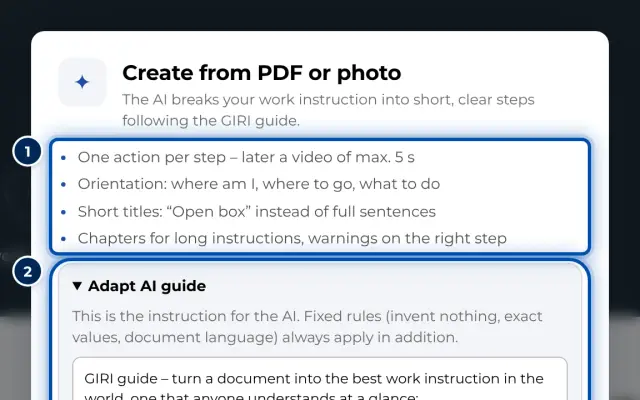
| Create from PDF or photos | PDF up to 12 MB or 1–20 photos, at most 60 analyses per workspace per day |
| Custom symbols | scaled down to at most 512 px |
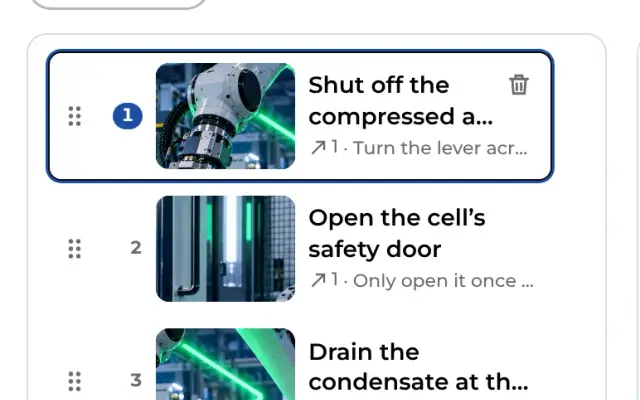
| Steps and chapters | no fixed limit |
How many instructions your workspace can hold depends on your package: Packages and licences.
Recommendations
- One action per step, 3–5 seconds of video. That way workers take in each step at a glance.
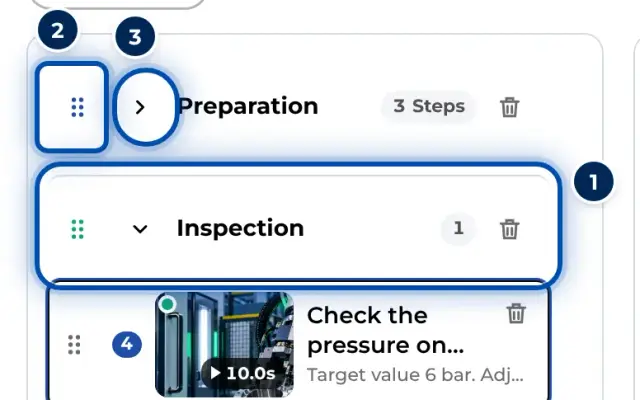
- Structure long processes in chapters. From two chapters on, workers get a Chapter overview.
- Split very long processes into several instructions. Short instructions are quicker to find and easier to keep up to date.
- Videos have no sound. Anything people would need to hear belongs in the step description.