FAQ
What does GIRI measure?
Which data GIRI records when people work with instructions, where names are stored and who can see what.
The short answerGIRI counts views without names and stores completed checklists in the job-done log, with the name the worker enters. On top of that come workers’ questions and suggestions and, if training is activated, training records.
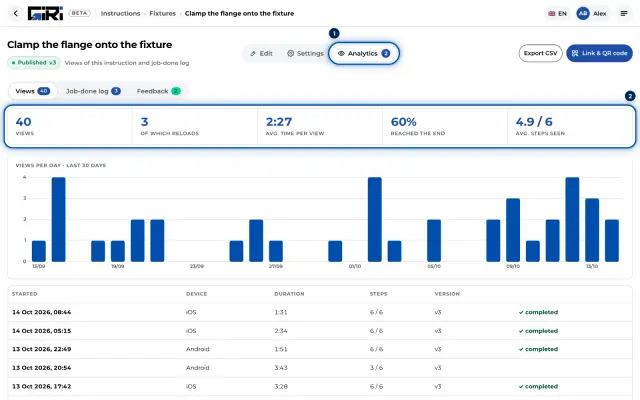
Views, without names
Every time a published instruction is opened in the worker view, for example via a link or QR code, it counts. GIRI stores the duration, steps seen, whether someone reached the end, device type and version. The Preview does not count.
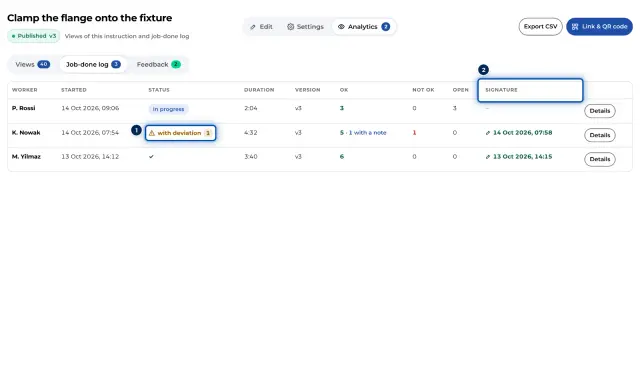
Job-done log, with names
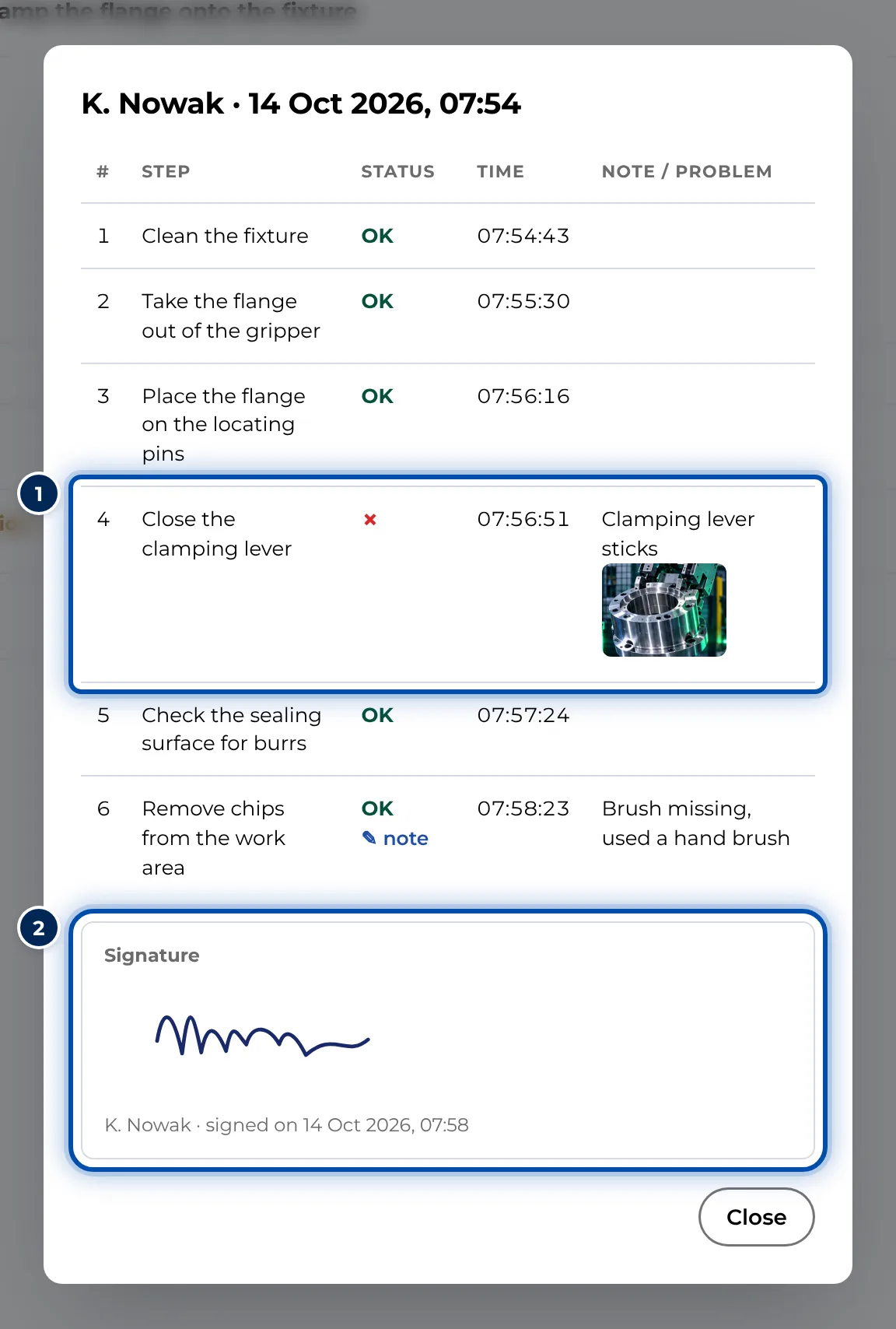
Only when an instruction’s checklist is switched on. At the start, the worker enters Your name. For each step, GIRI stores Done, Not OK or Note with time, note and photo. If Finish with a signature is switched on, the signature is added. GIRI does not check the name.
Questions and suggestions
With Question or suggestion, workers send text, a photo or a video. Giving their name is optional.
Training records
Only if GIRI has activated training for your workspace. A record shows who was trained on which instruction and when, with a signature.
Who sees what
- Workers without an account see no analytics. If they sign in to training with Number + PIN, they see their own trainings under My trainings.
- Everyone with the edit right sees an instruction’s Analytics tab.
- Workspace admins manage training records. Approvers, compliance approvers and compliance managers can read them too, as can team admins for the department named like their team.
What GIRI stores about people is described in Personal data. For discussions with employee representatives, see Information for the works council.