FAQ
Is there single sign-on?
Which ways of signing in GIRI offers, what matters for company accounts and how long a sign-in lasts.
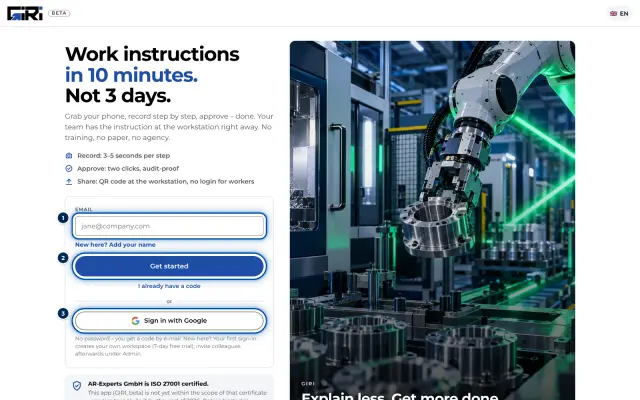
The short answerYes, with your Google account. Without Google, you sign in with a code by email, and on a phone also with a QR code from the PC where you are signed in. Other single sign-on providers are available on request at giri@ar-giri.de.
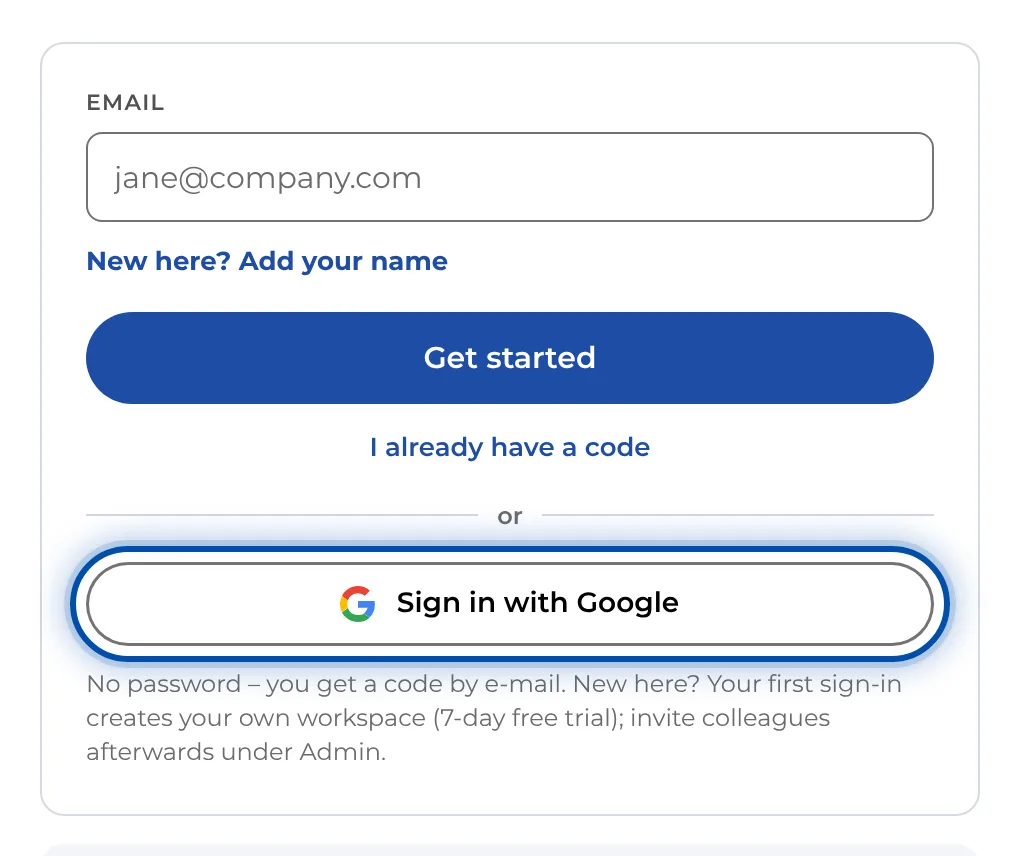
Signing in with Google
- On the sign-in page, tap Sign in with Google and choose your account. The security settings of your Google account apply, such as 2-Step Verification.
- The email address matters. Use the Google account with the address your invitation was sent to. With a different address you won’t land in your company’s workspace but get a new workspace of your own.
Signing in with an email code
- GIRI has no passwords. You enter your email address and receive a code with 8 digits. It is valid for 60 minutes and works only once.
- If the code does not arrive, see The sign-in code does not arrive.
On a phone
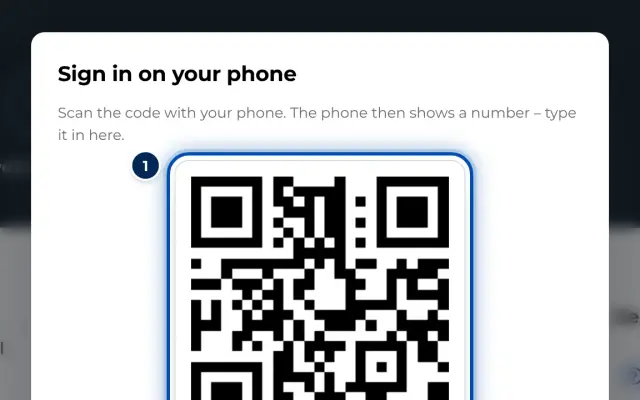
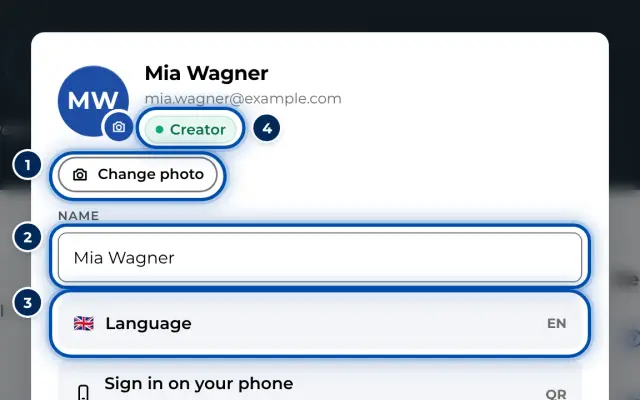
If you are signed in on a PC, open your profile there and choose Sign in on your phone. On the phone, tap Scan QR code from the PC and scan the QR code. The phone shows a number that you type in on the PC. The QR code is valid for 3 minutes.
Session and signing out
- How long you stay signed in is set by the workspace admin under Stay signed in: 1 to 365 days, 14 days by default.
- Sign out on all devices ends your session on every device.
- Workers don’t need to sign in at all. They open instructions via a link or QR code.