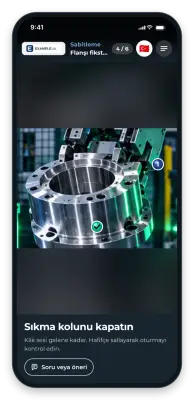
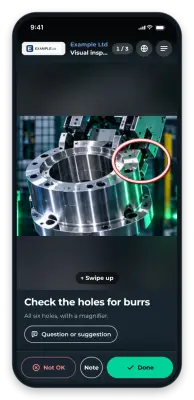
Use case
Packaging and value-add tasks
Pre-assembly, set building, kitting: many variants and easy to get wrong. With GIRI everyone sees the correct configuration as a picture, variant by variant.
Value-add tasks demand more than plain packing, right up to customer-specific configuration.
What you document
- pre-assembly, for example mounting a display bracket
- set building and kitting, for example starter kits
- packaging configuration per customer
- labelling with variant logic
- shipping preparation for complex consignments and line changeovers
The trigger: how do you recognise it?
- Complaints due to configuration errors: wrong set, missing component
- Training on new orders takes days.
- Lines are often converted for new packaging.
- Pre-assembly errors lead to rework.
- International employees need a lot of explanation.
The GIRI approach
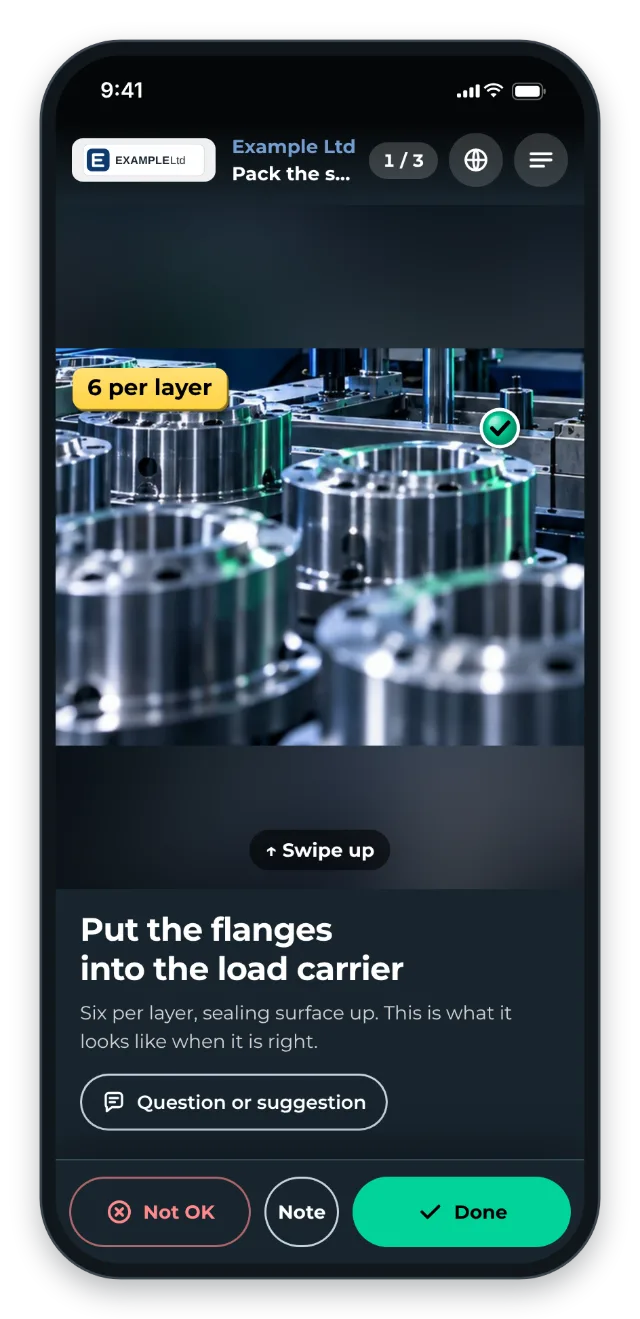
The QR code is at the packing or pre-assembly station. There is one instruction per order variant. Comparison photos show what correct looks like. You link customer-specific special requests in the step text.
The value
- Fewer complaints thanks to consistent configuration
- Faster training on new orders and line changes
- Scalable despite staff turnover
Typical users
- Contract logistics and 3PL with value-added services
- Manufacturers with a wide range of configurations
- E-commerce fulfilment with custom packaging
- Electronics with customer-specific configuration
What you want to avoid
- One instruction for all variants. Be specific per configuration instead.
- Treating pre-assembly as self-explanatory. Otherwise there would be no complaints.
- Including picking. Wrong use case, too repetitive.
What to measure
Record the values before you start and compare them after a few weeks.
- Complaints due to configuration errors: wrong set or missing component, per month and customer.
- Training time: hours until staff pack a new variant without errors.
- Rework: pre-assembly errors that have to be corrected later.
- Use: the Statistics page shows which variant instructions are opened and how often (Statistics for the whole workspace).
How to do it in GIRI
-
Record the most common variant and duplicate it for the other variants. Each copy starts as a draft: adapt it and submit it for approval (Duplicate an instruction).
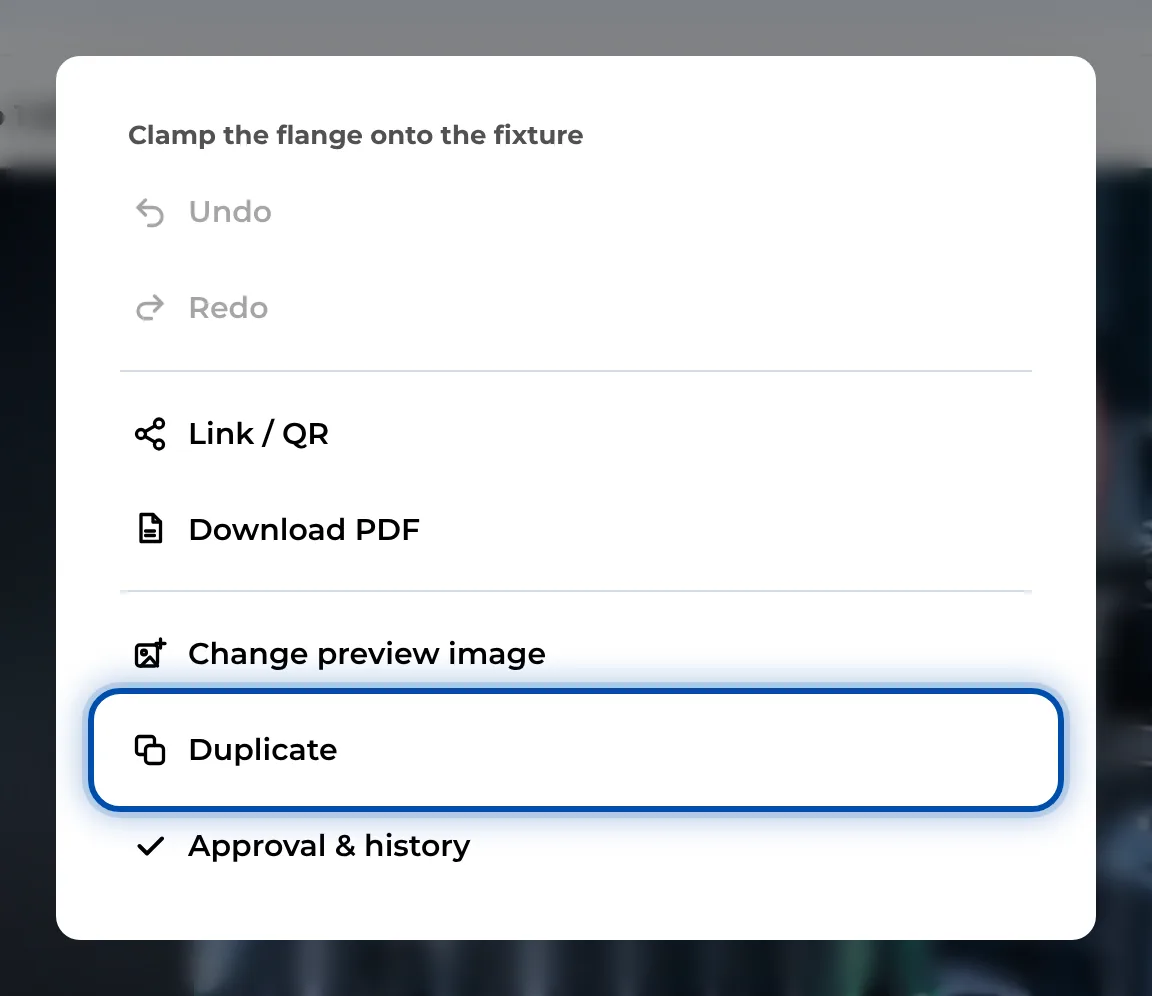
Duplicate in the ⋯ menu of an open instruction -
Show the correct result as a photo and mark details with Arrow and Check (Add markings and symbols).
-
Put one customer’s variants in a folder and put the folder’s QR poster up at the packing station (Create folders, QR poster for a folder).
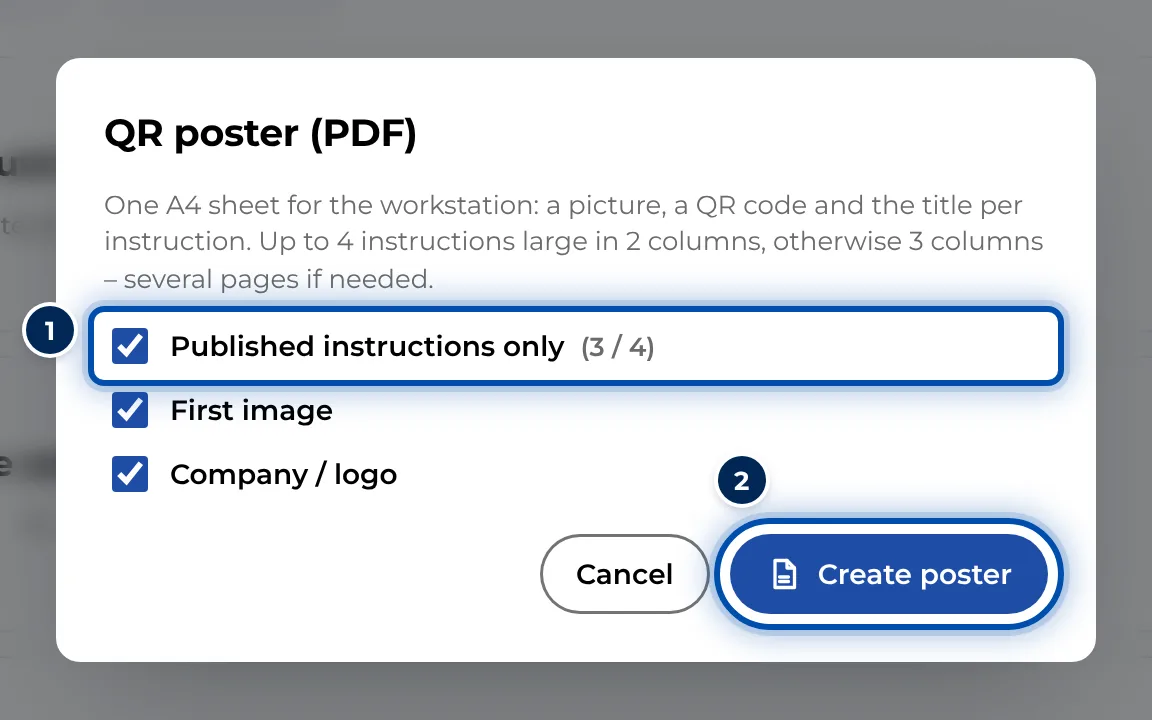
The QR poster dialog for a customer’s folder -
Add customer specifications, for example a packing scheme on your intranet, as a link in the step text (Format text).