Guide
Configure AI
Set the guide the AI follows when it suggests steps during an import from PDF or photos, the same for the whole workspace.
What for?
During an import from PDF or photos, an AI breaks the document down into steps. How it does that is set out in a guide: one action per step, short titles, warnings on the right step. As an admin you adapt this guide for the whole workspace, for example to your terminology, your writing style or your chapter structure.
Before you start
- You are a Workspace Admin.
- The AI only works during an import from PDF or photos, see Create from PDF or photos (AI). What happens to the data is explained in AI in GIRI: what happens to my data?.
Step by step
-
Open Menu → Configure AI. GIRI opens Users & teams and jumps to the Configure AI card. The top right shows Default guide active or Adapted guide active.
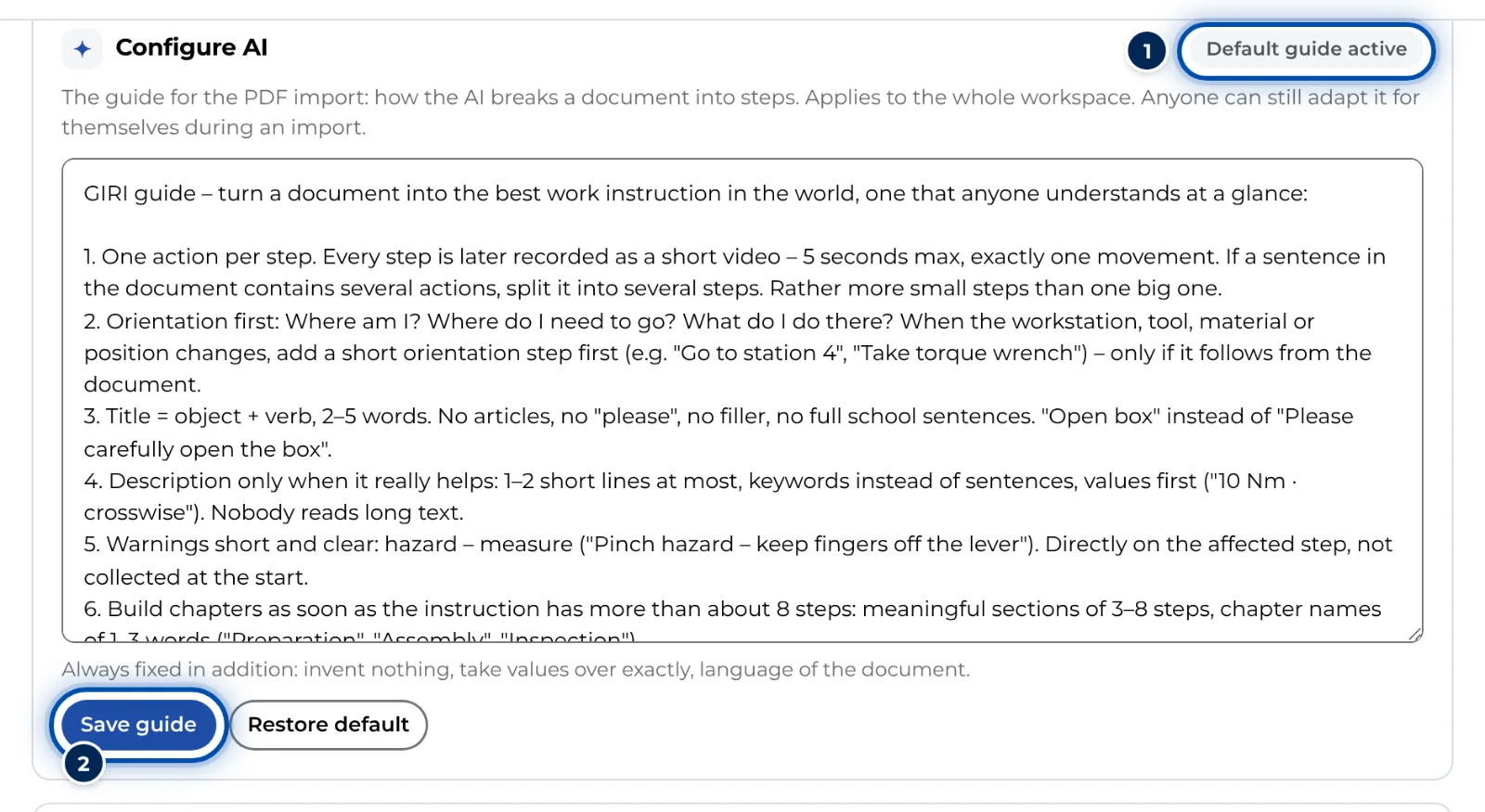
The Configure AI card with the default guide in the text field -
Change the text in the field. The default consists of nine rules. You can reword rules, delete them or add your own, such as fixed terms for parts or a rule for chapter names.
-
Click Save guide. The status changes to Adapted guide active. From the next import onwards, the AI works to your guide.
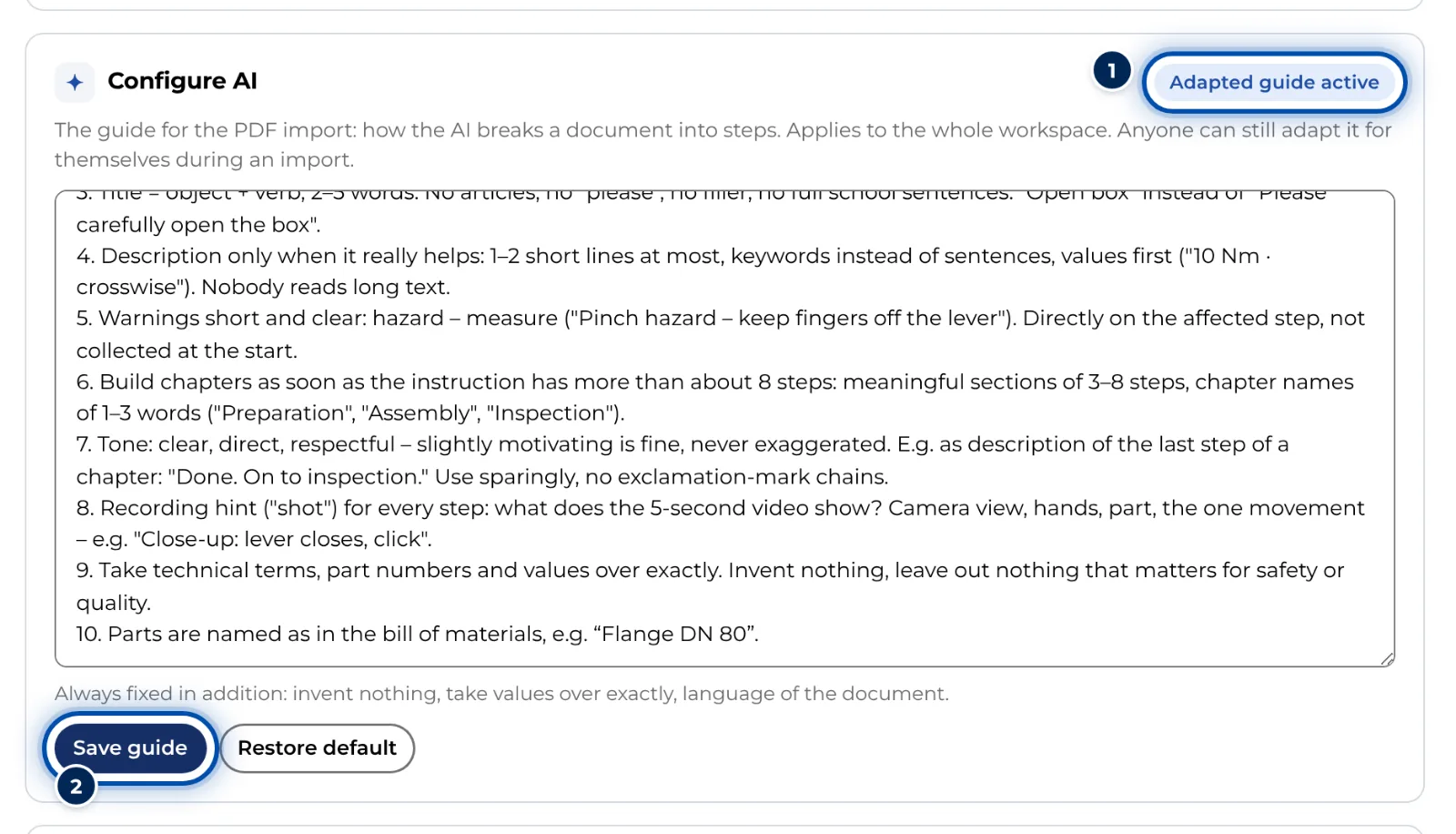
After saving, the adapted guide is active -
To go back to the original, click Restore default. This only loads the default into the field. Then click Save guide.
Straight from an import
-
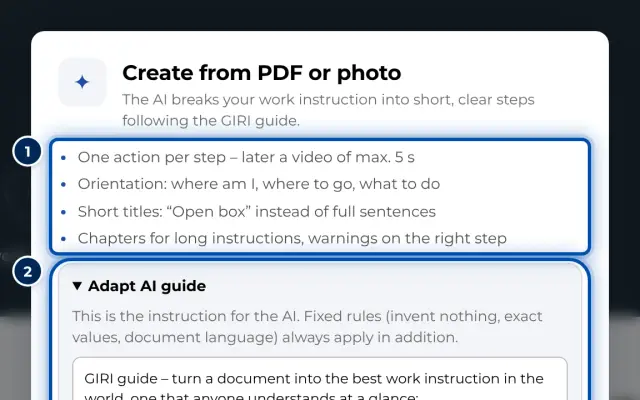
In the import dialog, open Adapt AI guide. As an admin you also see Save as workspace default and Configure AI (workspace) there. This lets you turn a guide that worked well in one import into the default for everyone.
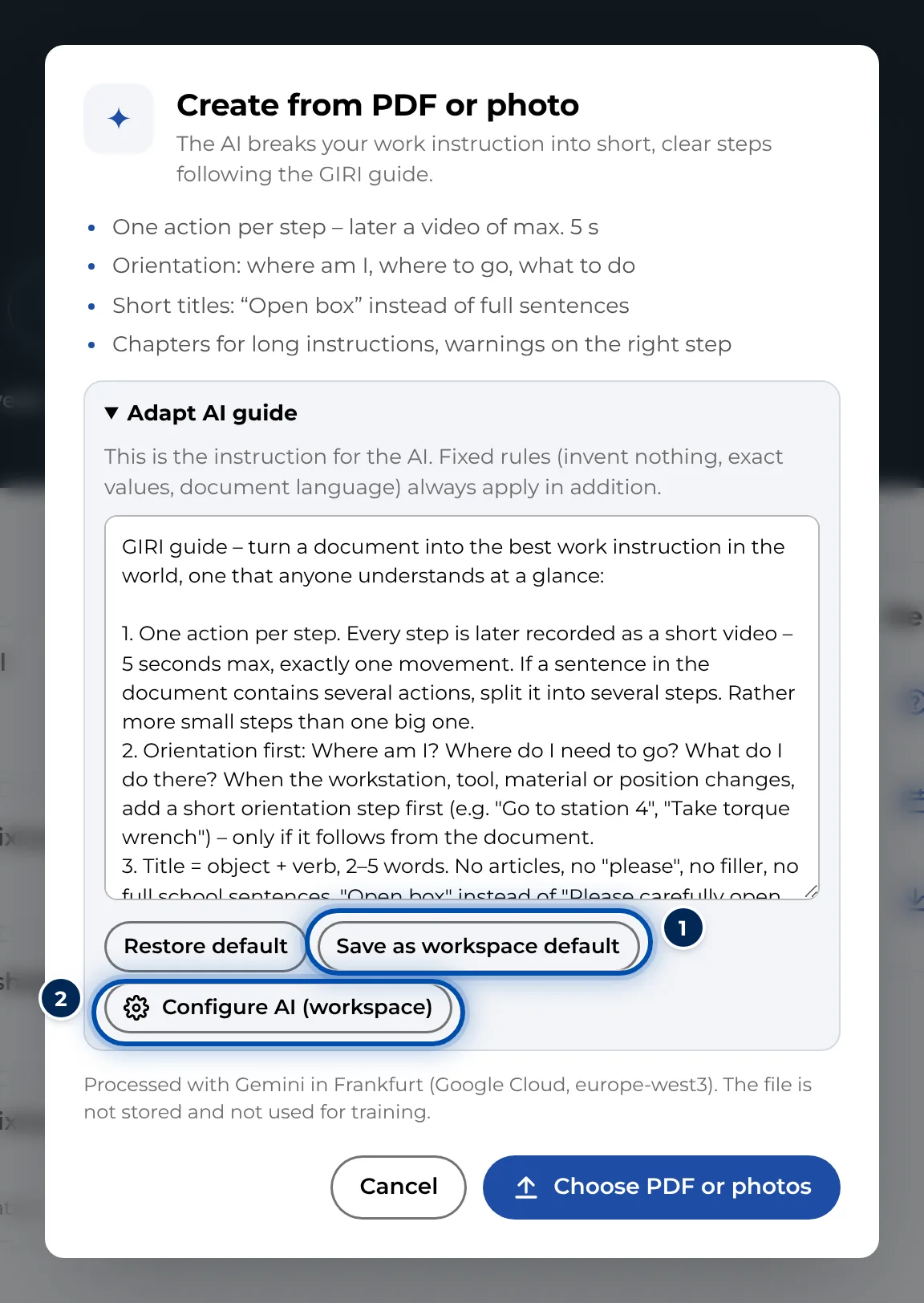
The import dialog with the AI guide opened and the buttons for admins
Tips
- These rules always apply on top and cannot be changed: invent nothing, copy values exactly, keep the document’s language.
- The AI reads at most 6,000 characters of the guide. GIRI cuts off anything beyond that. Short, clear rules work best.
- If you save the default unchanged, it stays active. People who use GIRI in German then get it in German, everyone else in English. A customised guide is used by everyone exactly as you wrote it.
- Test a new rule with a short document and check the proposal under Review proposal before you save it for everyone.
- Each workspace can run 60 analyses in 24 hours.
Common problems
- Someone still gets proposals based on the old guide. They changed the guide for themselves during an import. Their device remembers that version, and there it takes priority over the workspace guide. In the import dialog, they open Adapt AI guide, click Restore default and then Choose PDF or photos. From then on the workspace guide applies on that device again.
- The AI does not follow a rule. The AI makes proposals, not finished instructions. Make the rule shorter and clearer, and check every proposal.
- The daily limit has been reached. GIRI counts the analyses of the last 24 hours. As soon as the oldest of them fall outside that window, it works again.
- The card is missing. Only admins see Configure AI. Everyone else can only adapt the guide for their own import.