Guide
Subscription and receipts
See which package your workspace has and how much of it is used, and manage your card, receipts, yearly plan and cancellation.
What for?
The Subscription dialog shows which package your workspace has and how long it runs. What you can do there depends on how you got GIRI: through a contract with GIRI, or by card on the purchase page.
Before you start
- Only the Workspace Admin can take action. Only admins see Subscription and receipts in the menu.
- Everyone can read it: Menu → Help & contact → Subscription and contract. After a purchase by card, the entry is called Packages and prices.
- The customer portal, the yearly plan and ending the trial are only available after a purchase by card.
Step by step
-
Open Menu → Subscription and receipts. The Subscription dialog opens, with your workspace’s status at the top.
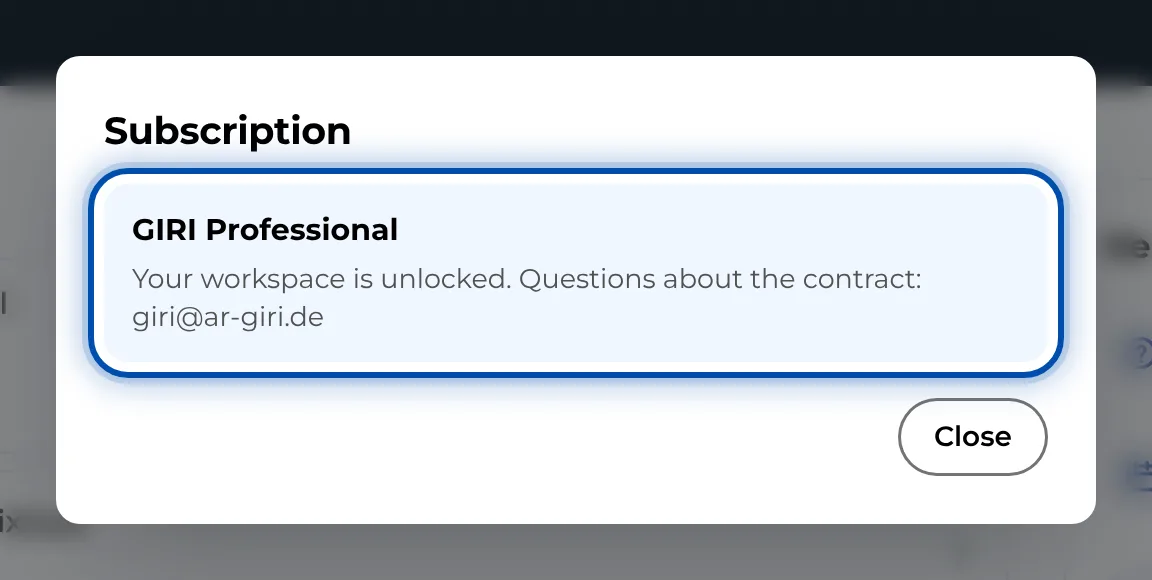
The Subscription dialog for a contract with GIRI -
Contract with GIRI: the status says your workspace is unlocked. Invoices and questions about the contract go directly through GIRI: giri@ar-giri.de. There is nothing else to do in the dialog.
-
Trial without a card: the status shows the days left. For a package, book a call with Book a call or ask for an offer with Request an offer.
-
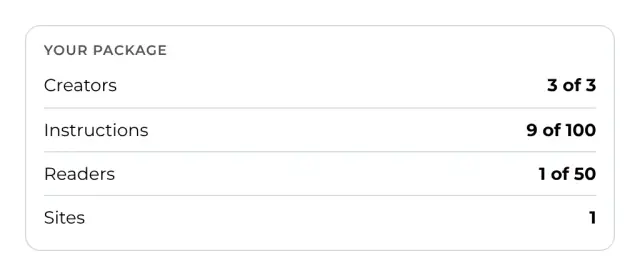
Purchase by card: under Your package you see how many creators, instructions, readers and sites the package includes and how many are in use.
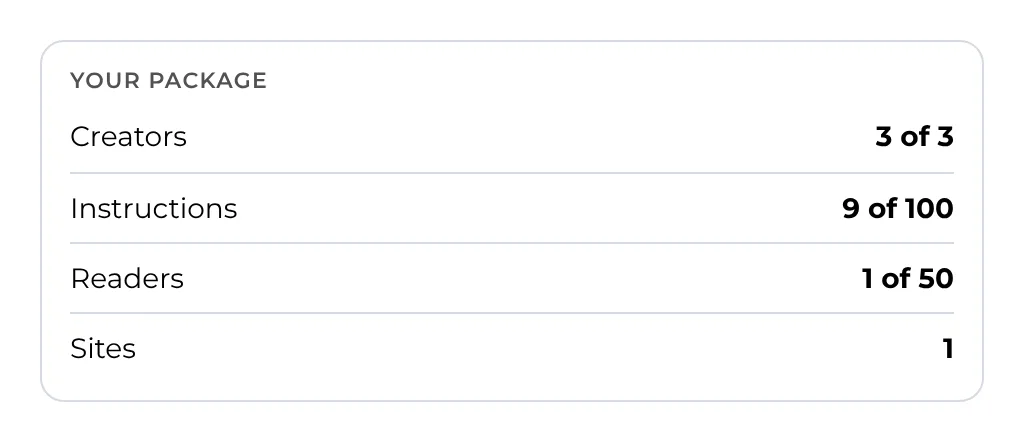
Package usage in the Subscription dialog: creators, instructions, readers and sites -
Click Customer portal: card, receipts, cancellation. In Stripe’s customer portal you change the card, download receipts or cancel. After a cancellation, everything keeps working until the end of the paid period.
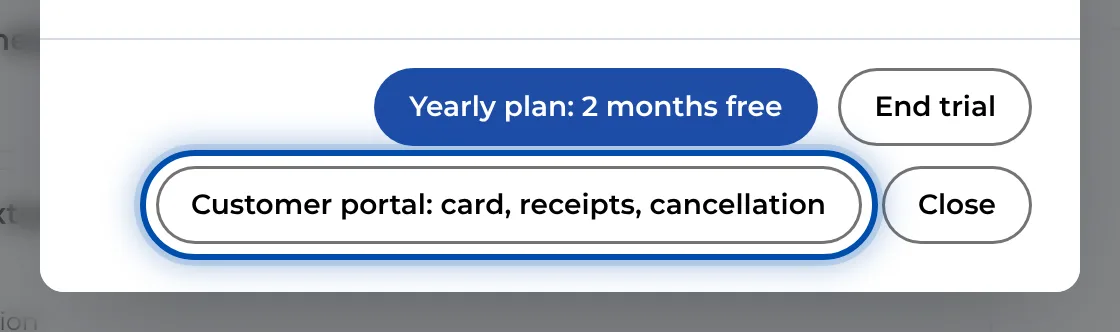
Buttons in the Subscription dialog during a trial with a card -
During a trial with a card there are two more buttons. The yearly plan button charges the yearly amount to the card on file straight away. If the bank wants to confirm the payment, continue with Continue to checkout; the trial keeps running until then. End trial asks for a reason and ends the subscription at once. Nothing is charged, and you can use GIRI until the end of the trial.
Tips
- Accounts and pending invitations with the workspace role Workspace Admin, Team Admin, Creator or Editor count as creators. All other accounts and invitations count as readers. Workers who only open links do not count.
- Three days before a trial with a card ends, a reminder arrives by e-mail.
- What the packages include is on our website under Pricing.
- When a subscription ends, the workspace becomes read-only. What still works then is described in What happens to my data when the contract ends?.
Common problems
- The subscription menu item is missing. Only admins see Subscription and receipts. Everyone else opens the dialog read-only via Help & contact.
- There is no customer portal in the dialog. The customer portal only exists after a purchase by card. With a contract, write to giri@ar-giri.de.
- The last payment did not go through. Stripe will try again. Update your card in the customer portal.
- The package is full when you invite someone or create something. GIRI then shows Package limit reached. Book a call or ask for an offer for a bigger package.
- The status says the workspace is paused. Instructions can then be viewed but not changed. Write to giri@ar-giri.de.