Guide
My trainings (for employees)
With the number and PIN on your card you see which trainings are outstanding, what expires soon and what is done, and start them straight away.
What for?
You always know yourself which briefings you still have to do, without asking around. You need neither a GIRI account nor an email address. The page exists if GIRI has activated training for your company’s workspace (ask at giri@ar-giri.de) and signing in with number and PIN is set up.
Before you start
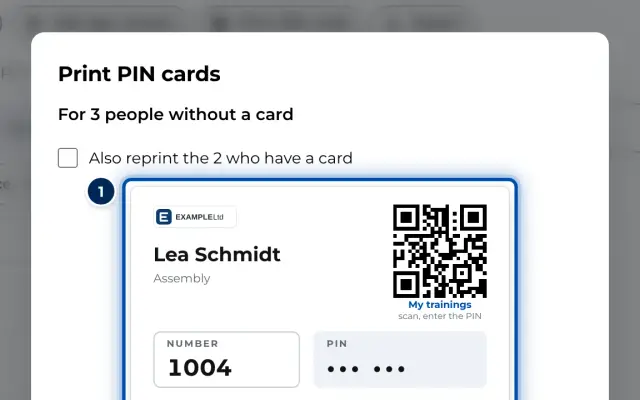
- You have a PIN card from your supervisor. It shows your number, your PIN and a QR code.
- A phone, tablet or PC with internet access.
Step by step
-
Scan the QR code on your card with the camera. My trainings opens with your number already filled in. You can also open the link or QR code to My trainings that your supervisor gives you, for example on the notice board. GIRI then asks Who are you?: type the number on your card and tap ✓.
-
Your name appears at the top. If that is not you, tap Not you?. Type your 6-digit PIN. After the sixth digit GIRI signs you in.
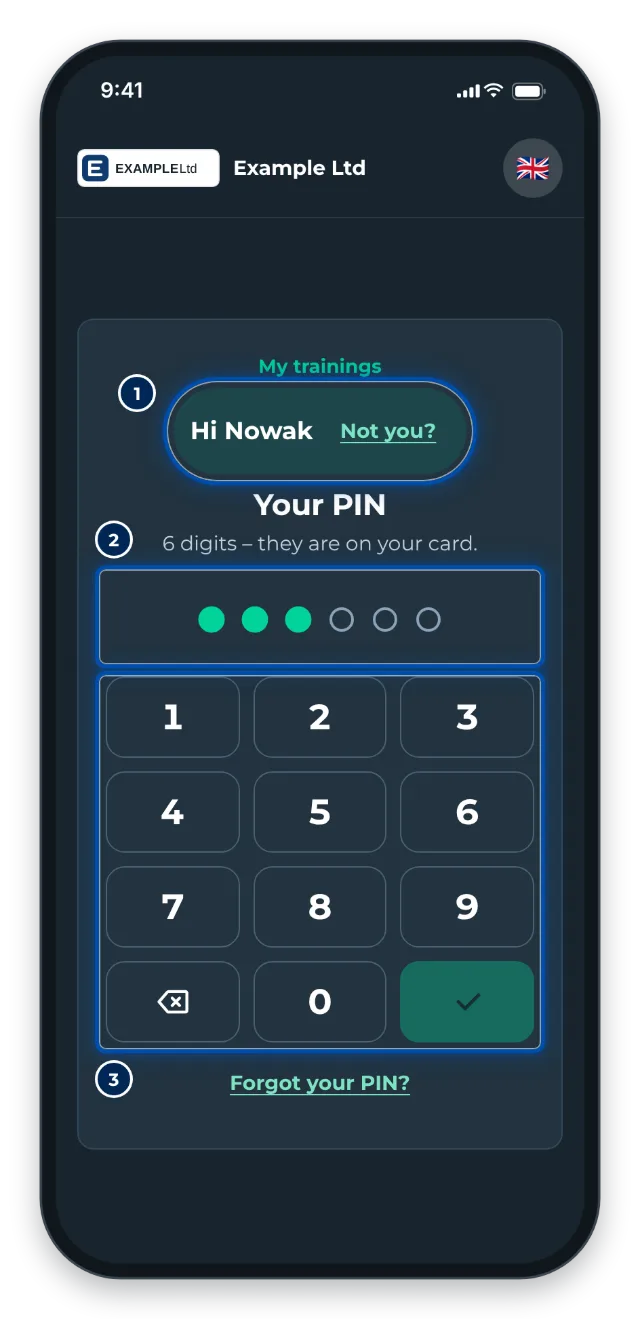
Phone: Hi with the name, the keypad for the PIN below -
You see your trainings:
- To do: never done or expired. Tap Start.
- Due soon: expires within the next 30 days. Tap Refresh.
- Done: folded away, with the date and how long the training is valid.
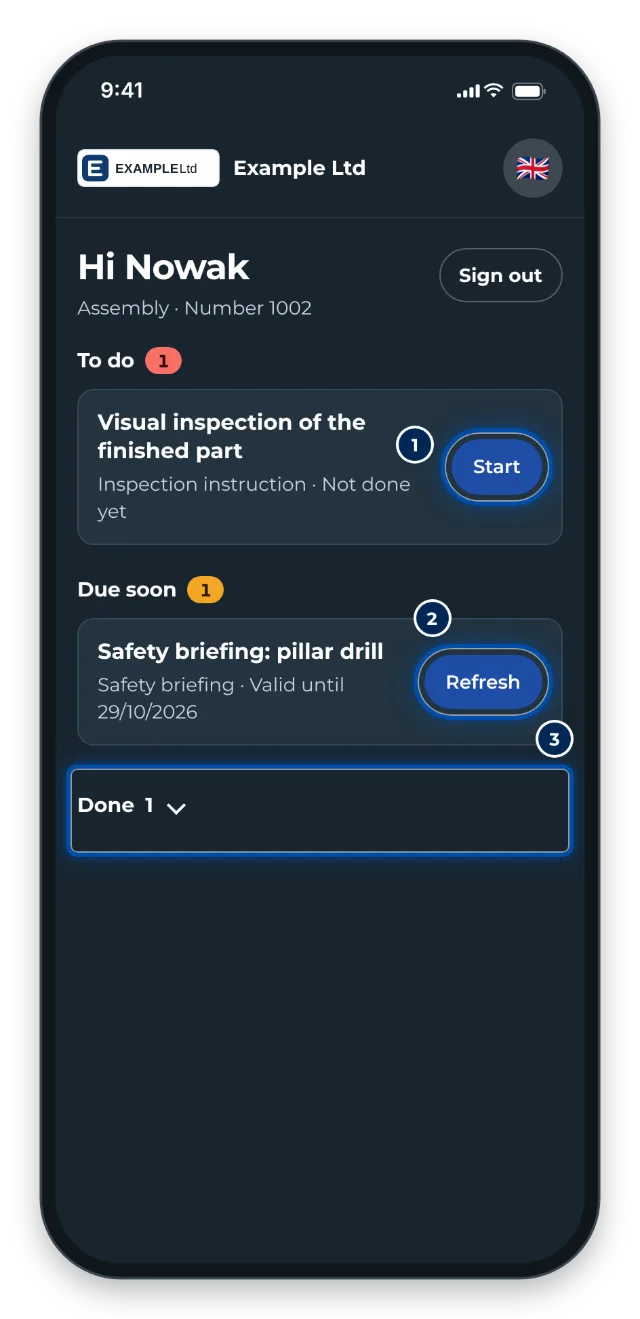
Phone: My trainings with To do, Due soon and Done -
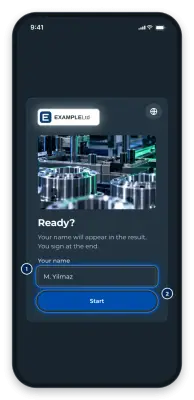
The training opens with your name. Tap Start and work through the training step by step. At the end you sign with your finger and tap Confirm. If the training has a checklist, you confirm every step and, after signing, finish with Finish, see Complete and sign a checklist.
-
GIRI thanks you and, for trainings that expire, shows until when it is valid. Tap My trainings for the next training, or Next person if someone else is using the device.
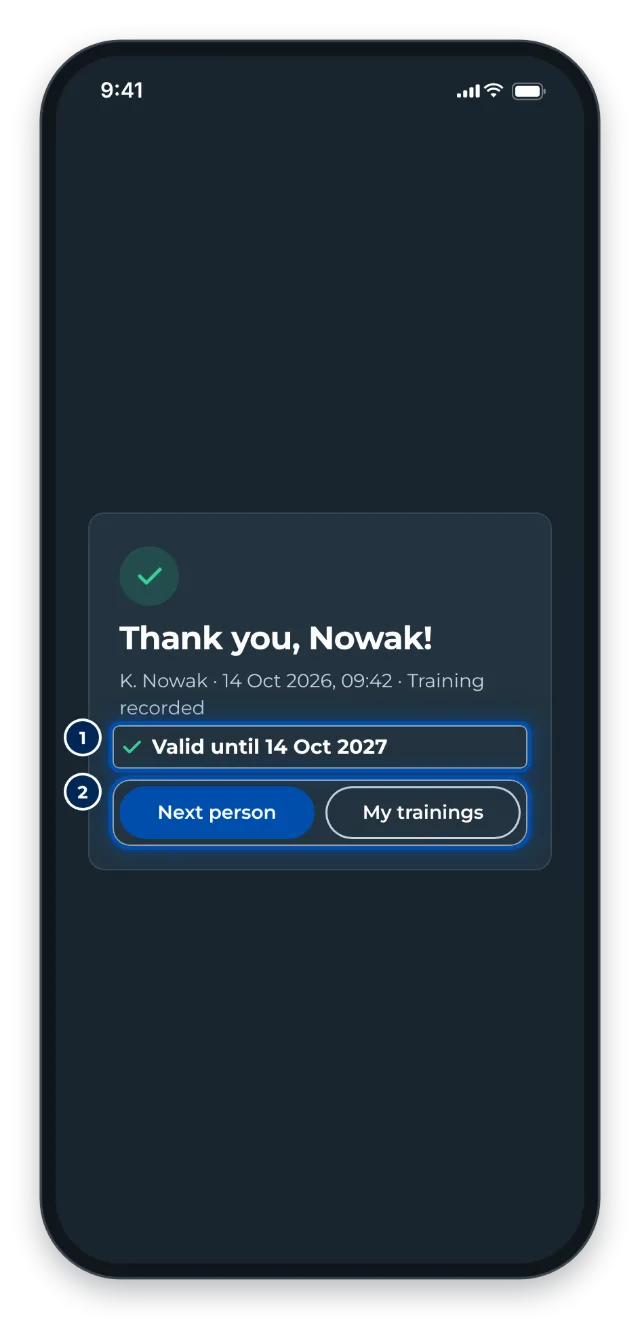
Phone: Thank you with Valid until and the Next person and My trainings buttons -
When you are done, tap Sign out.
Tips
- Keep your PIN secret. Anyone who knows it can sign in as you and sign on your behalf.
- GIRI signs you out by itself: on the overview after 90 seconds without input, after the thank-you after 30 seconds. In the last few seconds a countdown appears with I am still here.
- If you do not touch anything for 3 minutes during a training, GIRI asks, for example, Are you still there, Tom? Enter your PIN within 30 seconds and you carry on where you were.
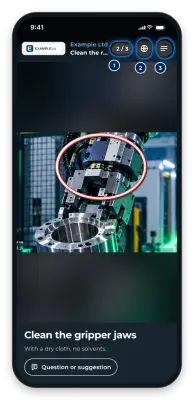
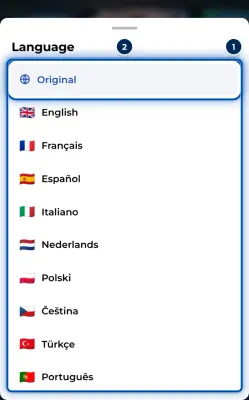
- You change the language with the icon at the top right. If your company has stored a language for you, GIRI starts in it.
- Closing the browser tab signs you out.
Common problems
- We do not know this number. Check your card. Type the number exactly as it is on the card.
- Wrong PIN. 3 tries left. After 5 wrong PINs you have to wait a moment. After many wrong PINs the PIN is locked. Then ask the person named on your card.
- You do not have a PIN yet. Ask Lea Schmidt.
- The link or QR code does not work. If you see This link is incomplete, open the page with the QR code on your card. If GIRI says the link is no longer valid, your company has created a new one. Ask your supervisor for it. Your number and PIN still work.
- A training shows No link yet – ask your supervisor. This training cannot be opened yet. Let your supervisor know.