Bootcamp
Phase 3 · Module 1 · From lighthouse to system
Early week 7: folders, a naming scheme and maintenance on the PC, so that even 60 and more instructions stay quick to find.
Without a system you get “Maintenance 2”, “Tom’s trick” and duplicate instructions, and after 3 months nobody finds anything. 25 minutes of architecture now beat 5 hours of clean-up later.
< 30 ssearch time as the target
4–7main folders
0years in titles
The workshop: 90 minutes, 5 steps
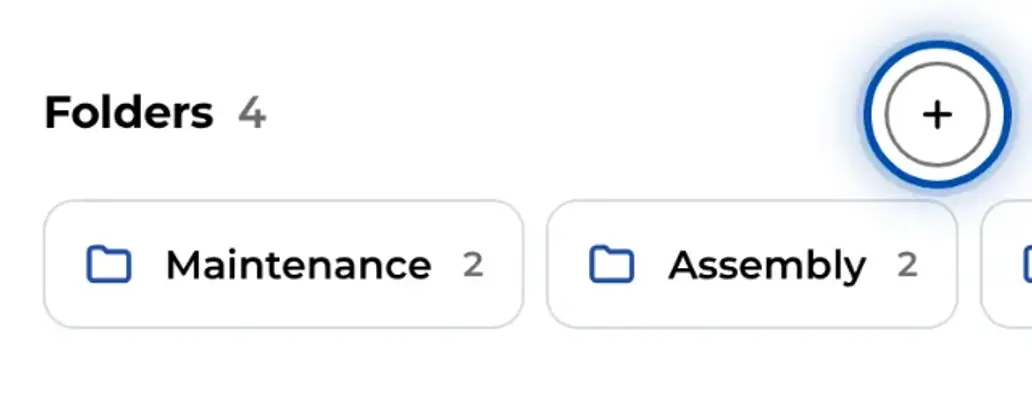
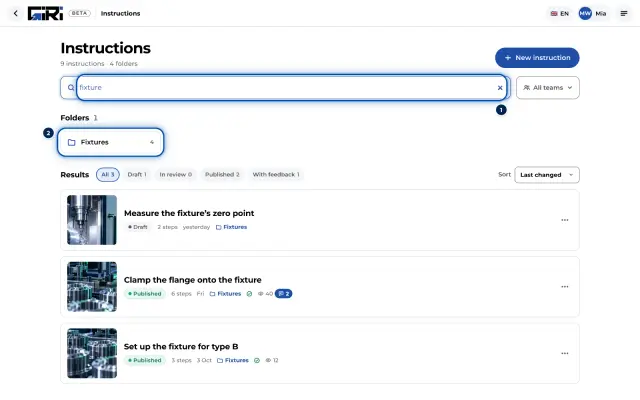
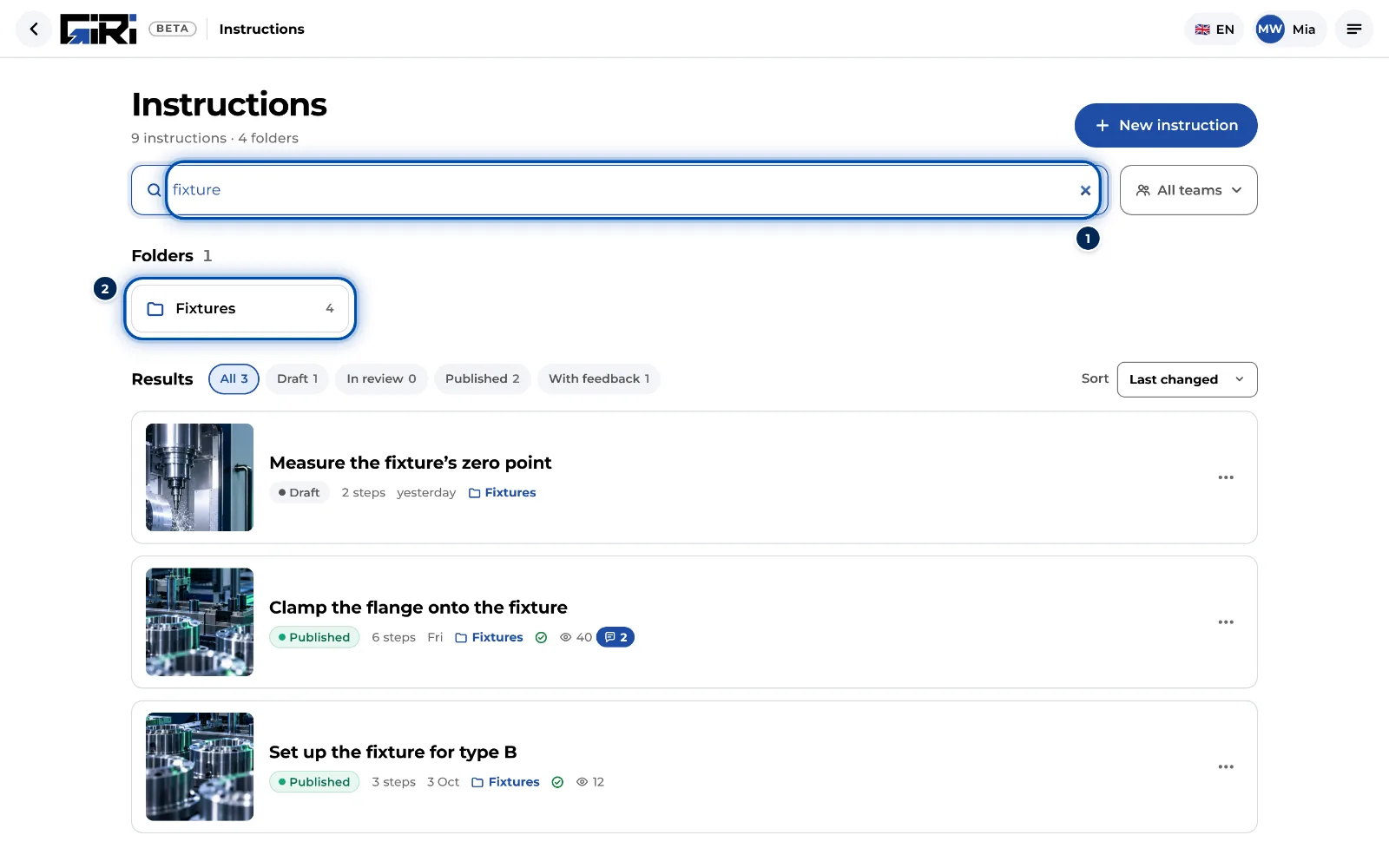
- Design the library (25 min). Sort primarily by machine or area: “Where is the instruction for the CNC mill?” In GIRI these are 4–7 folders. Put the use case into the title, and the search finds it.
- Set the naming scheme (15 min). Area · Task · Variant, for example “CNC mill · Tool change · Aluminium”. No years in titles: GIRI counts the versions itself.
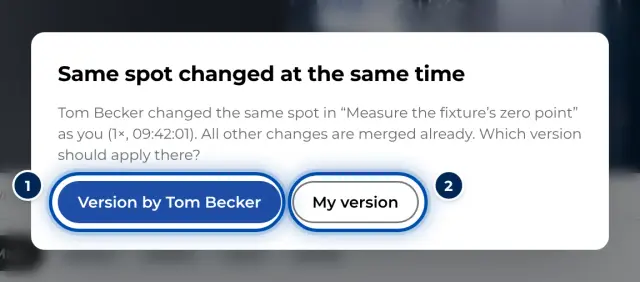
- Introduce maintenance on the PC (20 min). The phone for recording, the PC for maintenance: texts, markings, order, versions. It is the same app in the browser. If two people work on one instruction at the same time, GIRI merges changes made in different places. Who gets trained when?
- Migrate the existing instructions (20 min). Move the phase 2 instructions into folders and rename them to the scheme. The gaps that show up are your next backlog.
- Scaling plan (10 min). 2–3 new areas, one named person per area, a status check every 2 weeks.
Homework weeks 7–8 (~6 hrs)
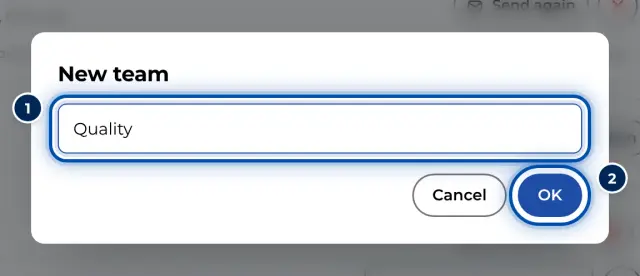
- Set up the folders and access in GIRI.
- PC training for 2–3 multipliers, about 1 hour per person.
- File and rename all phase 2 instructions, about 3 hours.
- The first 5–10 new instructions in the new areas.
- For module 2: which machines need content on site, which languages?