Use case
Tool change and setup (SMED)
Every minute the machine stands still for setup costs productivity. With GIRI the best SMED sequence is followed the same way on every shift, not just pinned to the wall.
SMED only works if the optimal sequence is followed consistently. That is usually where it fails.
What you document
- tool change on the injection moulding machine
- setting up the stamping die
- format change on the packaging line
- mounting new fixtures on the CNC
- the SMED logic: external and internal setup steps
The trigger: how do you recognise it?
- Setup times vary widely between shifts, for example 10 against 25 minutes for the same change.
- Your SMED cards have been pinned to the board for 2 years, but nobody follows them.
- Your “setup expert” is retiring soon.
- New employees take twice as long to set up.
The GIRI approach
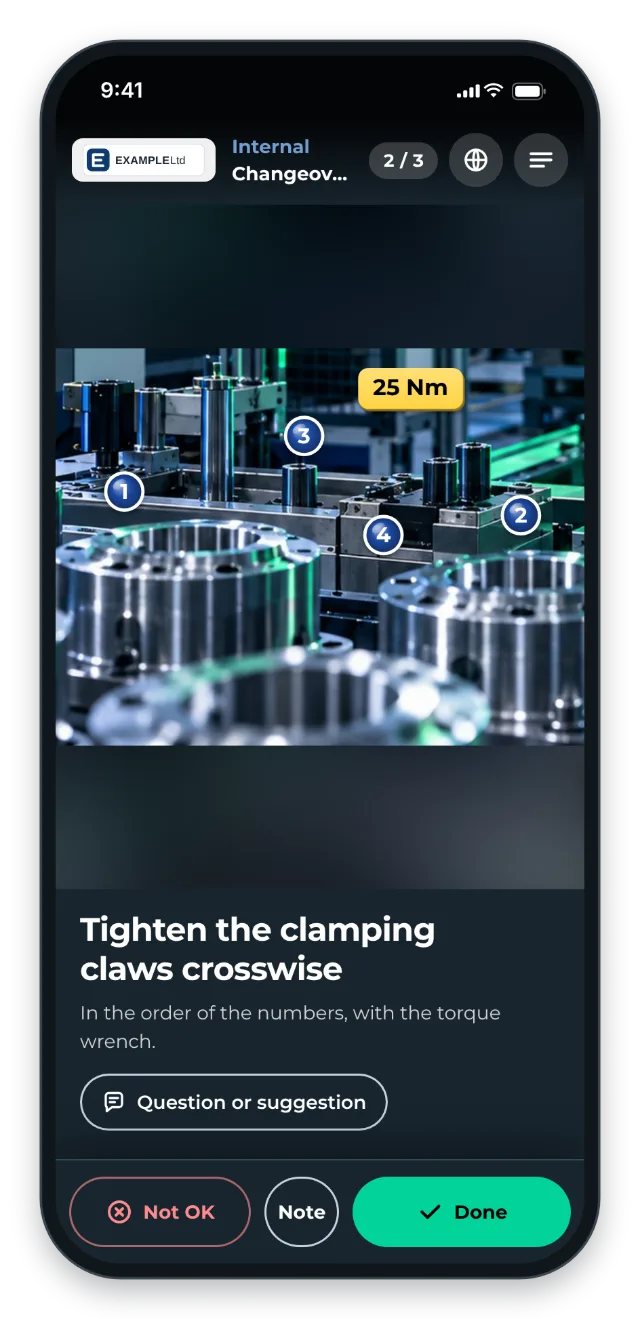
The QR code is on the tool or the machine. The SMED logic becomes visible: the chapter “External” contains everything that happens before the stop. The chapter “Internal” contains the steps while the machine is stopped.
Comparison photos show what correctly mounted looks like. Numbers on the picture set the tightening sequence, and torque values sit next to them as text.
The value
- Shorter setup times through standardised procedures
- More consistent setup times with less variation between shifts
- External setup steps are moved up front. The machine stands still for less time.
Typical users
- Injection moulding and forming
- Stamping and press technology
- Packaging lines
- Contract manufacturing with frequent order changes
What you want to avoid
- Treating setup as a matter of experience. That is exactly the problem a clear standard solves.
- Only showing the optimal sequence. Show the typical mistakes too.
- Not separating external setup steps. Without SMED logic it stays half-optimised.
What to measure
Record the values before you start and compare them after a few weeks.
- Setup time: minutes from the last good part of the old order to the first good part of the new one. GIRI has no stopwatch. With the checklist in Per chapter only mode, though, the job-done log shows the duration of every run and the time each chapter was confirmed.
- Variation between shifts: the gap between the fastest and the slowest change of the same kind.
- OEE: availability, performance and quality of the machine, from your MES or shift reports.
How to do it in GIRI
-
Split the instruction into the chapters “External” and “Internal” (Chapters and text-only steps).
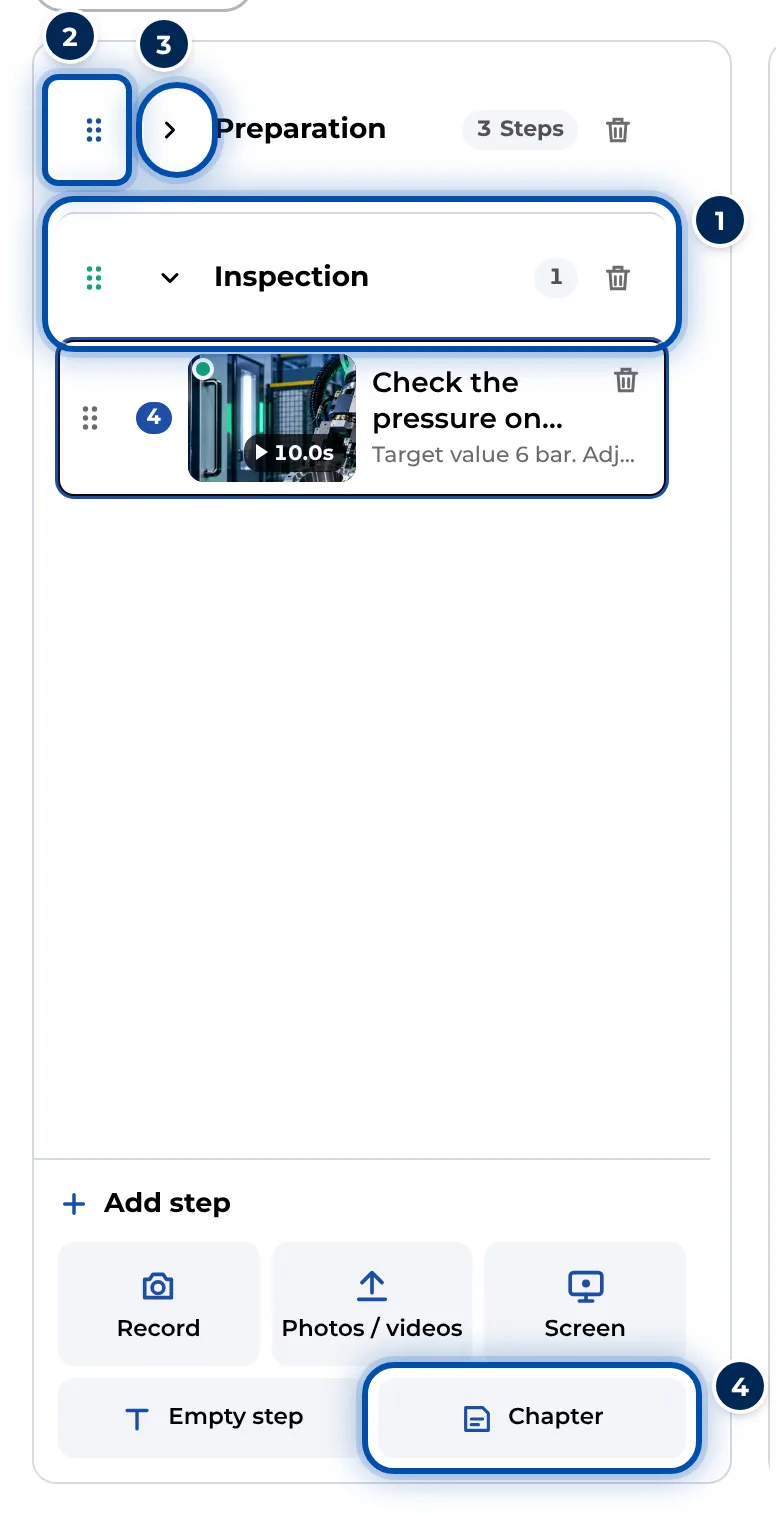
Chapters in the list of steps on a PC -
Mark bolts with Number in tightening order and add torque values to the picture with Text. Show typical mistakes in a separate step with Cross (Add markings and symbols).
-
Enable the checklist, for example with Per chapter only. The worker then confirms each chapter (Set up a checklist and signature).
-
Once the instruction is approved, put the QR sheet on the tool or machine (Print the QR sheet).
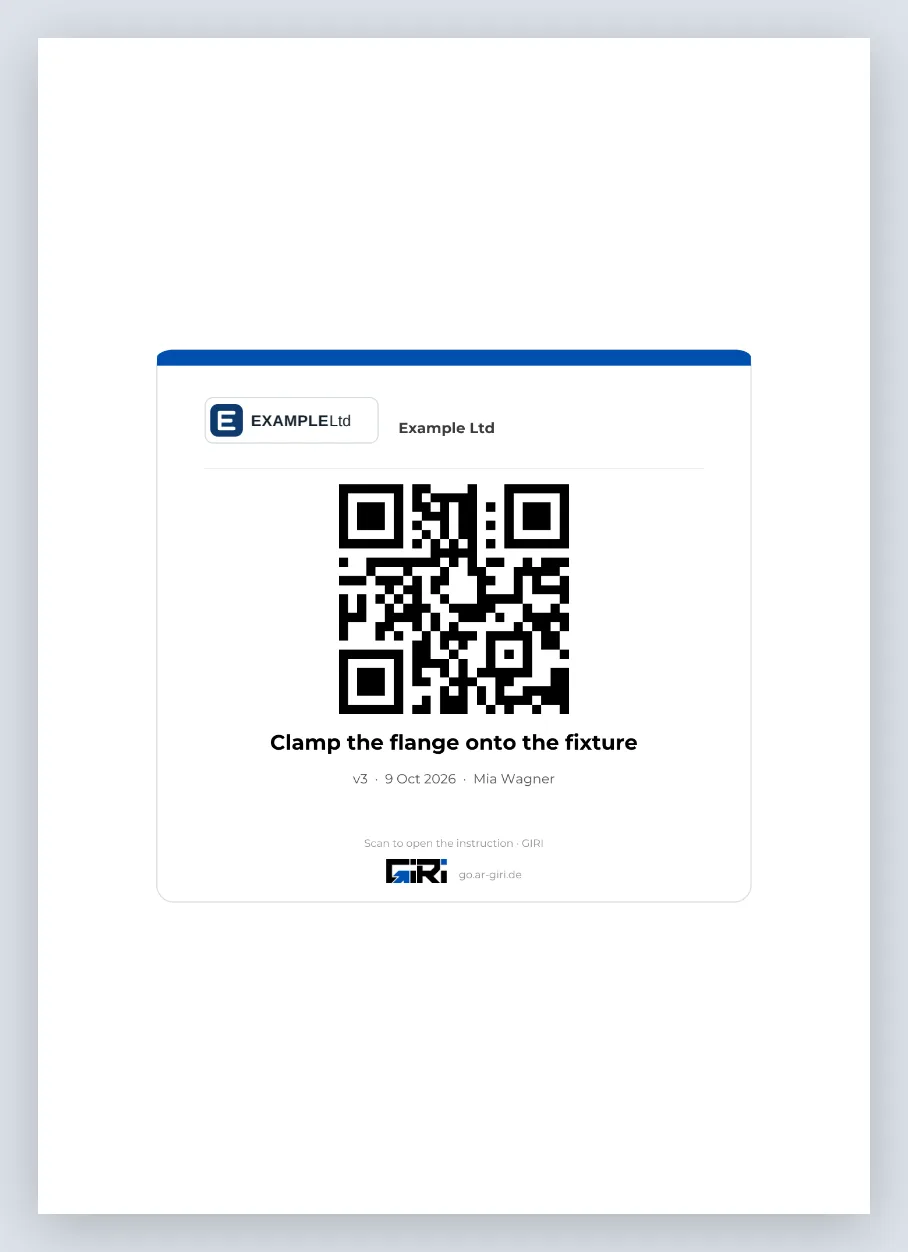
The QR sheet as an A4 PDF to put up