Use case
Quality control and inline checks
Most quality problems come from unclear inspection instructions. GIRI makes inspection visual and always at hand, with OK and NOK at a glance.
Complaints cost money and reputation. Negligence is rarely the cause.
What you document
- visual inspection with OK/NOK comparison photos
- measuring procedures on the part: which spot, which tool
- first-article inspection after setup
- inline checks at critical steps
- the escalation procedure for NOK
The trigger: how do you recognise it?
- Complaints keep piling up even though inspection rules exist.
- The inspection instruction is a 6-page Word document that nobody has at hand.
- First pass yield is too low.
- Quality problems pile up on night shifts and at weekends.
- Audit preparation takes weeks.
The GIRI approach
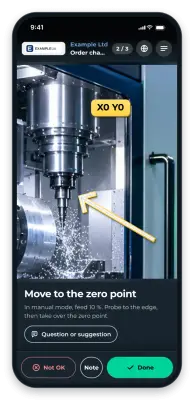
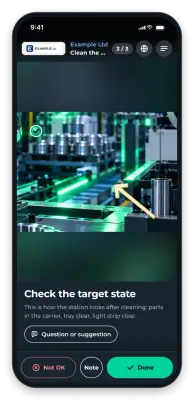
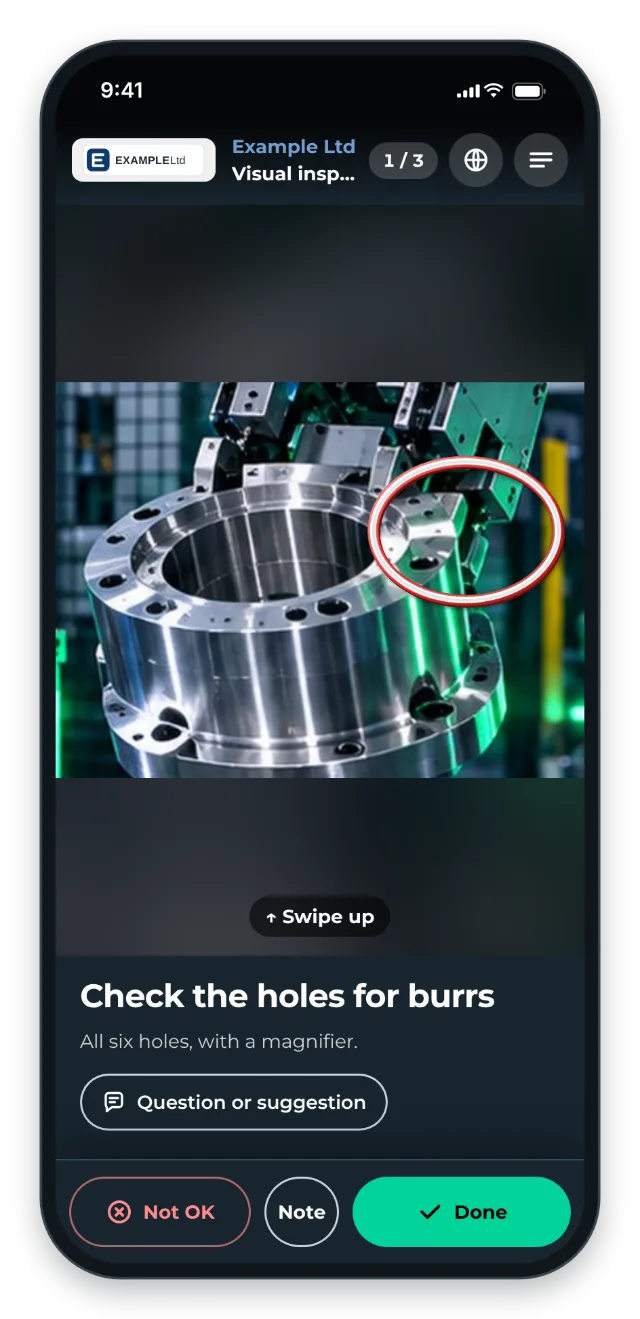
The QR code is at the inspection station. Comparison photos show: this is OK, this is NOK. Measuring points are marked with an arrow.
What happens on NOK is a step of its own in the instruction. If there is a separate escalation instruction, put its link in the step text. With the checklist on, the inspector reports a deviation with Not OK, a note and a photo.
The value
- More good parts first time through clear OK/NOK criteria
- Fewer complaints through consistent inspection
- Documented inspection processes make audit preparation easier.
- New inspectors are trained faster.
Typical users
- Automotive suppliers (PPAP, first article inspection)
- Medical technology (regulatory requirements)
- Precision engineering
- Pharma and food (HACCP, GMP)
What you want to avoid
- Inspection instructions as plain text. OK/NOK examples are visual.
- Generic checklists. Be specific per part instead.
- Forgetting the escalation. What happens on NOK belongs in the instruction.
What to measure
Record the values before you start and compare them after a few weeks.
- First pass yield: share of good parts first time through, from your inspection data.
- Complaints: number per month, per part or customer.
- Deviations during inspection: inspections with Not OK appear in the instruction’s job-done log. Across all instructions, the Statistics page with the Only with deviation filter shows just the runs with problems (Statistics for the whole workspace).
How to do it in GIRI
-
If the inspection rule is a Word file, save it as a PDF. GIRI turns it into a first draft with steps (Create from PDF or photos).
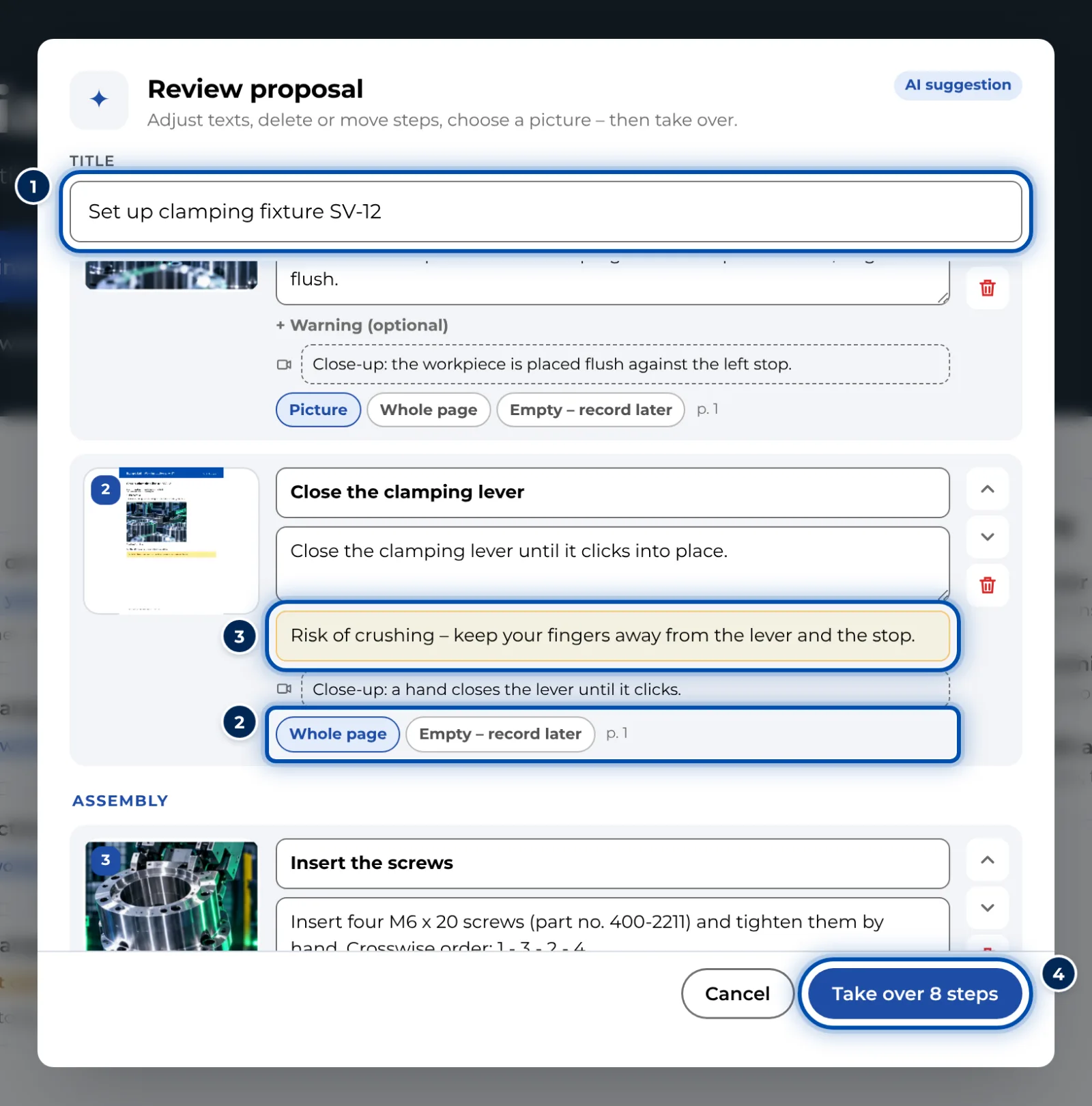
The AI’s proposal from the inspection rule: steps with title, description, warning and picture -
Show OK and NOK as photos and mark them with Check and Cross. Mark measuring points with Arrow (Add markings and symbols).
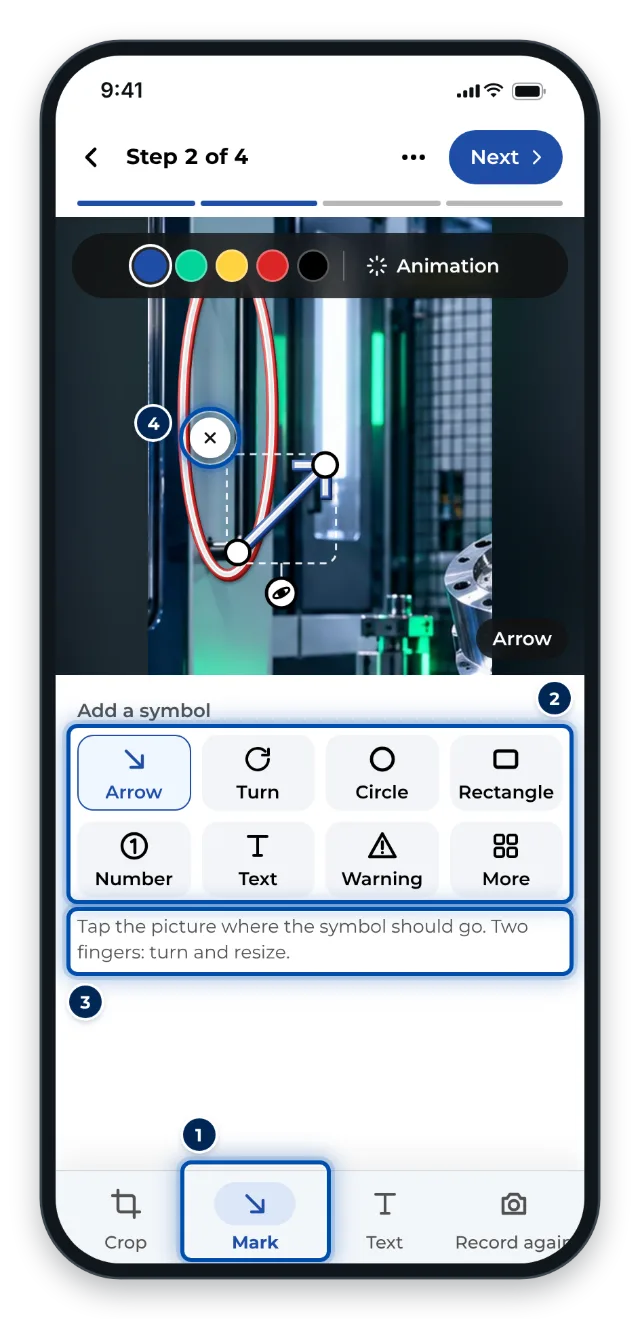
Marking up on a phone: the most common symbols for the picture -
Enable the checklist with Marked steps only and tick Confirmation required on the inspection steps (Set up a checklist and signature).
-
Copy the link of the escalation instruction and add it as a link in the step text (Format text).