Overview
Using instructions without a connection
What works offline and what does not: open saved instructions, complete checklists, send results later. And how to prepare a device.
An instruction that has been opened on the device with a connection before also opens without one. For this, GIRI automatically saves a copy on the device when you open it.
What works without a connection
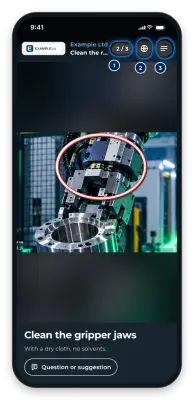
- Opening saved instructions, with all their pictures and videos. At the bottom you briefly see No network – saved copy.
- Completing and signing checklists. The result waits on the device. The end of the checklist then says: Saved on this device – sent once there is network.
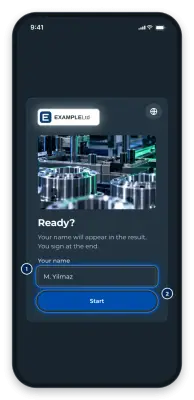
- Confirming trainings with your name. The record waits on the device as well.
Once the device has a connection again, GIRI sends whatever is waiting, as long as GIRI is open. Otherwise it goes out the next time an instruction is opened.
What does not work without a connection
- Opening an instruction for the first time. GIRI then shows 404 and says the instruction has not been published yet. The real reason is the missing connection.
- Sending feedback with Question or suggestion. What you wrote is lost.
- Loading a new language.
- For trainings: signing in with a number and PIN.
- Sending photos for Not OK and Note. The result arrives, the photos do not, not even later.
How to prepare a device
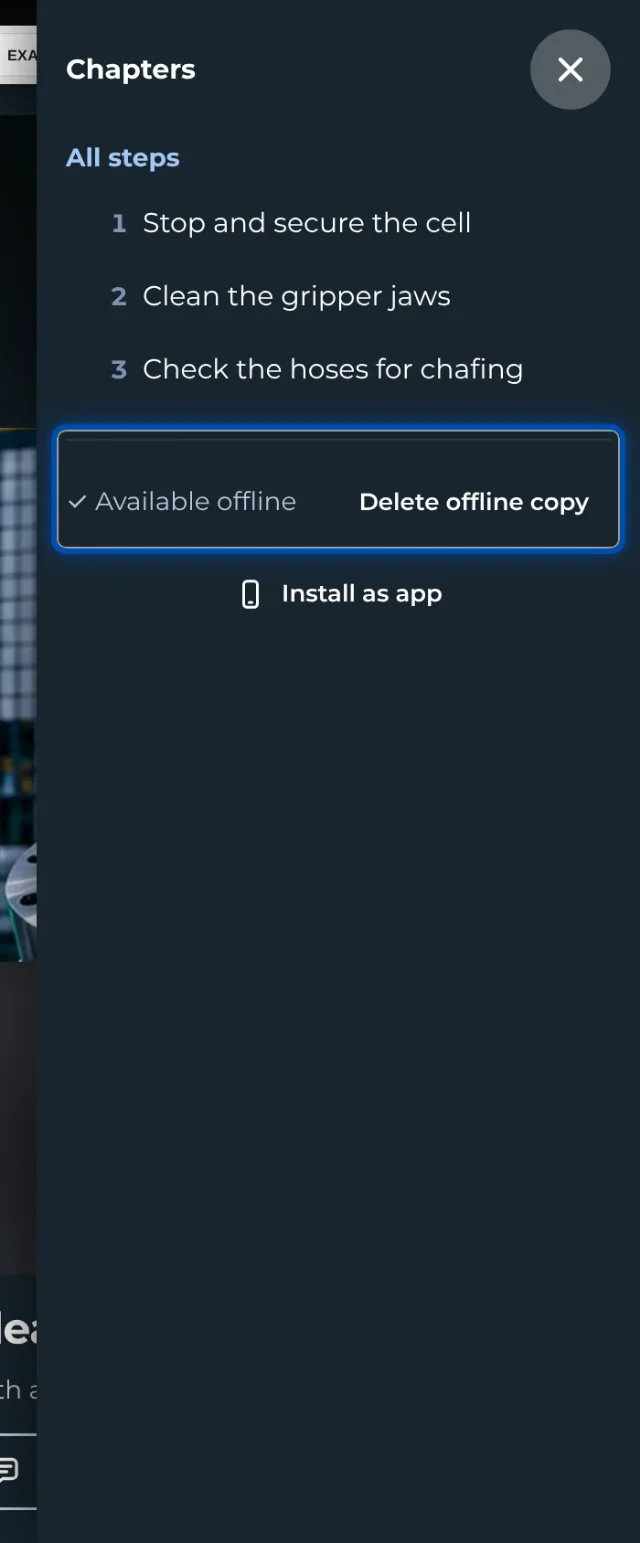
- Open each instruction once on the device while it has a connection. Wait until all pictures and videos have loaded. Available offline then appears briefly at the bottom.
- Anyone signed in to GIRI can do it faster: in Instructions, choose Make available offline in a card’s ⋯ menu. For a whole folder: open the folder, click Folder at the top, then Make folder available offline (6).
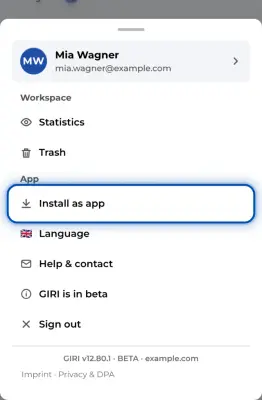
- On an iPhone: install GIRI as an app, see Install GIRI as an app. Otherwise iOS deletes the storage after 7 days without use. Then always open GIRI through the app icon and prepare the instructions there, because Safari and the app keep separate storage.
Good to know
- The copy only applies to this device and this browser.
- GIRI deletes copies that have not been opened for 90 days.
- GIRI tries to send checklist results for at most 30 days. So open GIRI with a connection again soon.
- With a connection, GIRI loads the latest approved version when you open an instruction and refreshes the copy. On a very slow connection, GIRI shows the saved copy, which may be out of date.
- When nobody is signed in, the GIRI start page lists the instructions saved on this device.
- The Menu of an instruction shows the state of its copy. You can also delete it there with Delete offline copy.
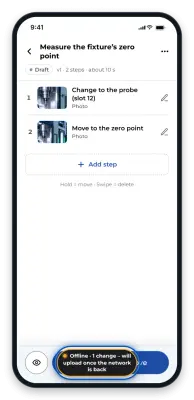
- You create instructions and want to record without a connection? See Recording and editing without a connection.