Use case
Cleaning and 6S
5S and 6S are daily practice, not a wall poster. With GIRI, cleaning standards are visibly followed and recorded every time they are carried out.
Cleaning, order, standardisation: in high-purity areas, they are mandatory. The problem: standards change, and the instruction from 2018 is long out of date.
What you document
- daily machine cleaning per line
- hygiene standards (CIP/COP)
- tool placement at the workstation (shadow boards)
- use of cleaning agents
- audit checklists as instructions
The trigger: how do you recognise it?
- Audits are coming up, and you have to prove documented cleaning procedures.
- Cleaning staff change often, and new people keep asking.
- You do not know whether the machine was cleaned properly.
- Some areas are kept better than others, for no apparent reason.
The GIRI approach
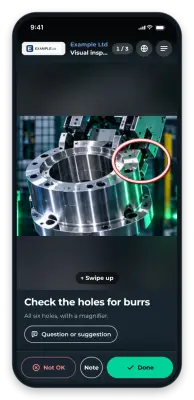
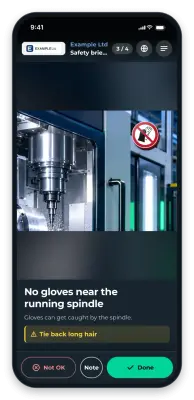
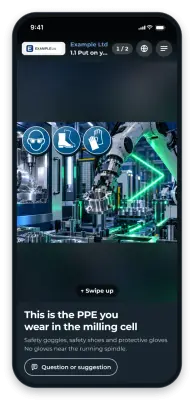
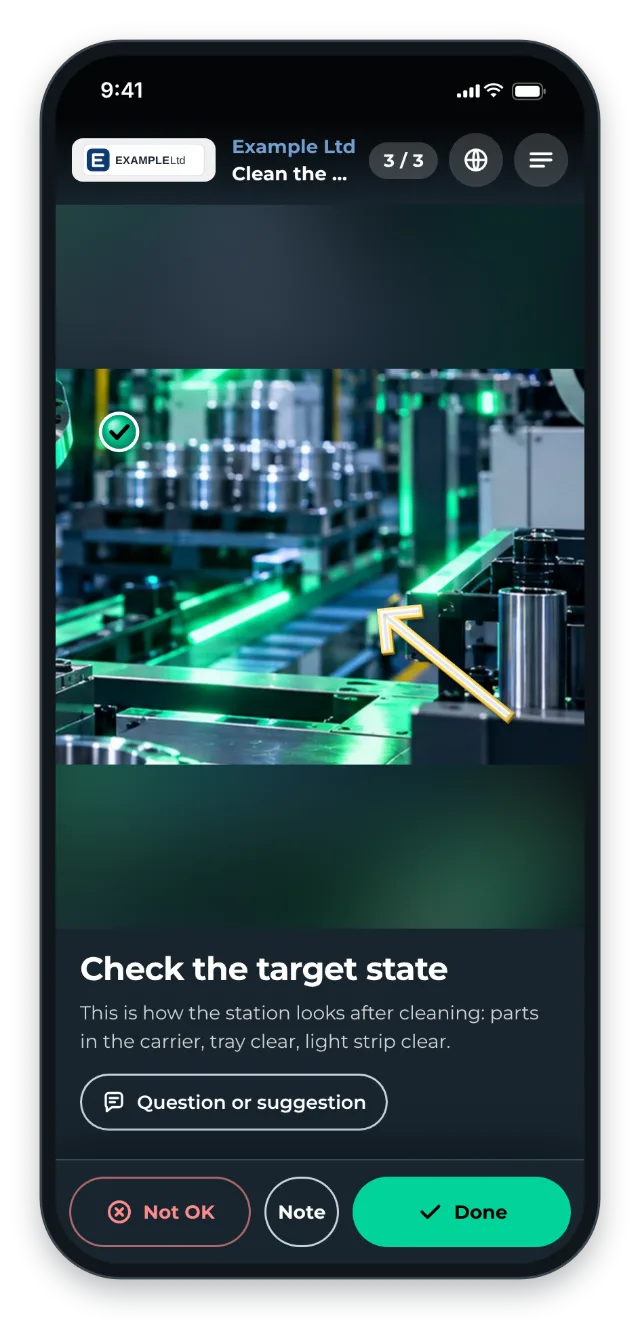
The QR code is at the workstation or on the cleaning trolley. Comparison photos show what it looks like after cleaning. Arrows mark critical spots that are often missed. The sequence is fixed, and times such as contact times are given in the step text.
The record comes from the checklist with a signature: whoever cleans confirms each step and signs at the end. Without the checklist switched on, no record is created.
The value
- Better audit results through consistent documentation
- Fewer hygiene incidents in regulated industries
- Faster onboarding of cleaning staff
- 5S standards are actually lived, not just pinned to the wall.
Typical users
- Food production (HACCP)
- Pharma and medical technology (GMP)
- Cleanroom areas
- Lean manufacturing with 5S or 6S
What you want to avoid
- Generic cleaning SOPs. Too general, nobody reads them.
- Checklists without pictures. What “clean” means is visual.
- Keeping cleaning agent tables separately. Show them right in the instruction instead.
What to measure
Record the values before you start and compare them after a few weeks.
- Completion rate: share of planned cleans with a record in the job-done log.
- Issues found: how often cleaning staff report Not OK, for example for missed spots or missing cleaning agents.
- Audit findings: deviations on cleaning and hygiene per audit.
How to do it in GIRI
-
Photograph the target condition after cleaning. Mark critical spots with Arrow and make them stand out with Pulse (Animate symbols).
-
Enable the checklist and switch on Finish with a signature. Every clean then appears in the job-done log with name and signature (Set up a checklist and signature).
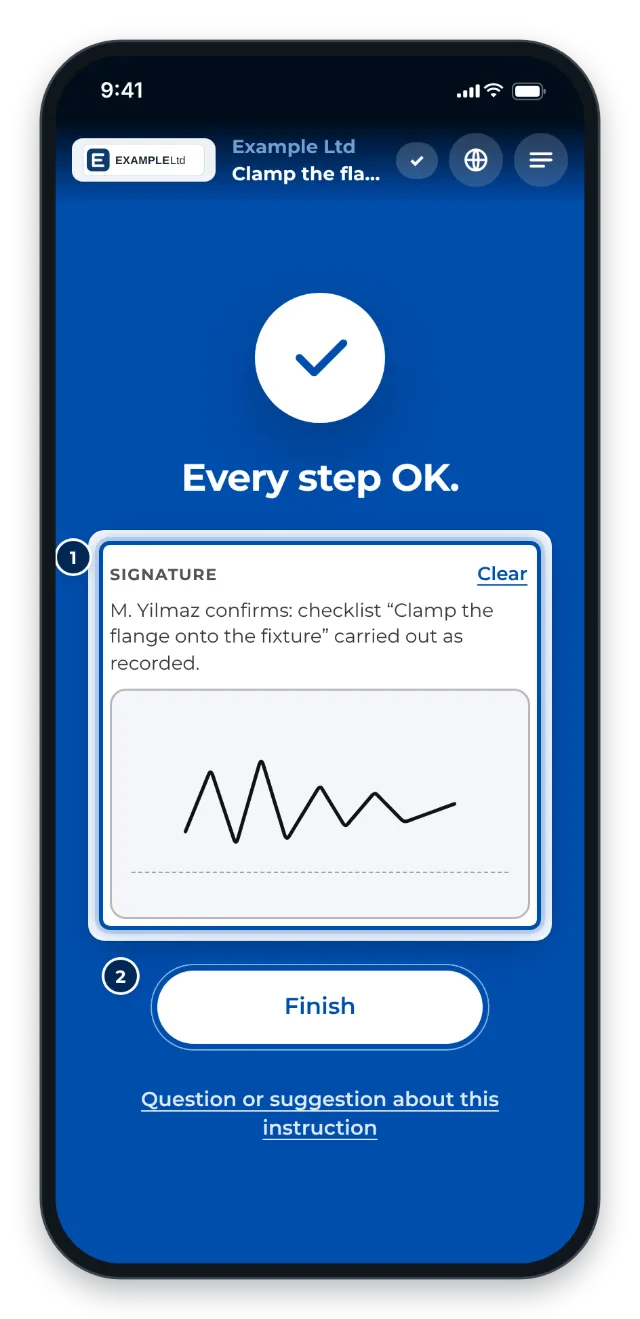
At the end of the clean the worker signs with a finger -
Put the QR code at the workstation or on the cleaning trolley. For a whole area, print the folder’s QR poster (QR poster for a folder).
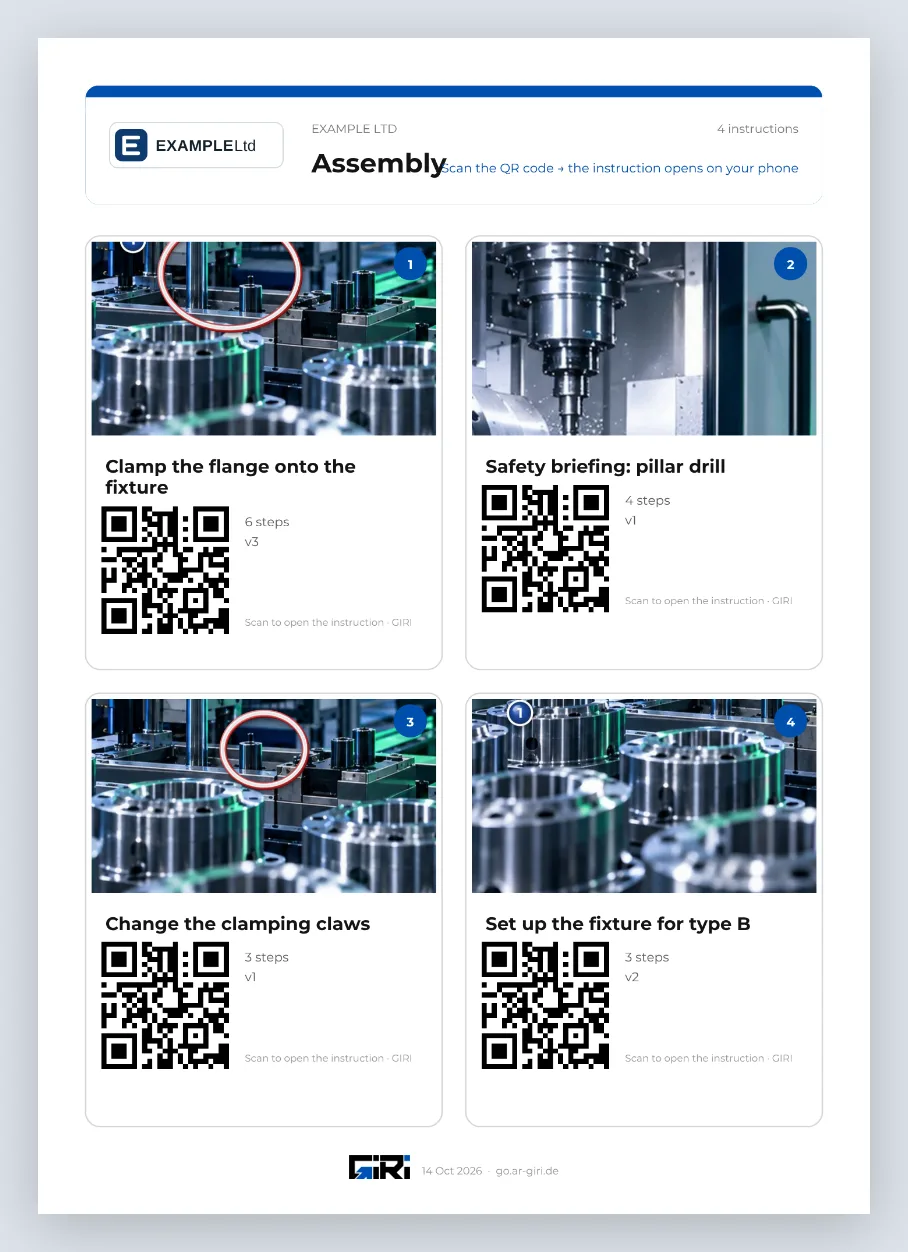
A folder’s QR poster with a tile per instruction -
When a standard changes, update the instruction. After approval, everyone sees the new version, and the QR code stays the same (Update a published instruction).