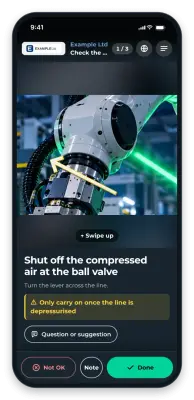
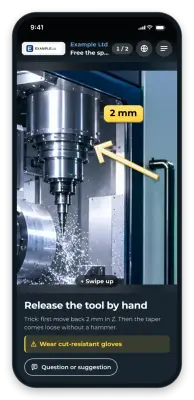
Use case
Troubleshooting at the machine (QR code)
Standard faults often cost 45 minutes of downtime for a 3-minute fix. With GIRI, operators sort out routine problems themselves, right at the machine.
Standard faults are rarely hard. The operator simply does not know how to fix them.
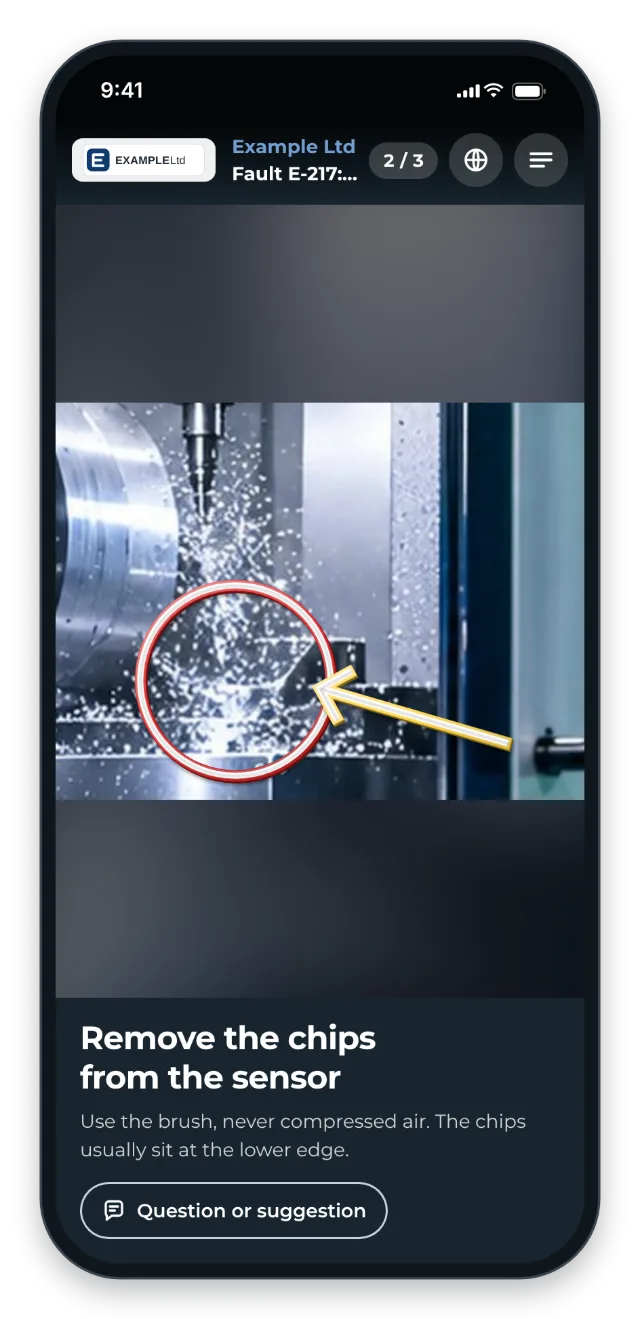
The typical pattern: the operator waits for the shift lead, and the shift lead waits for service. Service arrives later and fixes the fault in 3 minutes. Downtime: 45 minutes.
What you document
- the top 10 error codes per machine with their fix
- sensor adjustment
- filter changes and belt tracking correction
- software resets
- the clear boundary of when service has to be called
The trigger: how do you recognise it?
- Operators call service for the same standard faults over and over.
- The fault documentation is an Excel list that nobody knows about.
- Experienced operators fix most faults themselves, new ones hardly any.
- MTTR is far higher than the pure repair time.
The GIRI approach
The QR code sits right at the typical fault location: on the control cabinet, the display or the sensor. There is one instruction per error code, not one for everything.
Safety checks come first. The escalation boundary is clear: fix it yourself up to here, call service beyond that point.
The value
- Shorter downtime on standard faults
- Operators sort out routine problems themselves.
- The service team is relieved and only called for real problems.
- Fault knowledge is captured systematically instead of staying in people’s heads.
Typical users
- Complex machines with many error codes
- 24/7 production where service is not always on site
- Several identical machines that benefit from shared knowledge
- Industries with a high cost of downtime per minute
What you want to avoid
- Expecting operators to do complex repairs. Draw a clear boundary.
- Troubleshooting without safety steps. First isolate the power and release the pressure, then repair.
- Fault instructions without escalation. What happens if the fix does not work?
What to measure
Record the values before you start and compare them after a few weeks.
- Time to fix a fault (MTTR): from the fault to the restart, from your fault or maintenance system.
- Service call-outs: calls to service for faults that have an instruction.
- Use: the Statistics page shows which fault instructions are opened and how often (Statistics for the whole workspace).
How to do it in GIRI
-
Create a short instruction per error code and put the code in the title. That way you can also find it with the search (Find instructions).
-
Put the safety steps first and give them a warning. You find ISO 7010 safety signs under Safety (Edit steps, Add markings and symbols).
-
Mark error codes with Do not translate so the translation leaves them unchanged (Format text).
-
Put the QR sheet at the fault location. For all faults of one machine, print the folder’s QR poster (Print the QR sheet, QR poster for a folder).
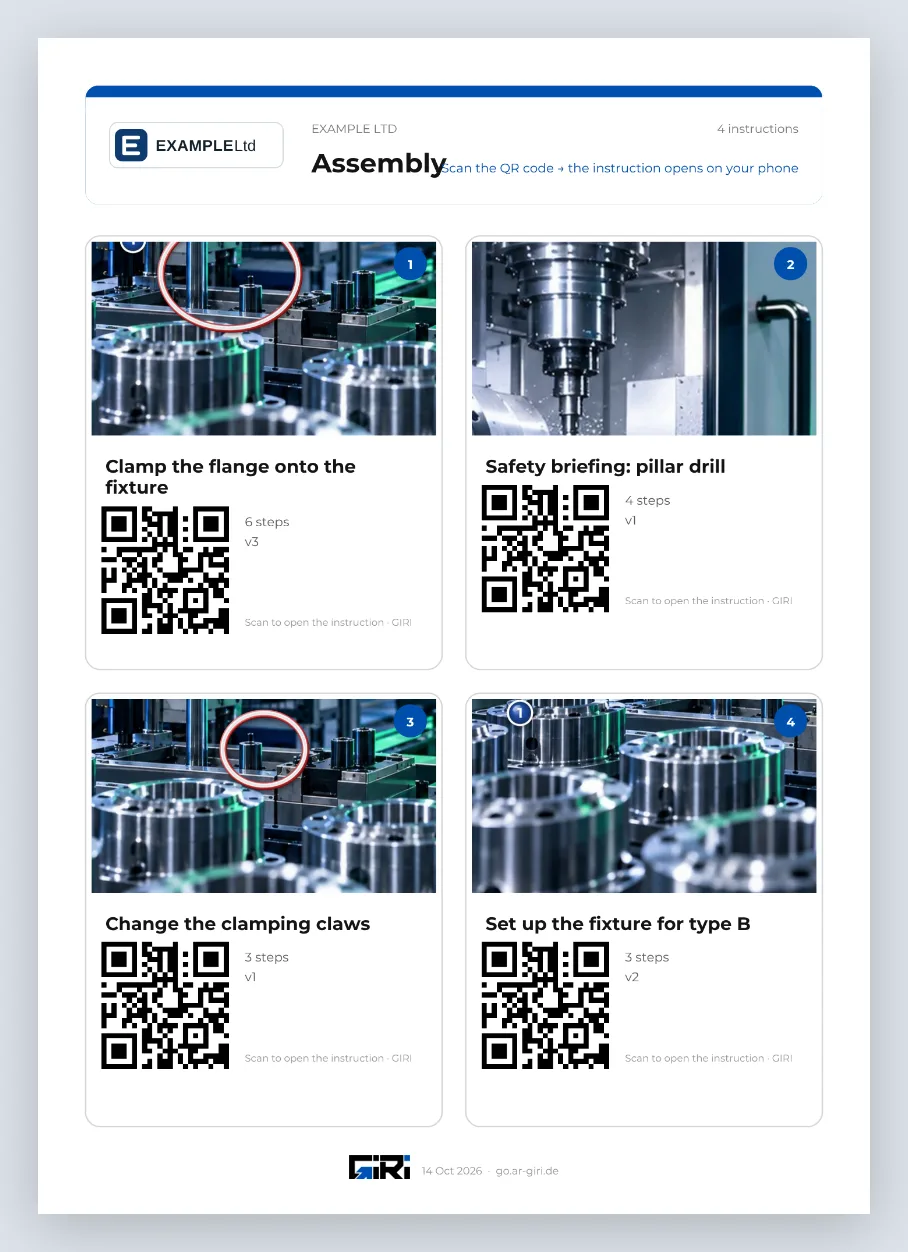
A folder’s QR poster with a tile per instruction -
If a step does not fit, operators report it via Question or suggestion (Send a question or suggestion).
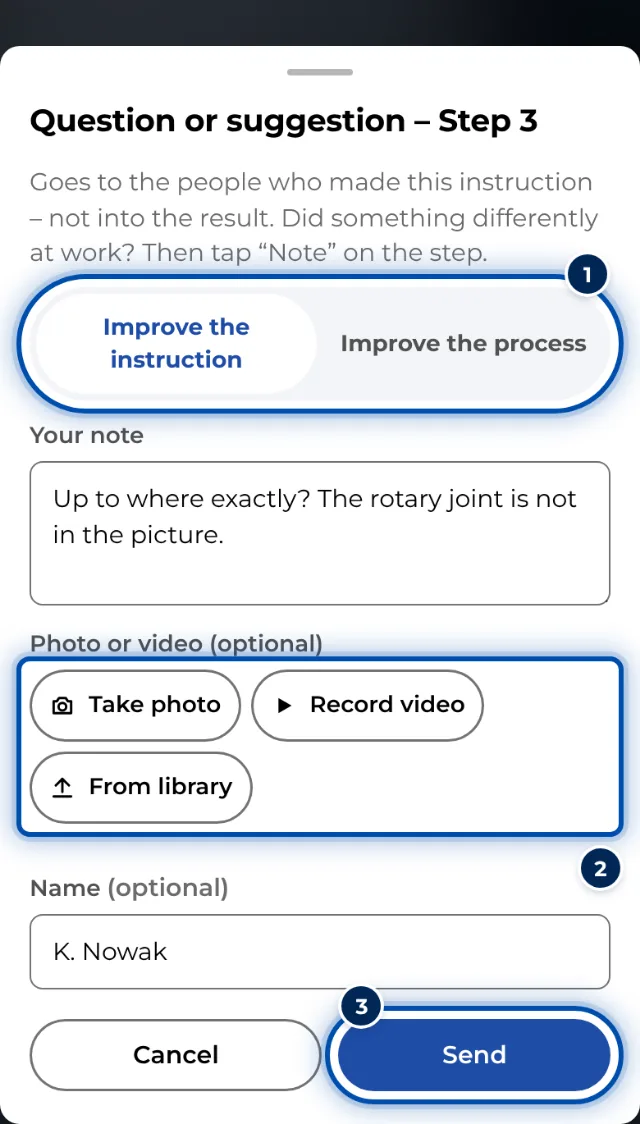
A question or suggestion on a phone, with a photo if needed