Use case
Mobile assets: forklifts, trucks, compressors
Forklifts, trucks, compressors: regulated, changing users, hard to control. Here is how GIRI brings inspections and handovers right to the equipment.
Mobile assets are often forgotten when it comes to work instructions. Yet the use case is big.
What you document
- the annual forklift inspection (in Germany: DGUV Regulation 68) as a checklist
- the daily visual check: wheels, hydraulics, horn, lights
- vehicle handovers with damage records
- commissioning compressors
- aerial work platforms and cranes
The trigger: how do you recognise it?
- The annual statutory equipment inspection costs you time and nerves.
- Damage to forklifts and attachments keeps piling up.
- Van and lorry handovers end in arguments about who caused the scratch.
- External or changing drivers do not know your equipment.
The GIRI approach
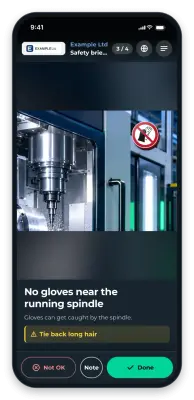
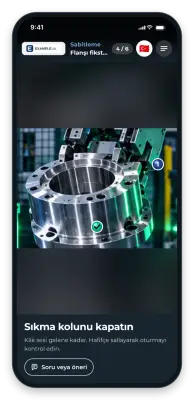
The QR code sits right on the forklift, vehicle or compressor. Before every shift or trip, the driver scans the check instruction. Comparison photos show the target condition.
In the checklist, the driver reports damage with Not OK and a photo. They record the condition at handover with Note and a photo. Every approved version of the instruction is kept.
To get records per vehicle, give each vehicle the QR code of its own instruction. Every run then appears in that instruction’s job-done log, with the name the driver enters. Drivers do not sign in for this.
The value
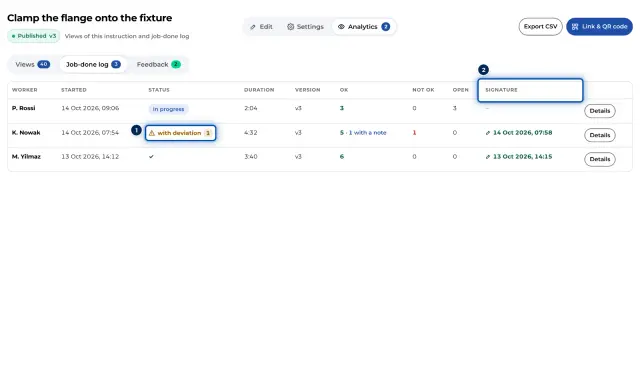
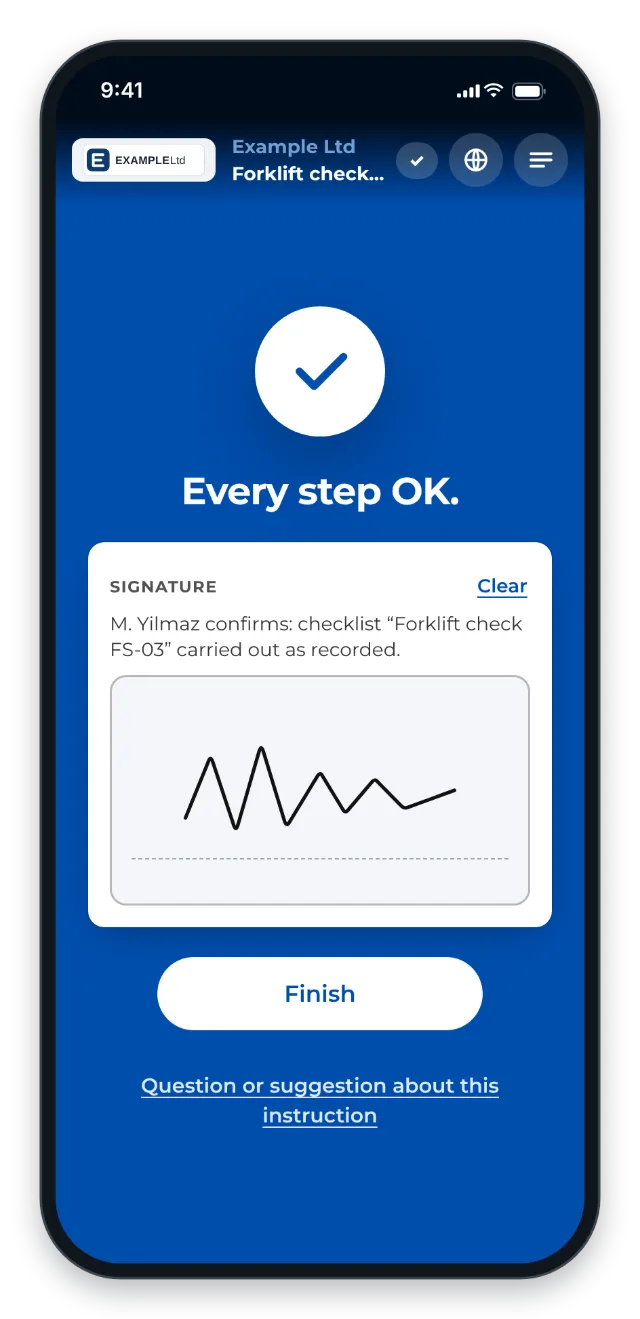
- Inspections and handovers are documented, each run with name, time and signature.
- Less damage thanks to documented handovers with before and after photos
- More clarity in damage cases: who took over the vehicle, and in what condition?
- External drivers get the briefing on your equipment right at the equipment.
Typical users
- Logistics with its own fleet
- Construction (mobile machinery)
- Workshops and industrial service
- Tool and machine hire
What you want to avoid
- Inspections as a paper exercise. They have to be lived and documented.
- Verbal-only handovers. Without documentation there is no evidence when damage occurs.
- Assuming anyone can drive a forklift. That applies even less to the statutory inspection.
- External drivers without a briefing on your equipment.
What to measure
Record the values before you start and compare them after a few weeks.
- Check rate: share of shifts or trips with a documented check, per vehicle in the job-done log.
- Reported damage: reports with Not OK per vehicle and month.
- Unexplained damage: damage where nobody knows when it happened.
How to do it in GIRI
-
Record the check per vehicle type. Enable the checklist and switch on Finish with a signature (Set up a checklist and signature).
-
For records per vehicle, duplicate the instruction for each vehicle, for example “Forklift check FL-03”. Each copy is an instruction of its own with its own QR code. It starts as a draft and needs its own approval, as does every later change (Duplicate an instruction).
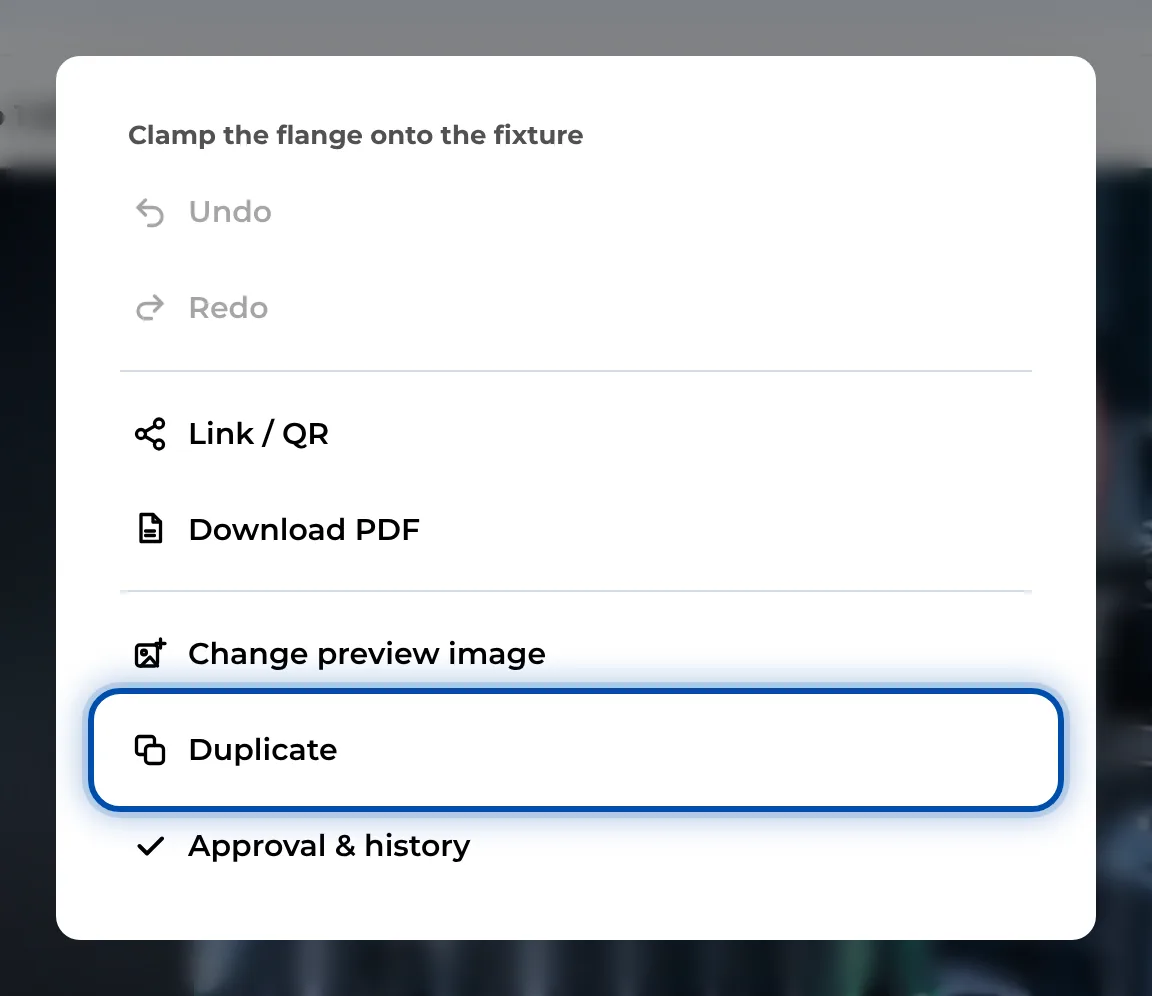
Duplicate in the ⋯ menu of an open instruction -
Put the QR sheet on the vehicle. For the whole fleet, print the folder’s QR poster (Print the QR sheet, QR poster for a folder).
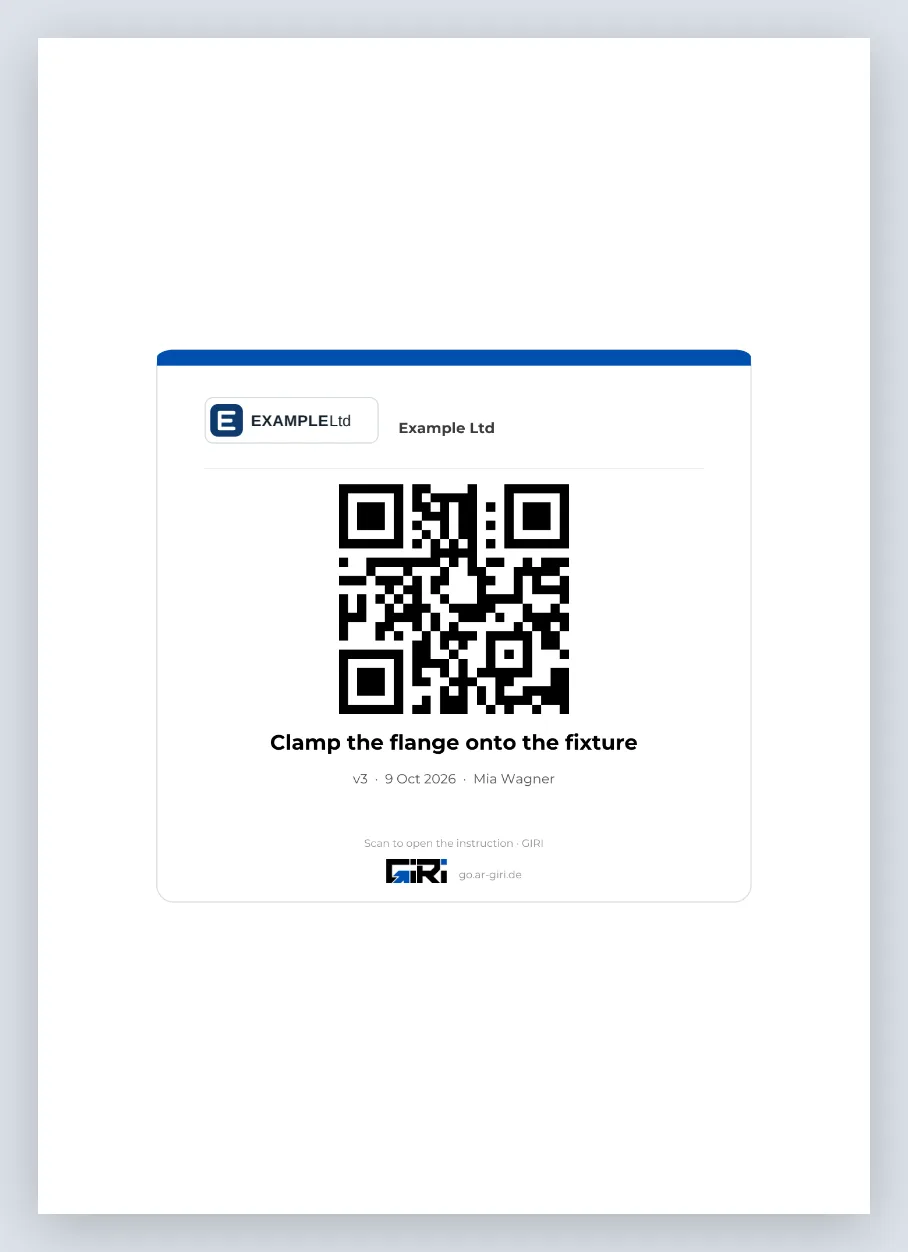
The QR sheet as an A4 PDF to put up -
The job-done log shows for each vehicle who checked it, when, and which damage was reported (Job-done log).