FAQ
Which devices and browsers do I need?
What you need for viewing, for recording and for screen recordings: devices, browsers and installing GIRI as an app.
The short answerA current browser is enough, on a phone, tablet or PC. To record you need a device with a camera; for screen recordings, a PC with Chrome, Edge or Firefox. GIRI is a web app: you can install it, but there is nothing to download from a store.
For viewing
- Workers open instructions in the browser via a link or QR code, without signing in.
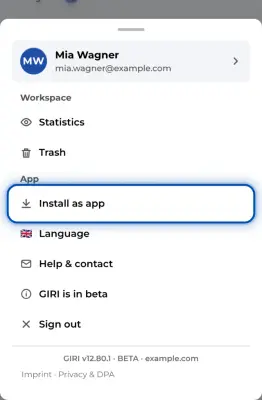
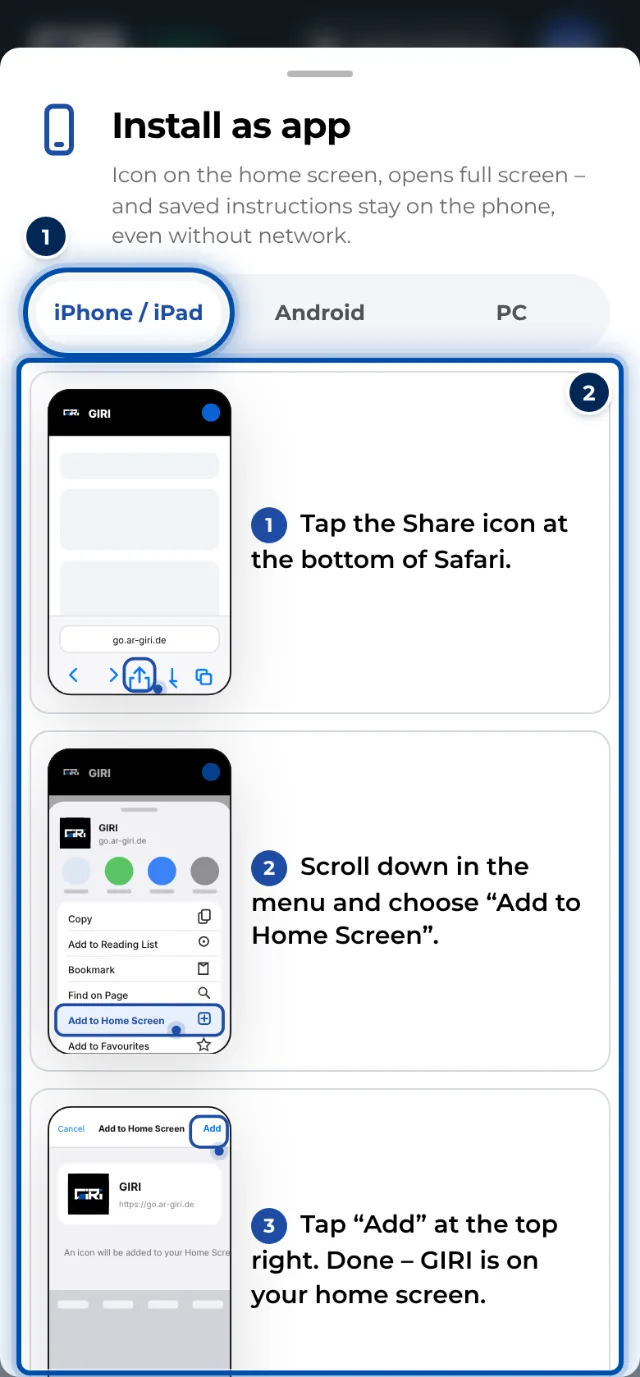
- Devices at the workstation are best set up with Install as app. GIRI then opens full screen, and saved instructions stay on the device. On an iPhone, you do this in Safari with Add to Home Screen.
For creating
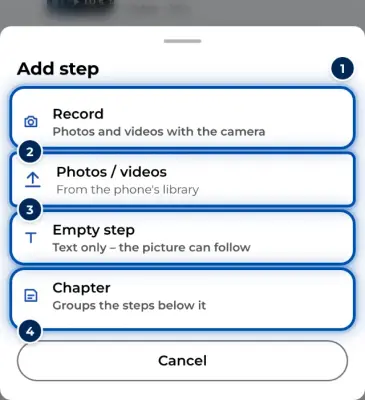
- Phone or tablet: the camera in GIRI takes photos and short videos. A good main camera is enough; you don’t need special hardware.
- PC: you record with the webcam, drag photos and videos into GIRI or record programs with Screen.
- Screen is only available on a PC: in Chrome and Edge with a small control window, in other browsers such as Firefox with a bar in GIRI.
- Import videos preferably with Chrome, Edge or Safari. These browsers shrink videos during the import. More in Importing iPhone videos.
Browsers
- Chrome, Edge, Safari or Firefox, each in a current version.
- Installing as an app: on a PC with Chrome or Edge, on an iPhone or iPad with Safari, on Android devices with Chrome.
- What your IT team needs to allow is in For IT: browsers, domains, camera and screen sharing.