FAQ
Can I use my own videos, pictures and symbols?
Which files GIRI accepts, which symbols are built in and how your logo and company colour get into your instructions.
The short answerYes. Add your own photos and videos as steps or use them to replace a picture. Upload your own symbols such as logos or pictograms once, and they are available to the whole workspace.
Photos and videos
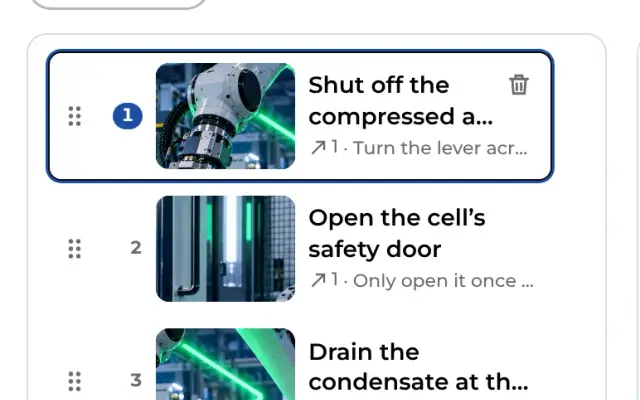
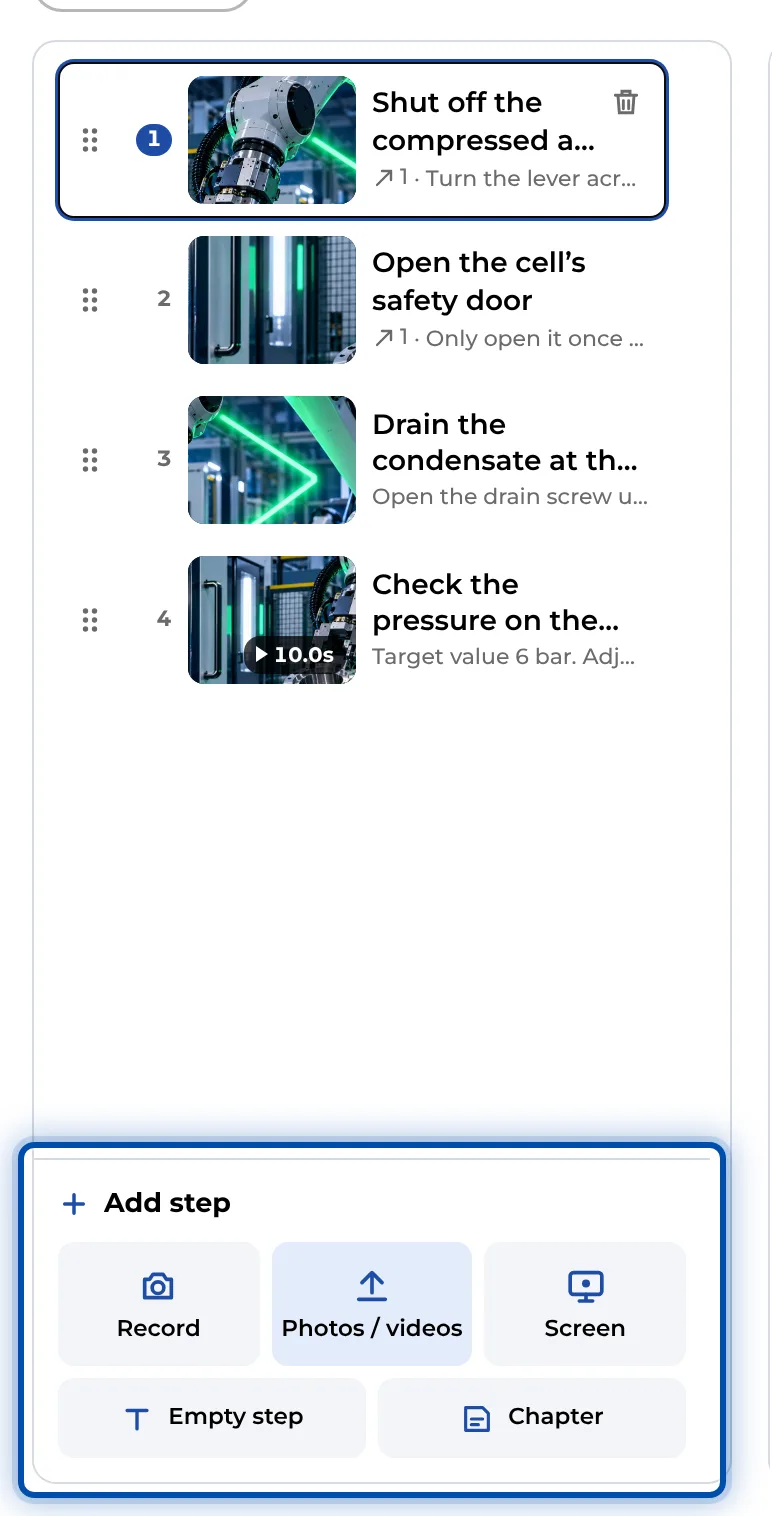
- Under Add step, choose Photos / videos. On a PC, simply drag files onto the page. Each file becomes a step.
- You can use JPG, PNG, WebP, HEIC and GIF as well as MP4, MOV, M4V and WebM. Not every browser can open HEIC photos; on an iPhone or iPad it works. Videos can be up to 600 MB. When GIRI converts them, it keeps the first 60 seconds.
- Within a step, swap the picture with Replace file. Crop photos with Crop, trim videos with the handles.
Symbols
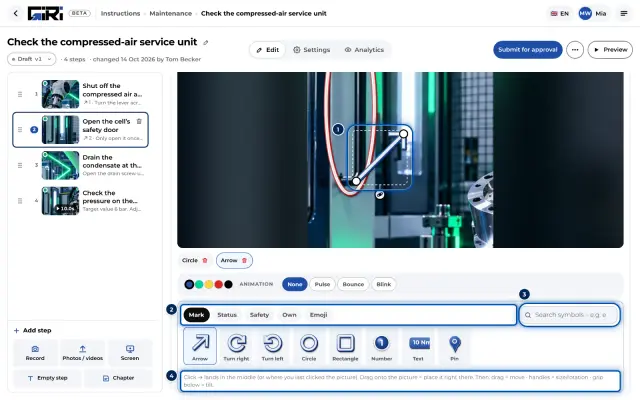
- Built in are arrows, circles, frames, numbers, text, 332 safety signs to ISO 7010 and emojis. The search finds them quickly.
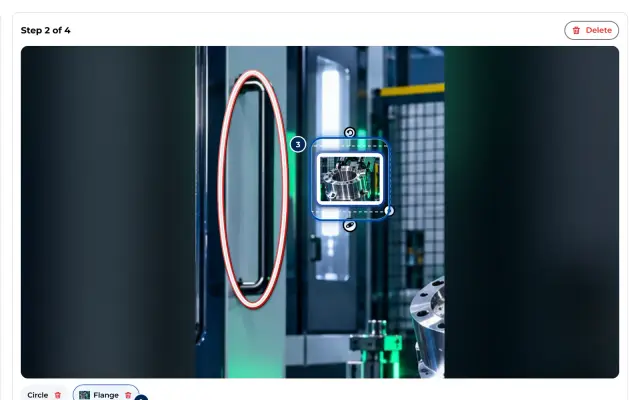
- Upload your own symbols, such as logos, pictograms or photos of parts, under Own with Upload your own. PNG with transparency, JPG, WebP, GIF and SVG are allowed.
- GIRI scales larger pictures down to at most 512 px. More in Upload your own symbols.
Logo and colour
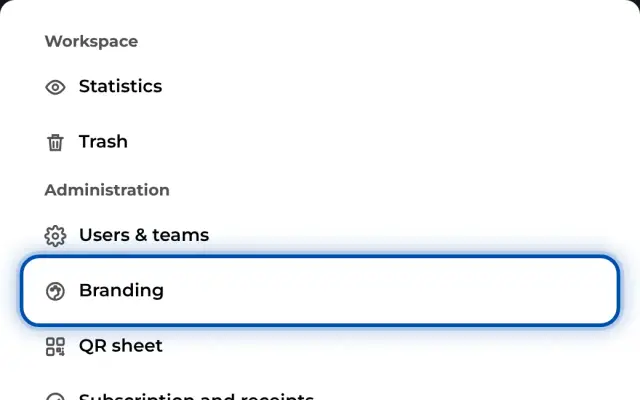
Workspace admins set the company name, accent colour and logo under Branding. They appear in the worker view, in the PDF and on the QR sheet.