FAQ
Does GIRI work offline?
What works without a connection and what doesn’t: at the workstation and when creating instructions.
The short answerPartly. An instruction opens without a connection if it was opened on the device before or made available offline in advance. Creators can record and edit in the installed app without a connection. Approving and opening an instruction for the first time need a connection.
At the workstation
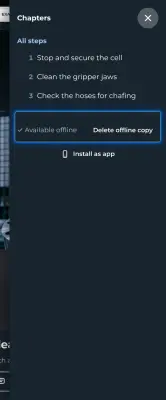
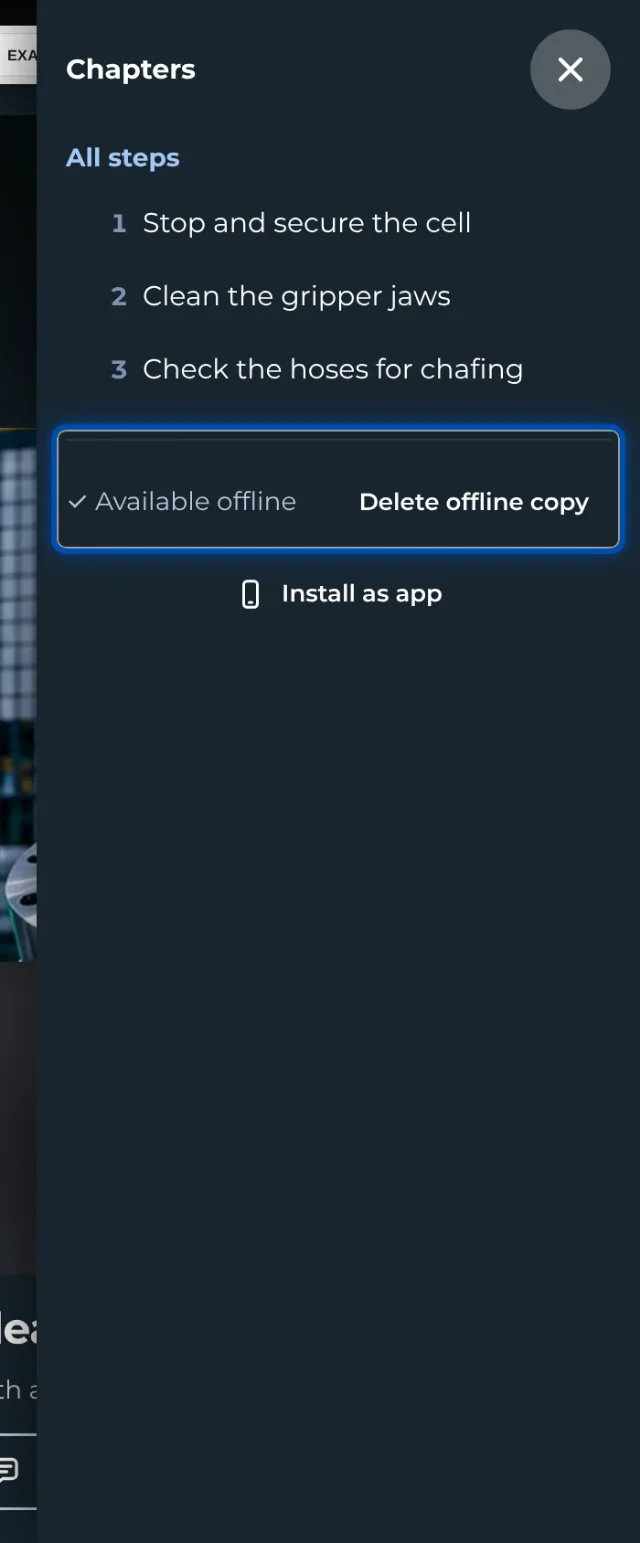
- The copy on the device is made automatically the first time an instruction is opened. To save an instruction in advance, use Make available offline in its ⋯ menu; for a whole folder, use the folder’s ⋯ menu. This needs a connection once.
- Checklist results wait on the device and are sent as soon as the connection is back.
- Without a connection you cannot open an instruction for the first time, send feedback, load a new language or sign in to training with a PIN. Photos for Not OK and Note taken offline do not arrive.
- GIRI deletes copies that have not been opened for 90 days.
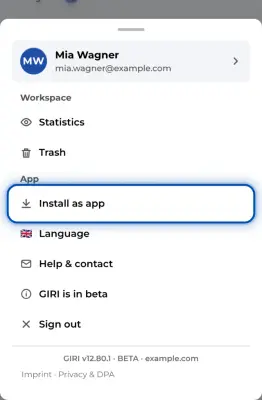
- On an iPhone, install GIRI as an app. Otherwise iOS clears the storage after 7 days.
More in Using instructions without a connection.
When creating
- The installed app starts without a connection if you have signed in once with a connection.
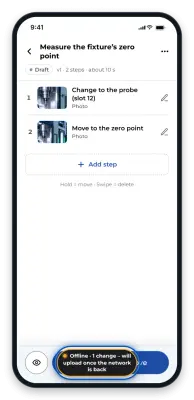
- Whatever you record or change offline, GIRI uploads as soon as the connection is back.
- On a phone, you can also submit for approval without a connection. If you have approval rights yourself, choose Only submit – someone else approves. Approving needs a connection.