Bootcamp
Phase 2 · Module 2 · Stakeholders and KPIs
Early week 4: win the 6 key stakeholders with one sentence per person and questions instead of a pitch. Check the KPI baselines and be open about what GIRI records.
The most common pilot funeral: technically great, but the works council feels bypassed, the quality team sees a rival to its quality management system, and the plant manager sees no link to EBITDA. Any single one of them can kill the pilot.
The workshop: 90 minutes, 5 steps
- Put names to the 6 roles (15 min). Plant manager, works council, shift leads, quality, safety officer, end users.
- WIIFM, 1 sentence per person (30 min). WIIFM means “What’s in it for me?”: their problem today and the value GIRI adds. If you cannot write the sentence, you do not understand the person yet.
- Practise asking instead of pitching (15 min). Not “GIRI shortens your onboarding”, but “How long does onboarding take here?” They name the problem, you make the connection.
- Check the KPI baselines (20 min). Measured or guessed? Put measurement dates in the calendar: weeks 4, 5 and 6.
- Put the conversation plan in the calendar (10 min). Week 4: shift leads and quality. Week 5: works council (formal, with a worker) and safety. Week 6: plant manager, with results.
What GIRI records: discuss it openly with the works council
GIRI does not just display instructions, it also stores how they are used. Say so openly and show what is stored:
- Views: time, duration, steps seen, whether the end was reached, device type (for example iOS or Windows). Without names.
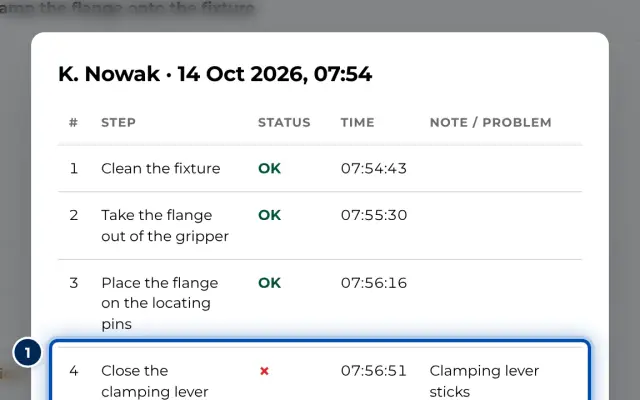
- Runs with a checklist: the name the worker enters, start and end, the status and time of each step, notes and photos for Not OK or Note and, if set up, the signature. All of this is in the Job-done log.
- Feedback: text, photo or video. The name is optional.
- Training records: who confirmed which training when, with a signature. Only if GIRI has activated training for your workspace.
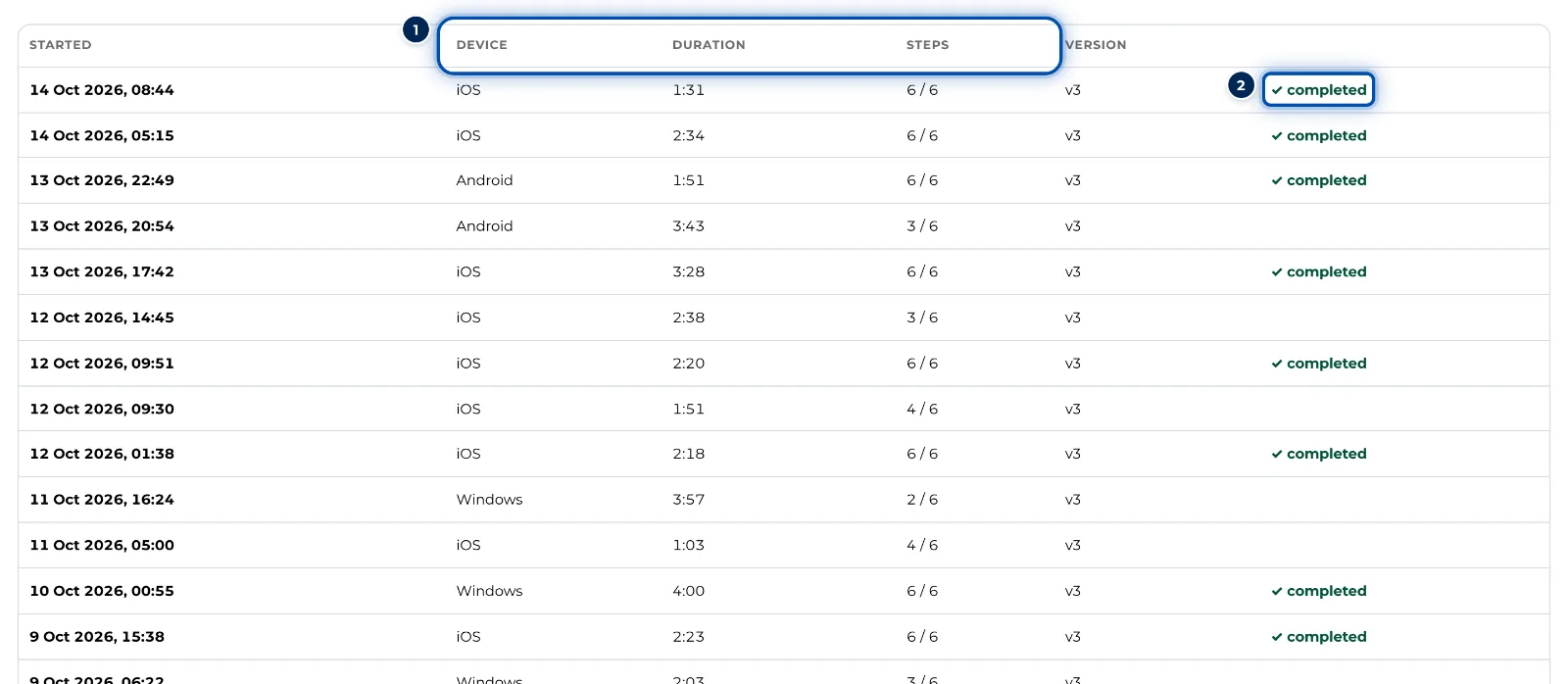
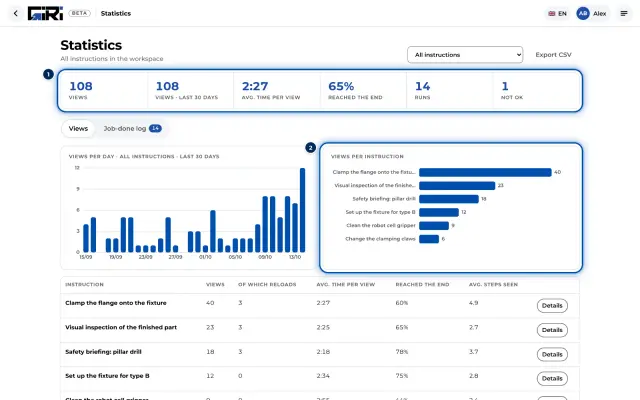
The Statistics page in the Menu gives an overview of views and the job-done log across all instructions. Agree together which instructions use a checklist and who analyses the data. More in Information for the works council and Personal data: what GIRI stores.
Homework weeks 4–6 (~4 hrs)
- Hold all 6 conversations. In the first one, just listen.
- Measure all baselines and put the comparisons into the backlog.
- Publish 60–80% of the backlog. The meeting with the plant manager needs results.
- For module 3: what worked, what didn’t, what stays open?