FAQ
How fast can I get started?
From your first sign-in to your first instruction: how long it takes, what guides you in the app and what takes the most time.
The short answerSigning in takes a few minutes and needs no password. A first instruction for a short routine is ready in about 10 minutes. You get a 7-day trial to try it out.
Account
- Enter your email address, then the code from the email. You can also sign in with Google.
- If you were invited, you land straight in your company’s workspace. Use the address the invitation was sent to.
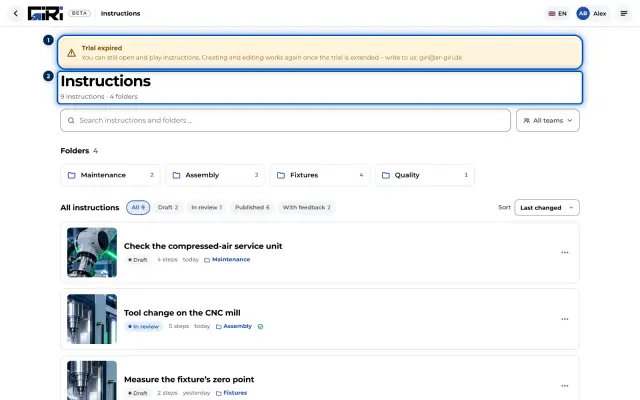
- If you sign up without an invitation, you get a workspace of your own with a 7-day trial.
First instruction
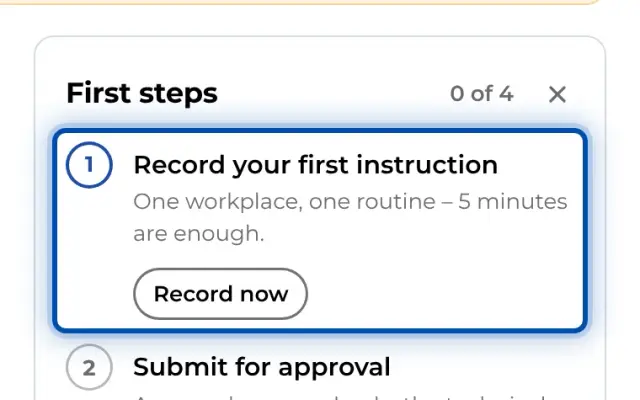
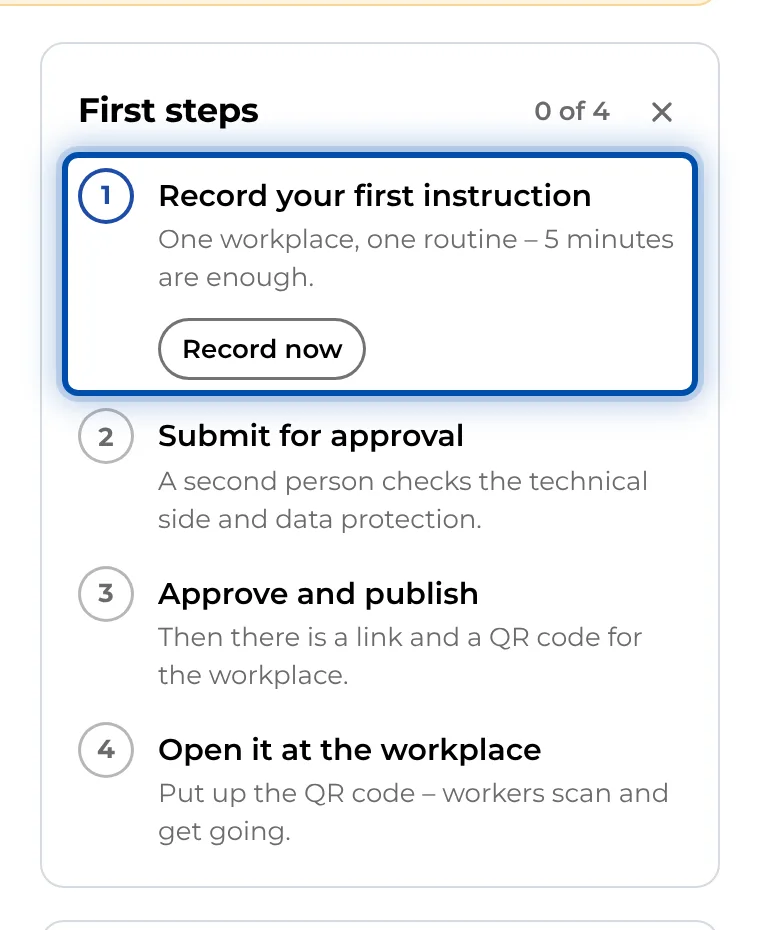
- On a PC, the First steps card on the start page guides you through four steps: Record your first instruction, Submit for approval, Approve and publish and Open it at the workplace.
- On a phone, the start page first shows Your first instruction in 3 steps and a finished example instruction.
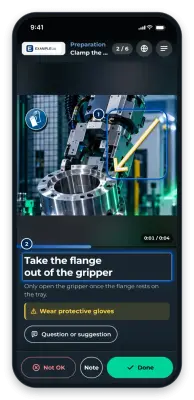
- A new workspace contains the example instruction “How to create your first instruction”. It shows the way with real pictures from the app.
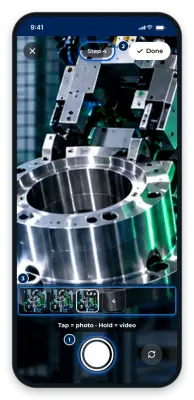
- 3–5 seconds of video per step is enough. You add texts and markings afterwards.
The actual hard part
Most of the time goes not into the app but into working out what makes a good instruction. That is what the Tips for great instructions and the GIRI Bootcamp are for. Book an introduction for you and your team on the PC via Book a training on the start page.