Overview
Tips for great instructions
Plan like a director, record clearly, write briefly and test with someone who was not involved. That way your instructions make sense within minutes.
A clear structure leads to better instructions, and the recording flows.
The 3 questions before you start
Answer three questions before recording. Then your script is set.
- Goal and audience. What is the goal, and who is it for? Example: “All employees scan the QR code and operate the machine without asking.”
- The 3 key points. What are the three most important points? They become your chapters. Example: “Secure the machine · Change the tool · Restart and check”.
- The individual steps. Do a short job shadow: follow an experienced person once through the whole routine and note every action.
There is more on planning in Lesson 2 · Planning the instruction.
How to record
- One action per step. Each step shows exactly one action.
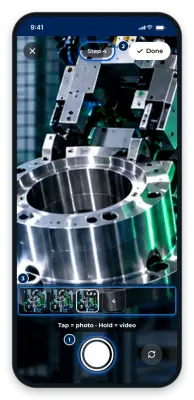
- Short clips. 3–5 seconds is ideal. The camera in GIRI stops a video after 12 seconds. For anything that does not move, a photo is enough.
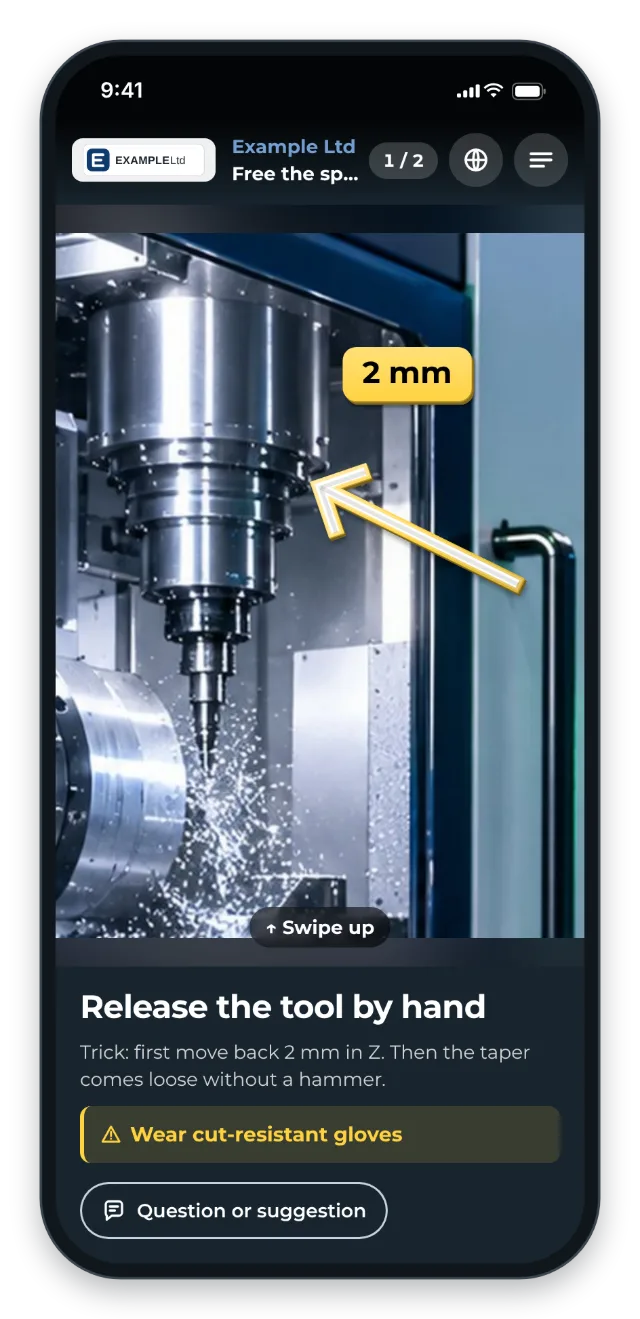
- The picture carries the information. Videos in GIRI have no sound. So show what matters in the picture and put an arrow or circle in the right place. See Add markings and symbols.
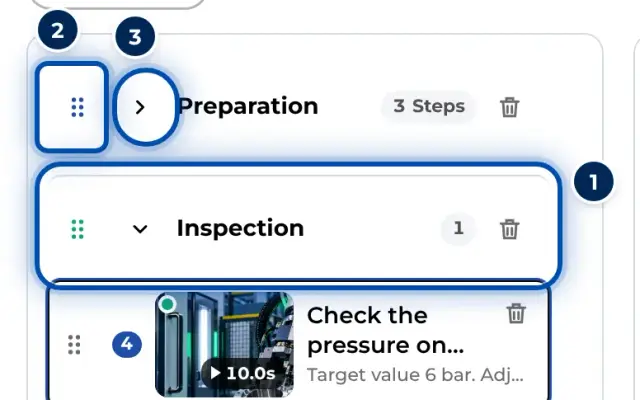
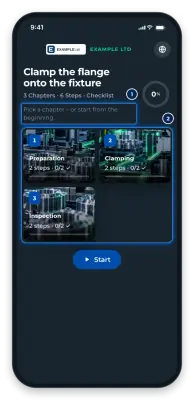
- Chapters for longer routines. Instead of 25 steps in a row, split into preparation, execution and wrap-up. Colleagues then jump straight to the right part. See Chapters and text-only steps.
How to write
- The title says what to do. One sentence per step, for example “Close the clamping lever”.
- Details go into the description. Tool, torque and tolerances belong under Description. On a phone you open the field with Details (tool, torque …).
- Hazards go into the warning. With Add warning the warning gets its own field and stands out.
- Keep it short. No walls of text. People at the workstation read only a few words.
The most important tip: test and refine
Test the first version with someone who was not involved. Collect the questions that come up and adjust the instruction. The questions are your to-do list. While you revise it, workers keep seeing the approved version. Only the new approval makes your changes visible.