FAQ
Can I do everything on a PC?
Everything you can do on a PC, from recording with the webcam to approving, and when a phone is still more practical.
The short answerYes. Creating, editing, approving, sharing and analysing all work in the browser on a PC, with nothing to install. A phone or tablet is mainly more practical when you record right at the workstation.
What works on a PC
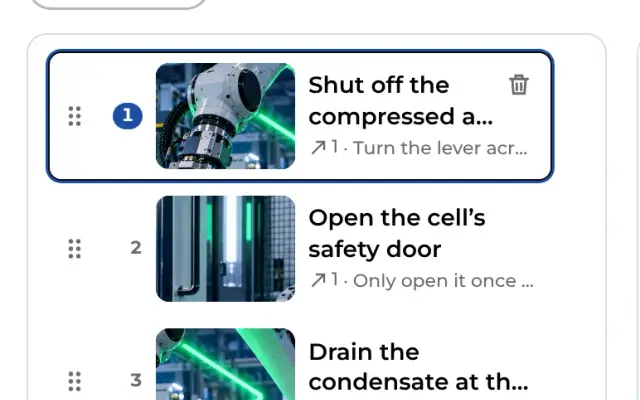
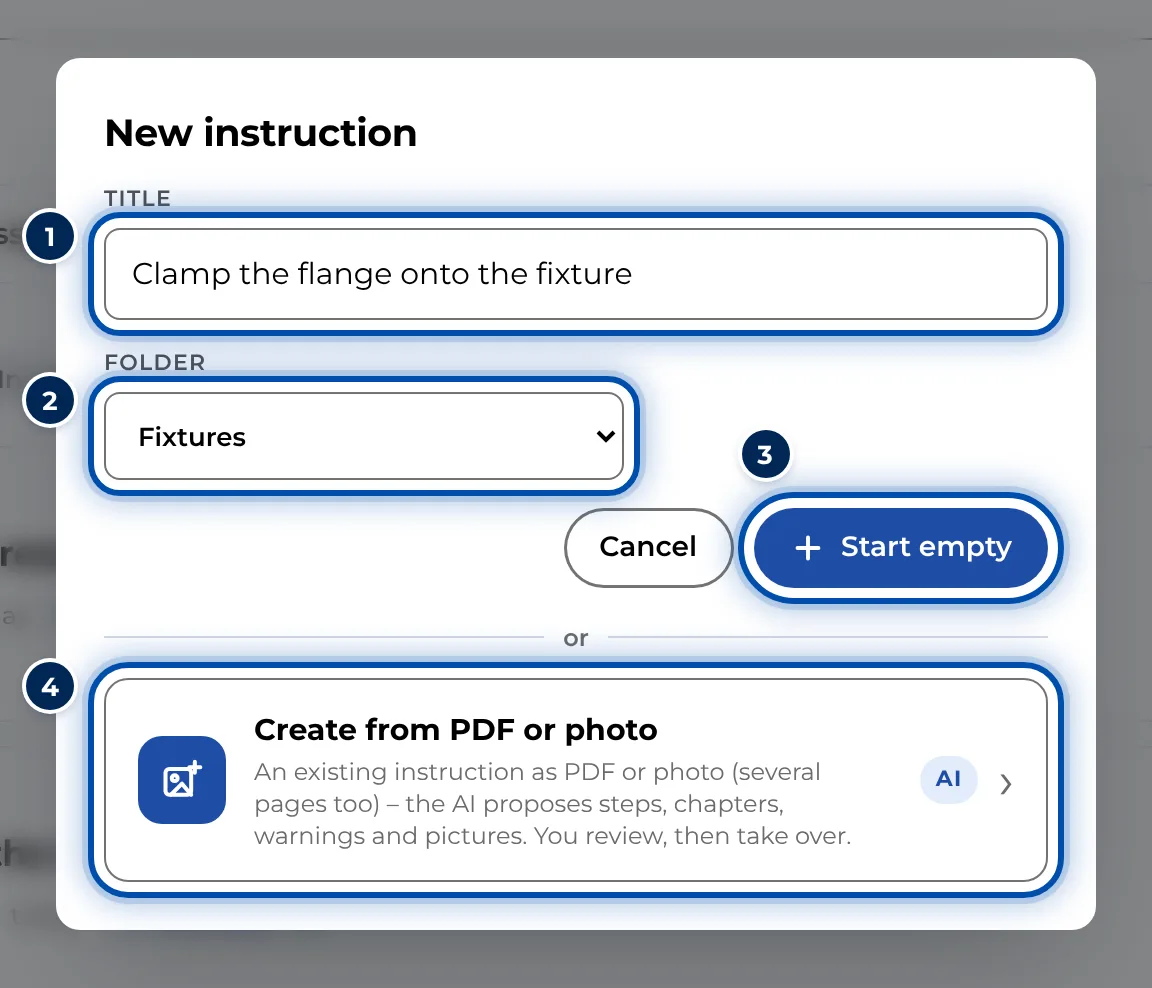
- Create instructions with Record a new instruction or New instruction.
- Record with the webcam via Record.
- Add photos and videos with Photos / videos or simply drag them onto the page.
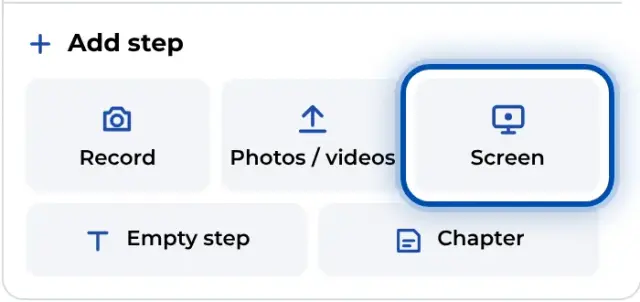
- Record programs with Screen. This is only available on a PC.
- Get an AI proposal from a PDF or photos with Create from PDF or photos.
- Edit texts, warnings, markings and symbols. Symbols that follow a spot in a video (Follow) are in fact best set up on a PC. On a phone this is slow.
- Review and approve, share the link and QR code, create a PDF and look at the analytics.
- As a workspace admin, manage people, teams and branding.
When a phone is more practical
- For recording right at the machine: with the rear camera you get closer to the action than with a webcam.
- At the workstation, workers mostly use a phone or tablet. The instruction opens just as well in a browser on a PC, though.
- The quickest way to sign in on a phone is a QR code from the PC where you are already signed in: Sign in on your phone with a QR code.
For IT
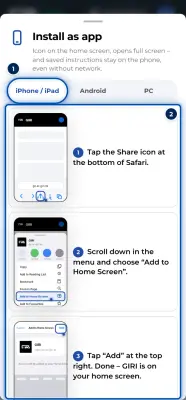
GIRI runs in Chrome, Edge, Safari and Firefox. In Chrome and Edge it can be installed as an app with its own window. What your IT team needs to allow is in For IT.