FAQ
Importing iPhone videos
MOV, HEVC, no sound: what happens when you import iPhone videos and what helps if a video is missing or won’t play.
The short answerYou import iPhone videos like any other video. During the import, GIRI converts them in the browser into a format every device can play. This works best with Chrome, Edge or Safari.
iPhones usually save videos as MOV files in HEVC format. Not every device can play that.
What happens during the import
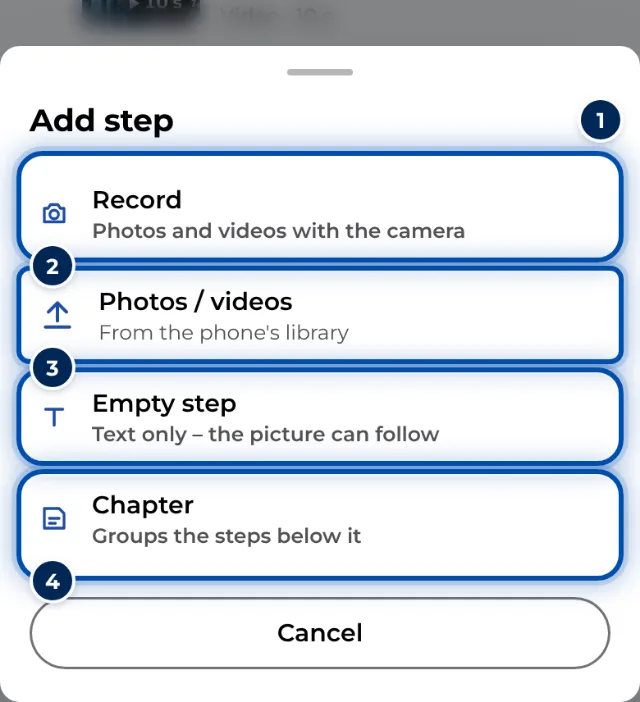
- Choose Photos / videos or, on a PC, drag the video onto the page. While GIRI converts it, you see Shrinking video.
- The conversion runs in the browser, not on a server. GIRI turns the video into an MP4 of at most 1280 px and keeps the first 60 seconds. Only the converted video is uploaded.
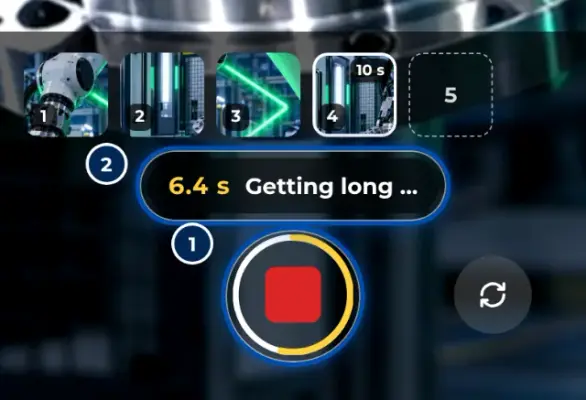
- A video can be up to 600 MB. The new step first shows the first 15 seconds. Use the handles to choose a different part.
- GIRI does not keep the sound. Workers always see videos without sound.
If it does not work
After the import, GIRI lists the files it could not add, each with the reason.
- Too large. Nothing over 600 MB works. Shorten the video first or export it in 1080p.
- The browser cannot convert. Then a limit of 80 MB applies. Import with Chrome, Edge or Safari.
- The video does not play. If the browser could not convert it, GIRI keeps videos up to 80 MB unchanged. An HEVC video then won’t play on every device. Check it in the Preview and, if necessary, import it again with another browser.