Guide
GDPR data export and erasure
As an admin, download everything about a person as a JSON file, or erase the person for good and anonymise their name in instructions and logs.
What for?
If someone wants to know what GIRI has stored about them, or their data has to be deleted, you handle it as an admin in a few clicks. The data export is a JSON file you can pass on. Erasure removes the account and replaces the person’s name in instructions and logs with a placeholder.
Before you start
- You are a Workspace Admin.
- The person has an account in your workspace. For workers without an account, see Common problems.
- You cannot erase yourself.
Step by step
Download the data export
-
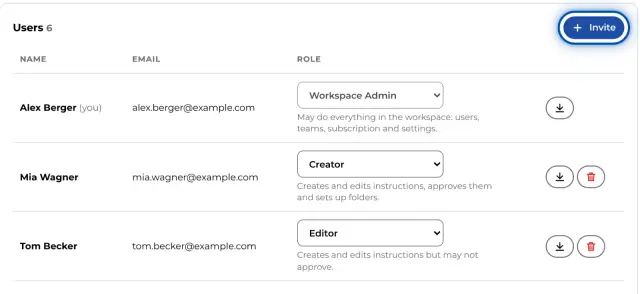
Open Menu → Users & teams. In the Users list, each row has a download icon on the right and, except for your own, a bin icon.
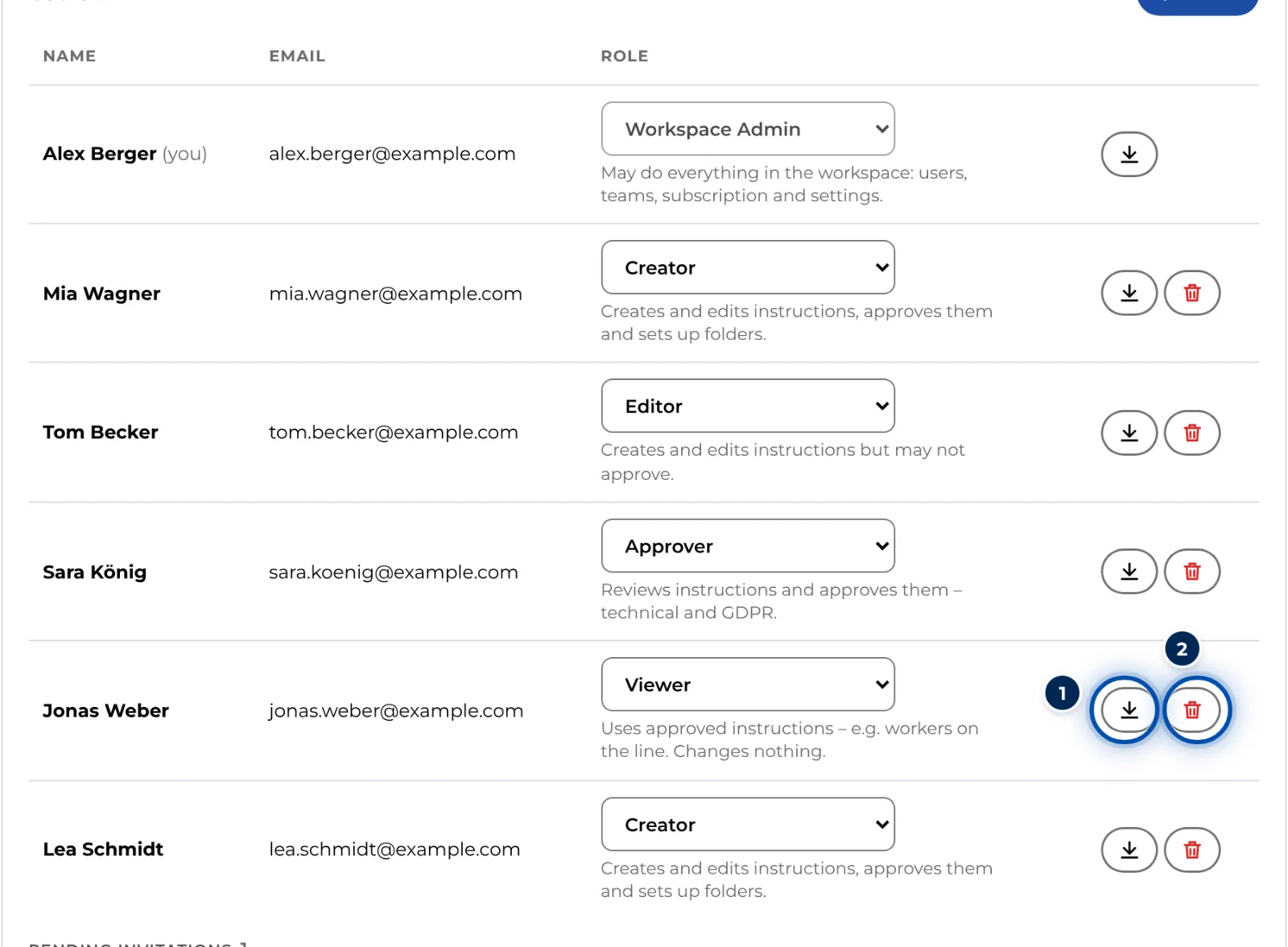
The users list with the icons for GDPR data export and erasure -
In the person’s row, click the download icon (GDPR data export (JSON)). GIRI downloads a JSON file named after the e-mail address and the date.
-
Pass the file on to the person. It contains their profile, team memberships and pending invitations. It lists the instructions and versions they created, changed, submitted or approved. It also includes feedback and job-done entries under their name or e-mail address, and their AI imports.
Erase a person
-
In the person’s row, click the bin icon (Erase user (GDPR)).
-
Read the confirmation carefully and confirm. GIRI removes the person’s login, profile, team memberships and invitations. Instructions, versions, approvals, feedback and job-done logs then show “Gelöschter Nutzer” (German for “deleted user”) instead of their name, whatever the interface language. Signatures in their job-done entries are deleted. The instructions themselves stay with the company.
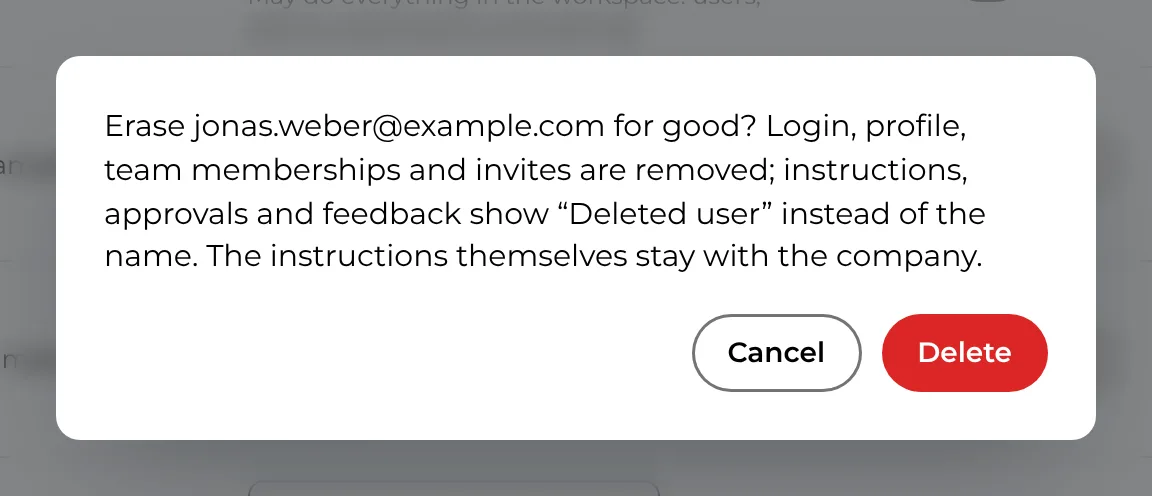
The confirmation before a person is erased for good -
GIRI reports how many instructions were anonymised. The person disappears from the list.
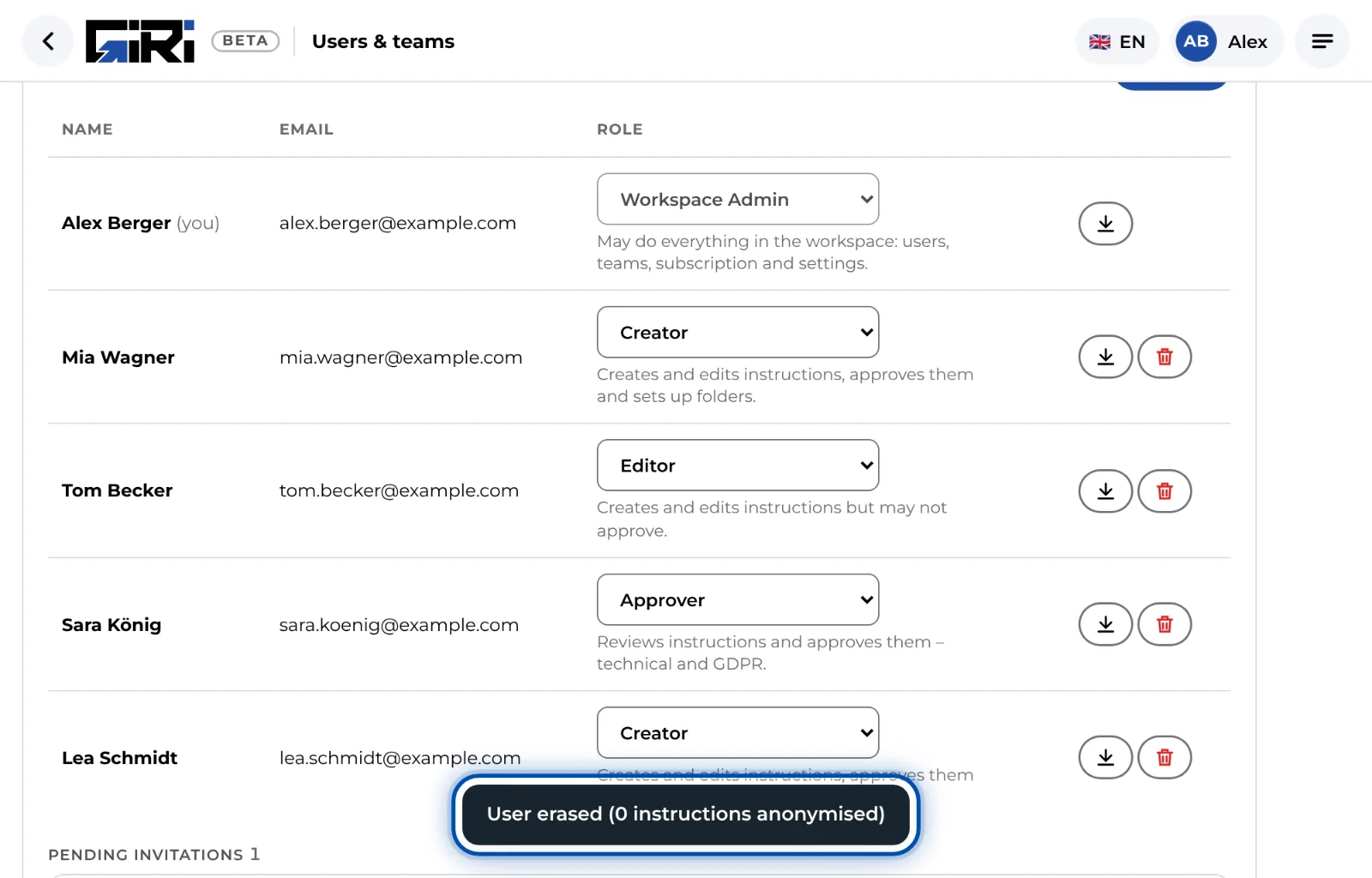
GIRI reports how many instructions were anonymised, and the person is no longer on the list
Tips
- Download the data export before an erasure if you need to keep a record. Erasure cannot be undone.
- In feedback and the job-done log, GIRI only finds entries that contain exactly the profile name or the e-mail address. You can find other spellings via the CSV export, see Job-done log and CSV export.
- People on the training list are deleted under Training → People with Delete for good – with all records, see Add and import people.
- For someone who has only been invited, Withdraw invitation is enough.
- Erasure does not cover everything: an uploaded profile photo stays stored as a file, and the contact details GIRI keeps in HubSpot for customer care stay there. For these, write to giri@ar-giri.de. Everything GIRI stores is listed in Personal data: what GIRI stores.
Common problems
- The bin icon is missing in your own row. Admins cannot erase themselves. Another admin does it.
- A worker without an account asks for a data export or erasure. There is no button for names that only appear in the job-done log or in feedback. Search for the name in the CSV export. For erasure, write to giri@ar-giri.de.
- The person should simply lose access. There is no way to remove someone from the workspace without erasing them. You can give them the Viewer role and take them out of their teams. They can then still sign in and read.
- The data export is almost empty. The person did very little in GIRI, or their entries are under a different name.