Overview
The trial: what you can do and what happens next
If you sign up without an invitation, you try GIRI for 7 days in your own workspace. What the trial covers, what happens afterwards and how to extend it.
The trial is free. After that you can still view everything, but you cannot change anything until GIRI extends the trial.
How the trial starts
- You sign in at go.ar-giri.de with your email address or with Google. You do not need a credit card. See Sign in.
- Without an invitation, GIRI creates a new workspace. You are its Workspace Admin.
- If you have an invitation, you join your colleagues’ workspace instead. Their trial or subscription then applies.
What you can do in the trial
- Everything for creating, approving, sharing and analysing is open.
- You can invite colleagues. They work in your workspace with the role you choose. See Invite people and assign roles.
- When you first open your workspace, GIRI creates two example instructions in it as drafts, marked EXAMPLE: “How to create your first instruction” and “Example: Set up the clamping fixture”.
- GIRI activates training (training requirements, matrix and records) per workspace. It is not switched on automatically during the trial. Ask us if you would like to try it.
On the start page and under Instructions, a banner shows how many days are left, for example Trial: 5 days left.

After 7 days
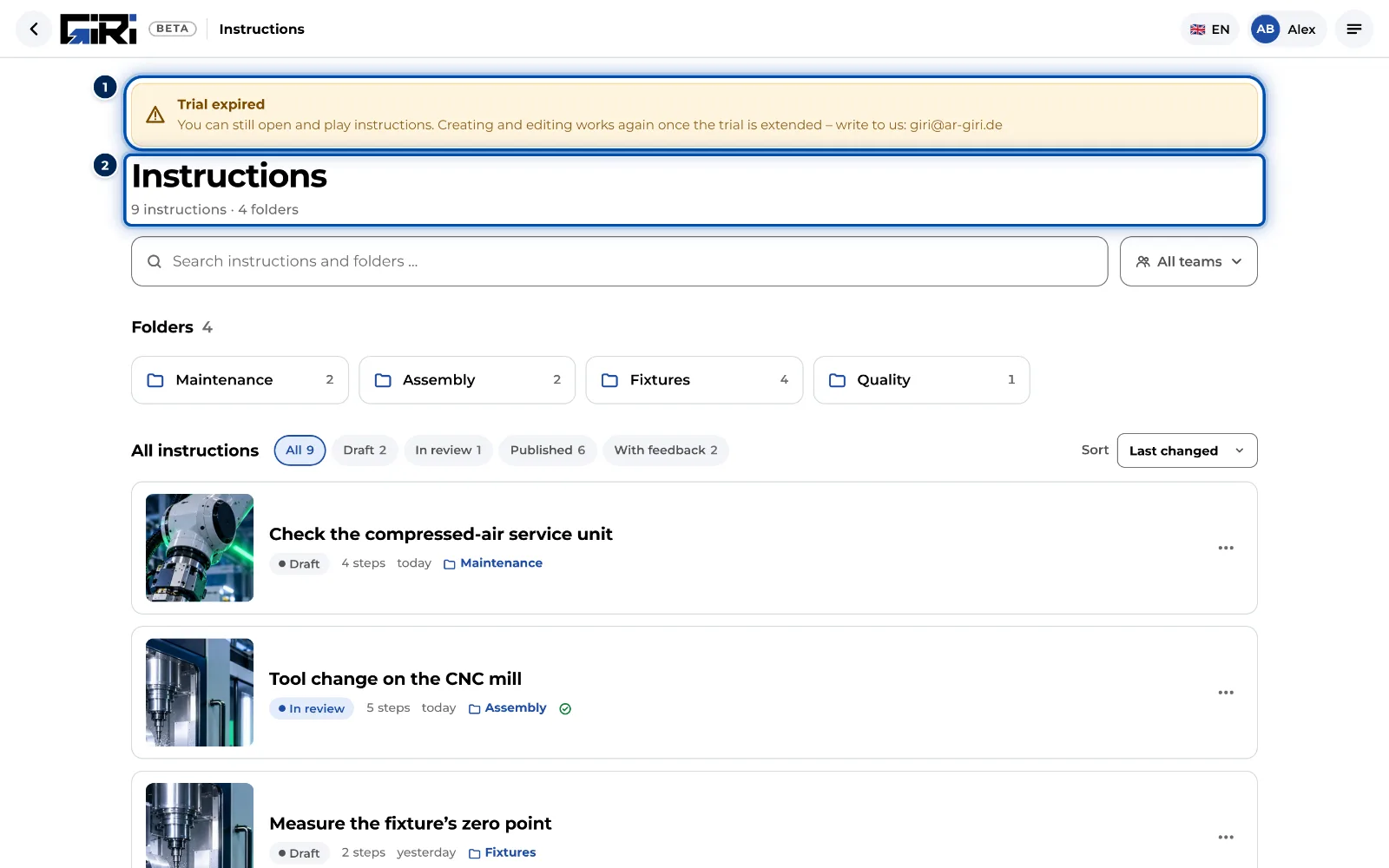
When the trial runs out, the banner shows Trial expired. The workspace is then read-only:
- Still possible: opening, playing and sharing instructions. Links and QR codes at the workstation keep working.
- No longer possible: creating, changing and approving instructions.
Your instructions are kept. As soon as GIRI extends the trial, you carry on where you left off. See also Trial ended.
Extending the trial
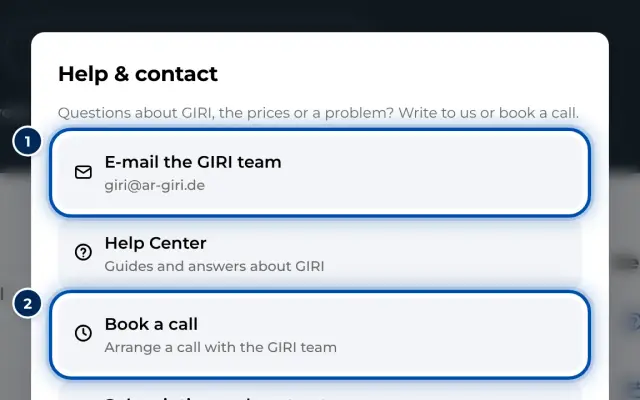
Only GIRI can extend it. Write to giri@ar-giri.de or book a date (opens in a new window). In the app you reach both in the menu under Help & contact. See Contact support.
If you booked GIRI Online yourself
If you booked GIRI Online yourself and started with a trial, that trial runs for 14 days. How long it still runs and what happens afterwards is shown in the menu under Subscription and receipts. There is more in the article Subscription and receipts.