Use case
Maintenance and repair
Planned maintenance prevents unplanned downtime, if it is carried out completely. GIRI puts the maintenance know-how right at the machine.
In practice, the maintenance plans live in the maintenance system, the instruction for them is in a binder in the supervisor’s office, and the person who did the job last time is on holiday.
The trigger: how do you recognise it?
- Unplanned downtime piles up even though maintenance plans exist.
- Maintenance staff say: “Let me first check how this was done last time.”
- The maintenance knowledge sits with 2–3 people.
The GIRI approach
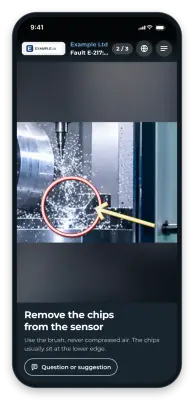
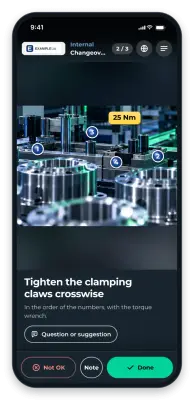
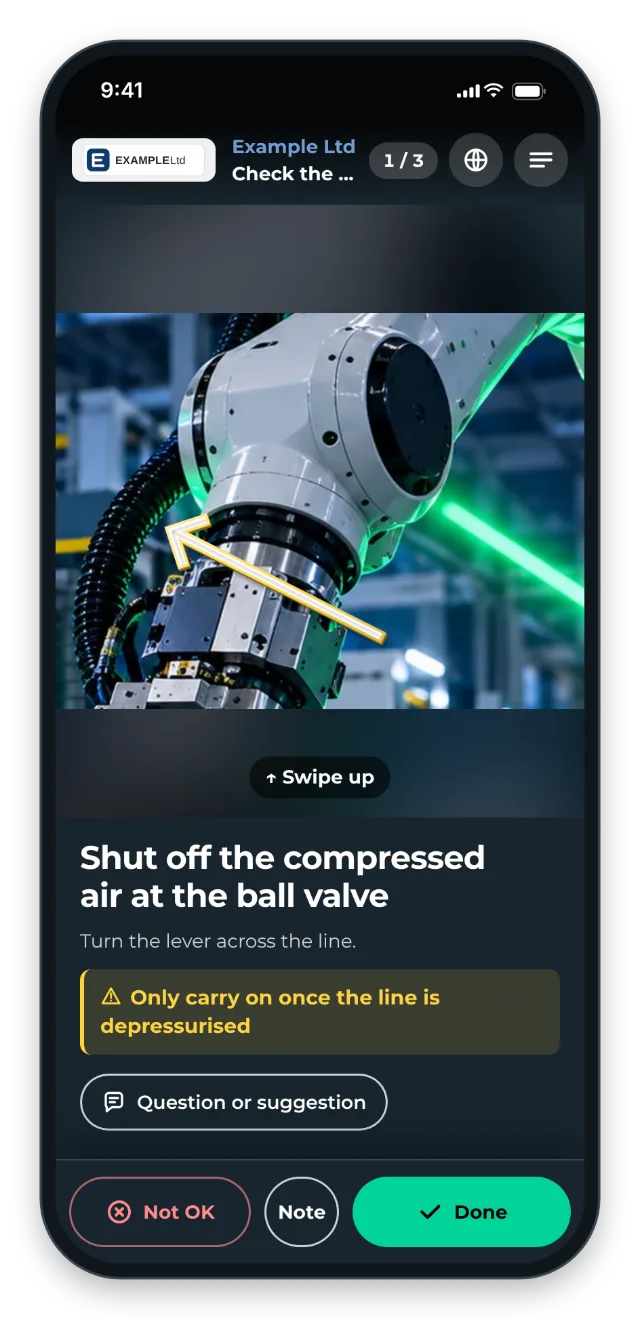
The QR code is on the machine, and there is one instruction per maintenance task. The safety shutdown comes first, and every work step has a photo or a short clip.
With the checklist on, the technician confirms every step. They report deviations with a note and a photo. This also helps external contractors who rarely see the machine.
The value
- Maintenance is actually carried out completely. That reduces unplanned downtime.
- External contractors work more productively.
What you want to avoid
- Maintenance plans without detailed instructions. “Change the oil” is not enough.
- Skipping safety shutdowns. They belong in the instruction.
What to measure
Record the values before you start and compare them after a few weeks.
- Unplanned downtime: number and duration per month, from your maintenance system.
- Completeness: maintenance runs without open steps. The job-done log shows for every run how many steps are OK, not OK or open.
- Time per maintenance task: the job-done log also shows it for every run.
How to do it in GIRI
-
Record each maintenance task as its own instruction. The safety shutdown is the first step and gets a warning (Edit steps).
-
Enable the checklist with Every step. The technician reports deviations with Not OK and a photo (Set up a checklist and signature).
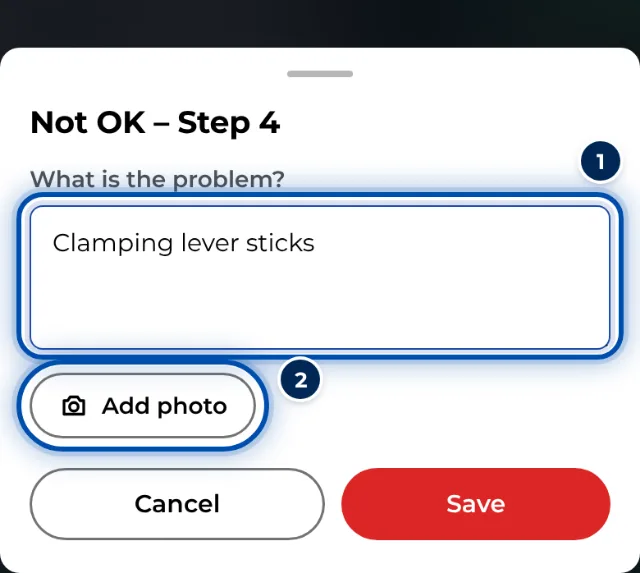
With Not OK the technician describes the deviation and takes a photo -
Put the QR sheet on the machine. You can also copy the instruction’s link into the work order in your maintenance system (Share the link and QR code). We provide an interface (API) on request.
-
The job-done log shows who carried out the maintenance, when, and what they noticed (Job-done log).
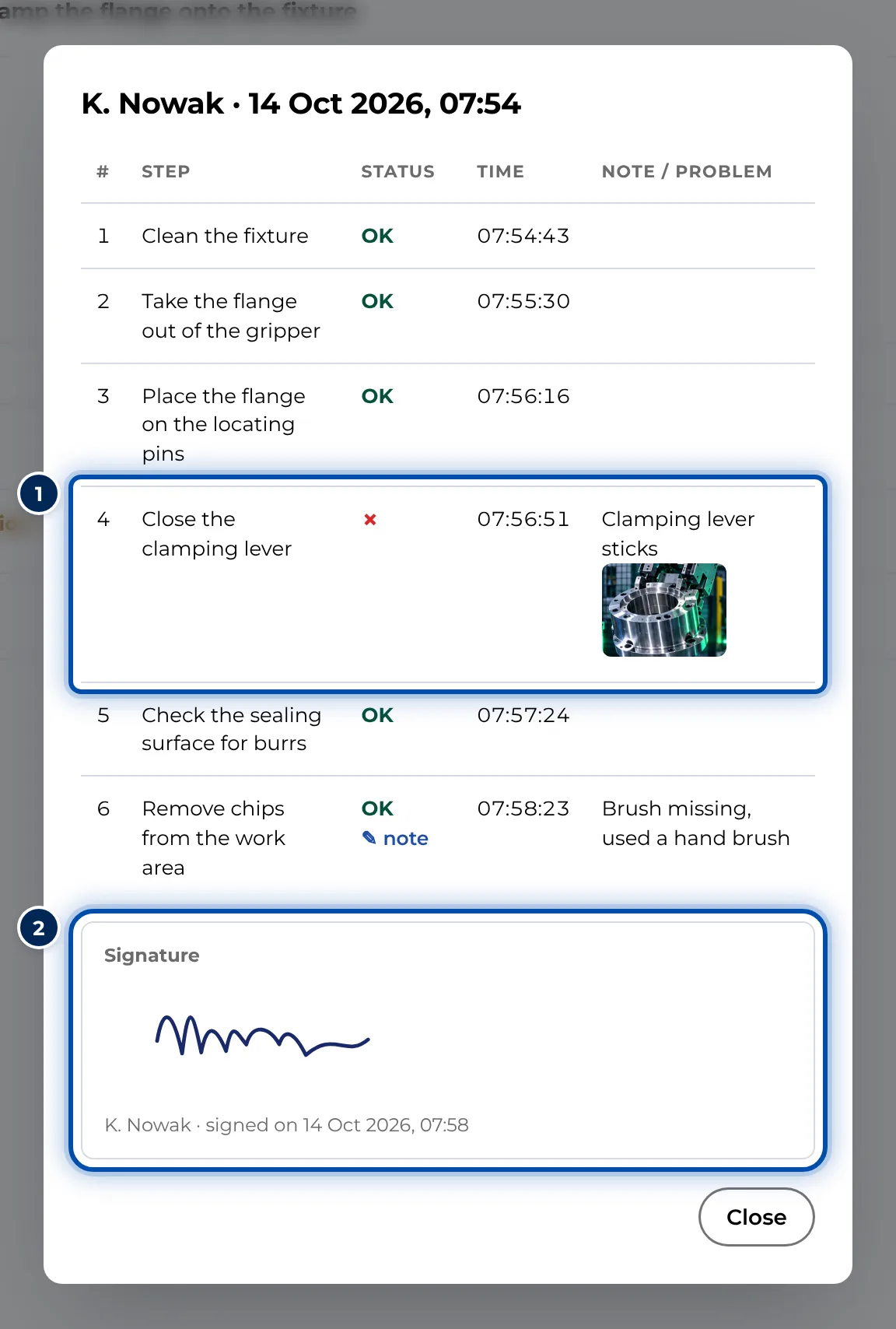
Details of a maintenance run with every step, the note and the signature