Guide
Answer the knowledge check
Answer a few questions after the training: one question per screen, no time limit, as many attempts as you need. Then sign.
What for?
Some trainings end with a few questions after the last step. They show that you understood what matters. Once you pass, you confirm the training with your signature.
- 1Work throughEvery step of the training, to the end.
- 2Answer the questionsOne question per screen, no time limit.
- 3See the resultWhat was not right, the right answer and why.
- 4SignOnly after passing. The record carries the result.
Not passed? Look at the steps again and Try again, as often as needed.
Before you start
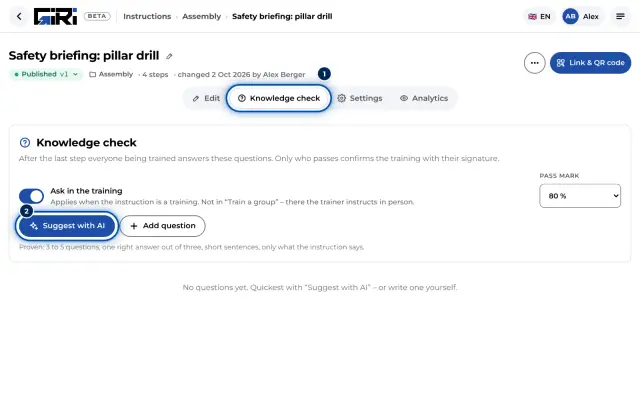
- This training has a knowledge check. Your company decides that.
- You worked through the training to the end. With a checklist, every step is ticked off.
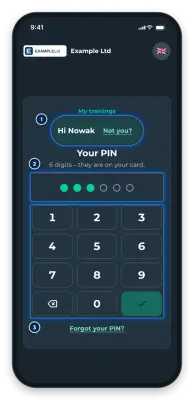
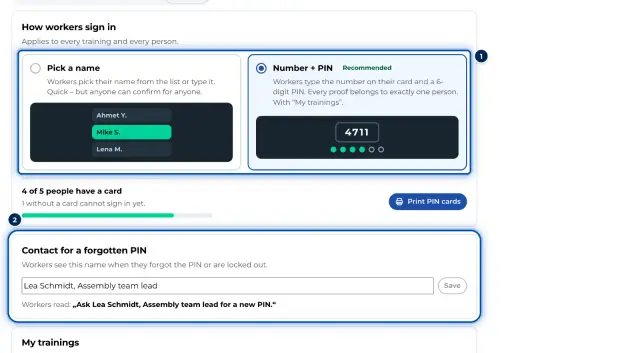
- GIRI knows who is being trained: your name, your number with PIN or your personal link. Everyone answers the questions themselves.
Step by step
-
Under Confirm training you see the Knowledge check box with the number of questions and the pass mark, for example 4 short questions about this instruction. Pass mark 80 %. Tap Start the questions.
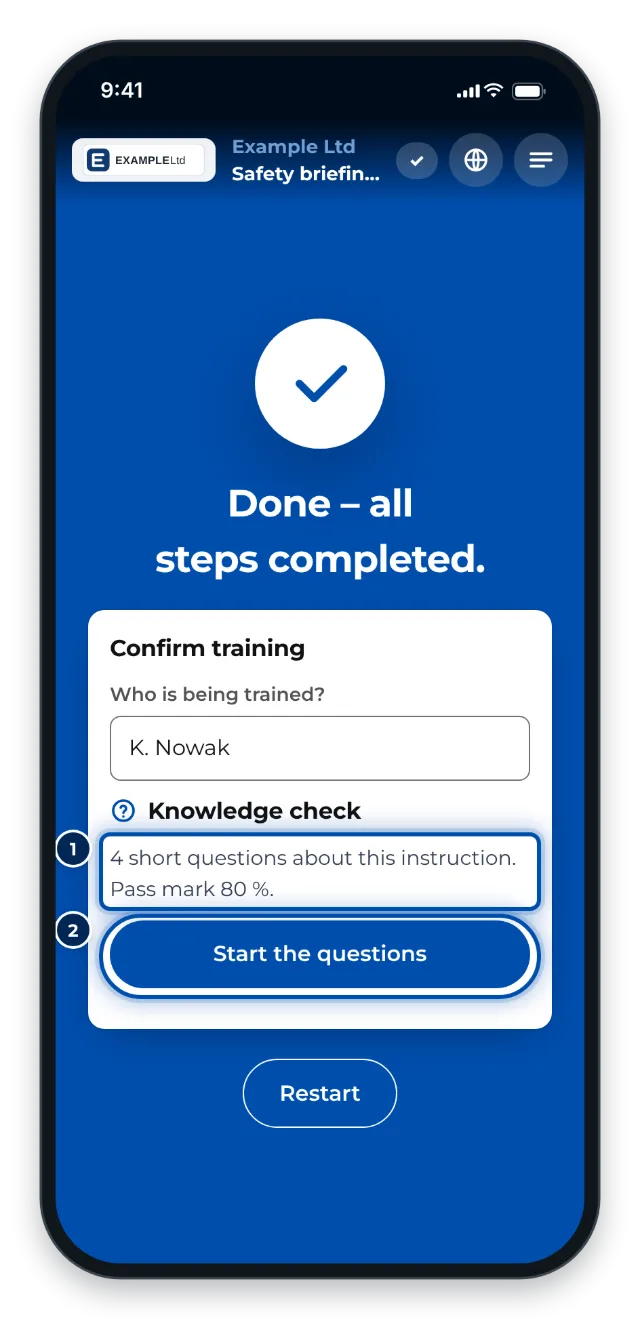
At the end of the training: the knowledge check with four questions before the signature -
Answer the questions. Each question has a screen of its own. Tap your answer, then Next. If you see Several answers are right, tap every right answer. Back takes you one question back. There is no time limit.
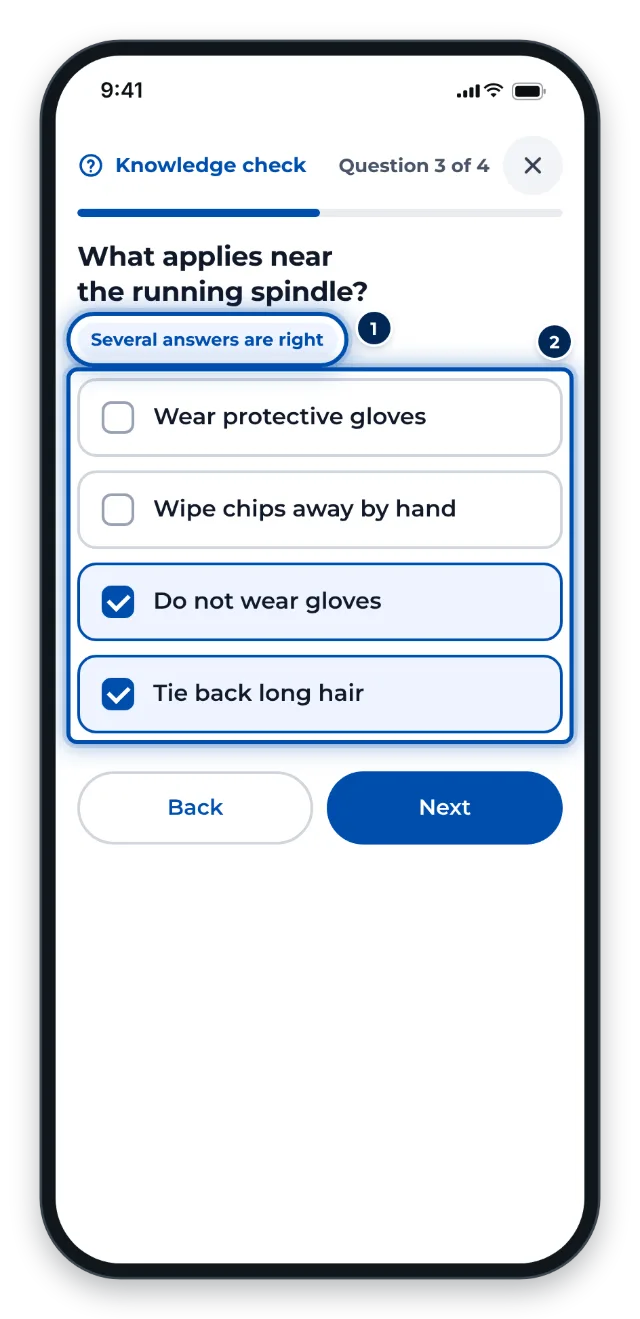
A question with several right answers -
After the last question, tap Show result. GIRI shows your result straight away.
-
Not passed? Under These were not right you see your answer, the right answer and why. Go to step 2 takes you to the matching step. Then tap Try again. The answers now come in a new order. You have as many attempts as you need.
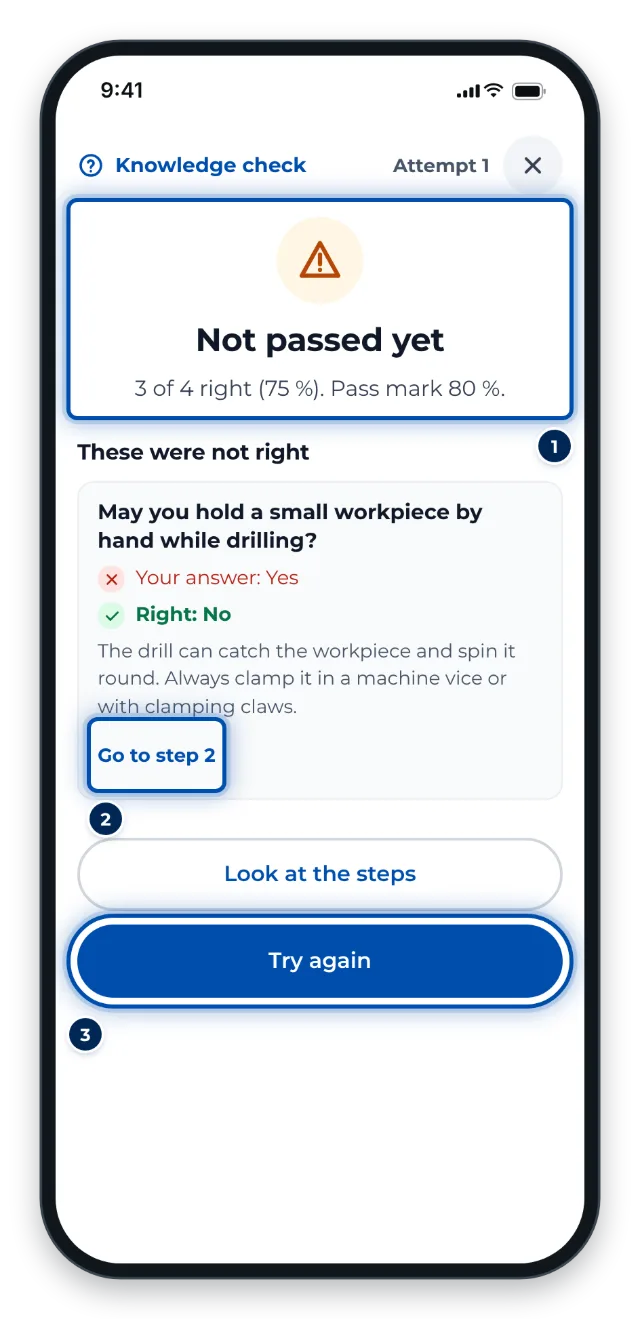
Not passed yet: the wrong answer, the right one, why, and the way to the step -
Passed? Tap On to the confirmation. Above the signature it now says Passed – 4 of 4 right. Sign with your finger and tap Confirm.
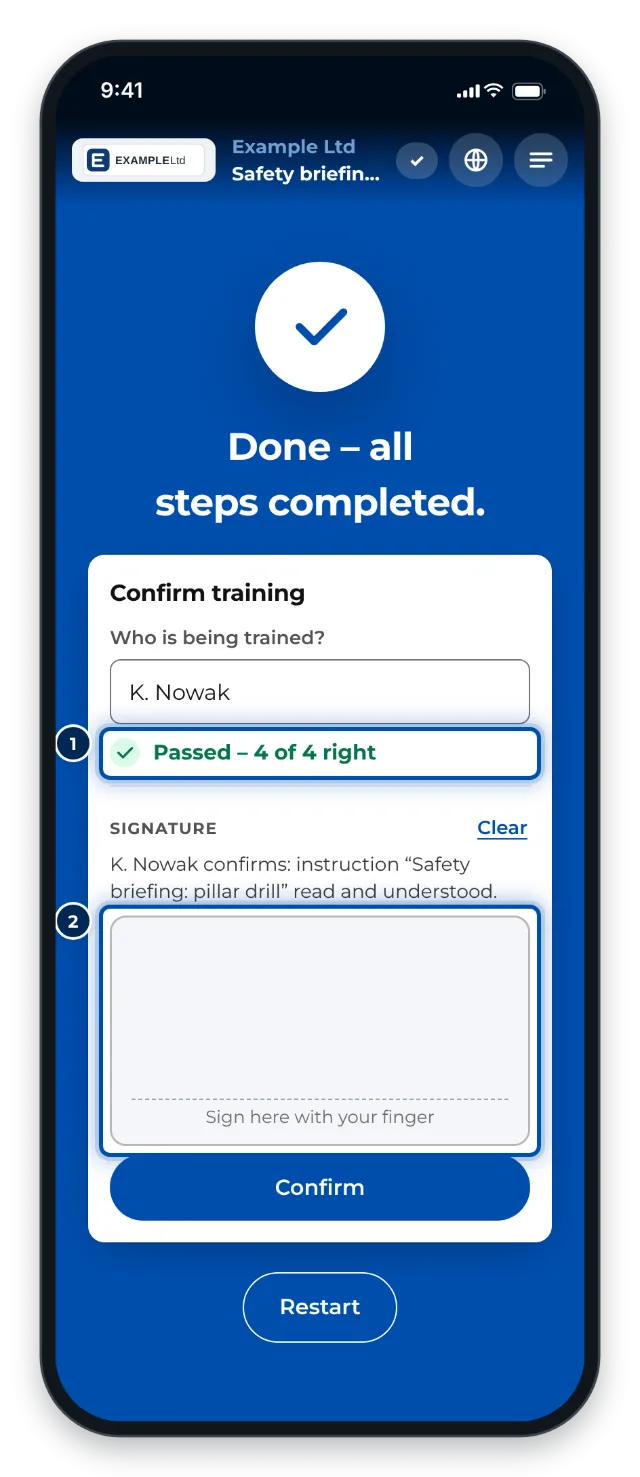
Passed: only now do the signature and Confirm appear
Tips
- Read the steps calmly. The questions are only about what the instruction says.
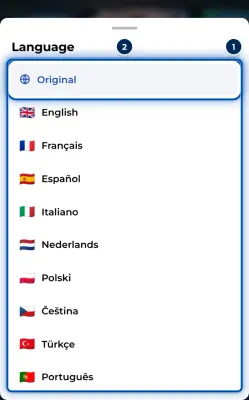
- The questions come in the language you picked at the top, see Choose a language.
- ✕ ends the knowledge check. If you have already answered, GIRI asks: End the knowledge check? Your answers are lost.
- Who sees your result? Only the admins and the quality team of your company see your result and answers. Team leads only see that you are trained.
Common problems
- First choose who is trained. Pick your name at the top or sign in with your number and PIN. Then tap Start the questions again.
- First the knowledge check, then the confirmation. The signature and Confirm only come after you pass. With a checklist, Finish waits for it too.
- I do not pass. Tap Look at the steps and read the steps again, above all the one at Go to step 2. Then Try again. If a question is unclear, ask your supervisor.